> ## Documentation Index
> Fetch the complete documentation index at: https://trainings.air.athelas.com/llms.txt
> Use this file to discover all available pages before exploring further.
# Complete Intake Forms
**This video illustrates the following:**
* Practice sends patient intake forms in Air
* Patient fills out intake forms in the portal and views completed forms
[https://www.loom.com/share/36509db42ede498496f2e1212e0bf253](https://www.loom.com/share/36509db42ede498496f2e1212e0bf253)
Intake forms can be configured directly within Air itself. Navigate to the menu bar on the left hand side and click on the *Templates* section under *Utilities*. To create a new intake form, click on + Create New Template on the right hand corner.
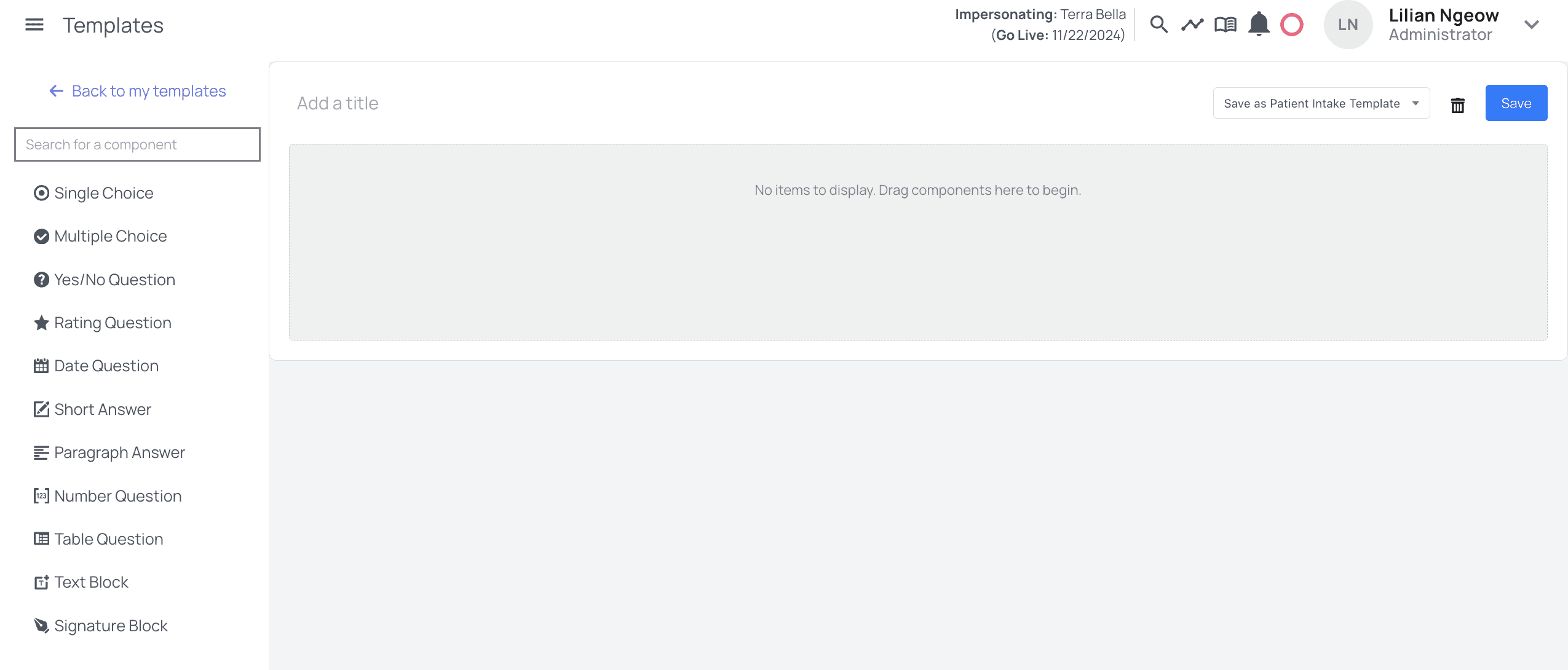
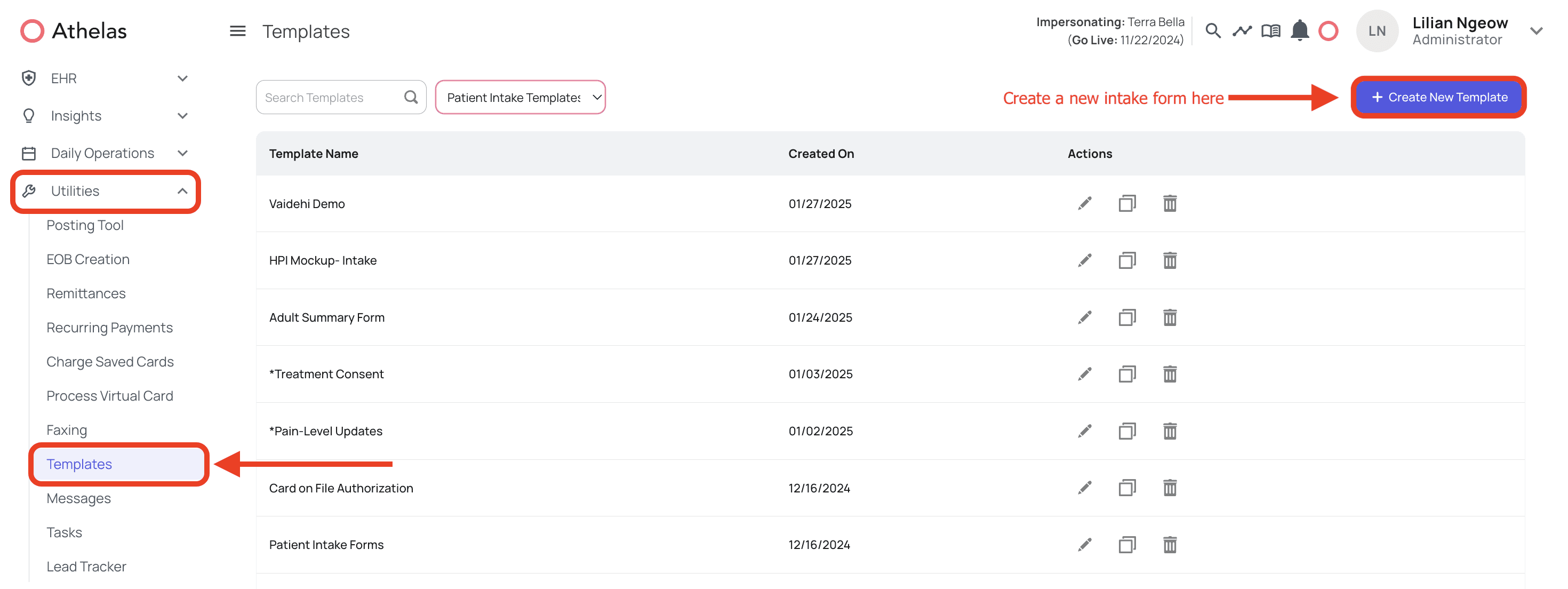 When you create on the button, you’ll be routed to a new page where you’ll be able to create your custom intake form.
 #### Components
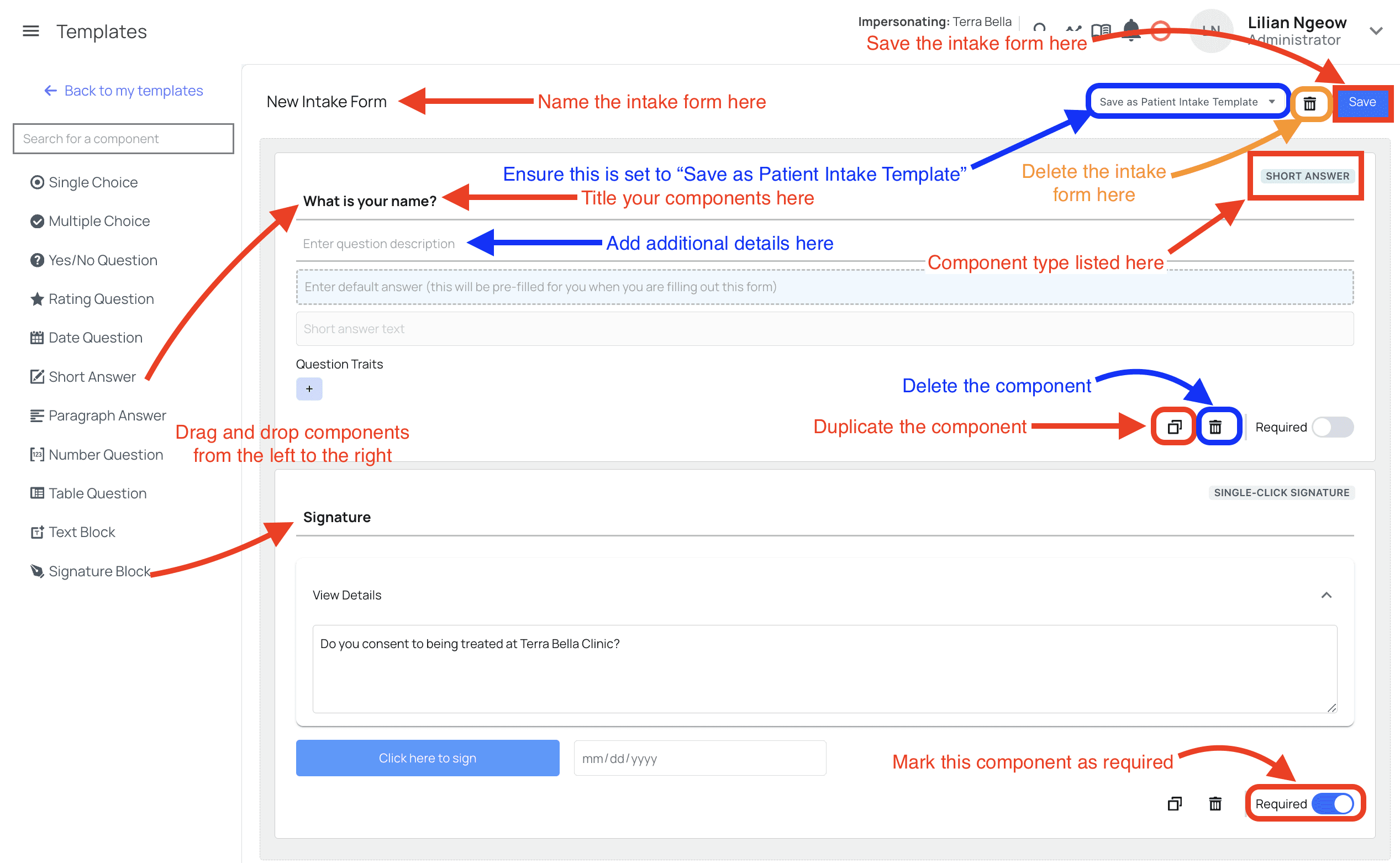
Components are what you will be using to create your desired intake form. Drag and drop the components from the left to the right to add intake form fields. The different components available to you are:
**Single Choice:** Ask a question where only a single choice can be chosen as the answer. Click the + to make a new option.
#### Components
Components are what you will be using to create your desired intake form. Drag and drop the components from the left to the right to add intake form fields. The different components available to you are:
**Single Choice:** Ask a question where only a single choice can be chosen as the answer. Click the + to make a new option.
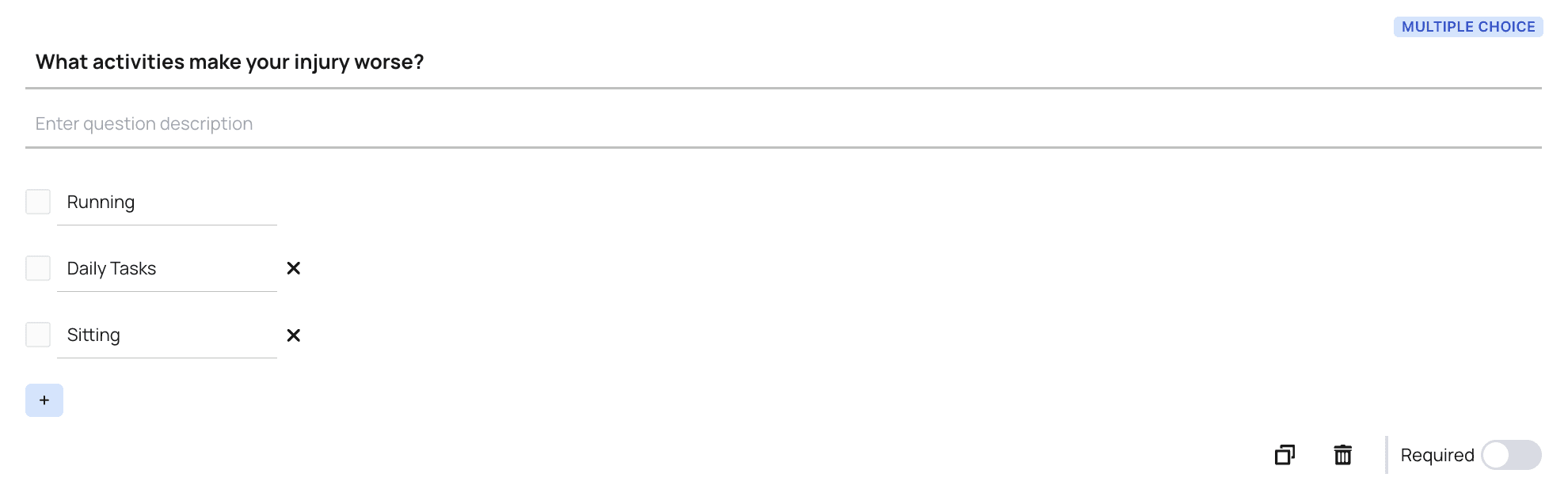
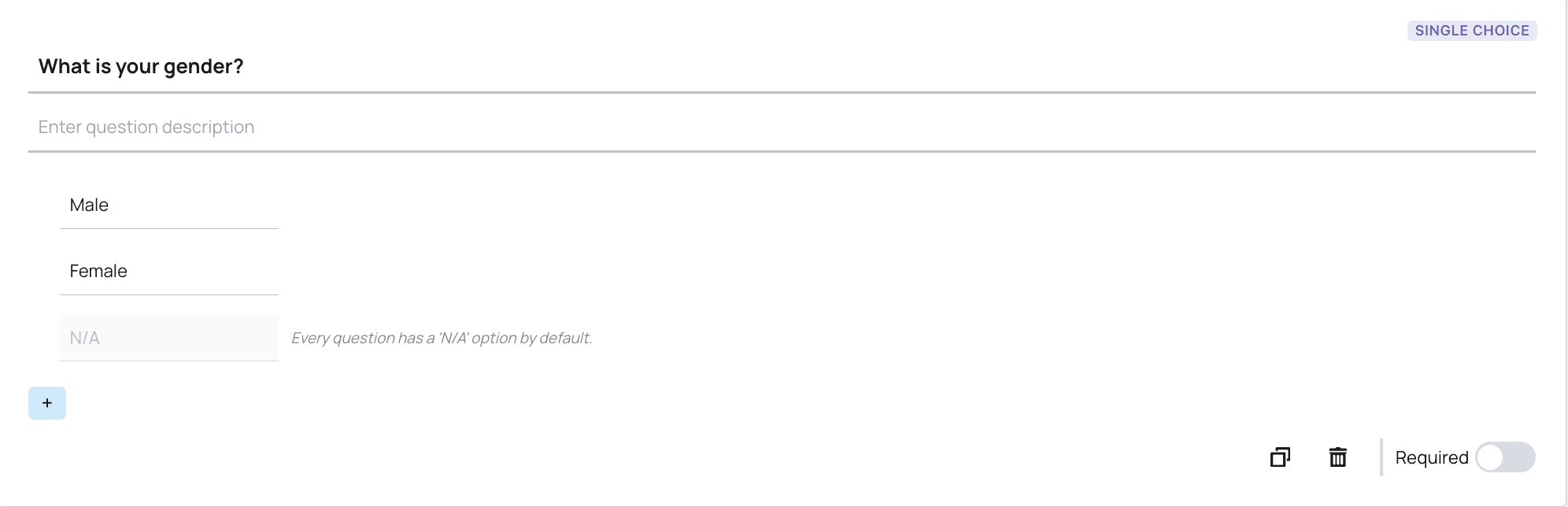 **Multiple Choice**: Ask a question where multiple options can be chosen as the answer. Click the + to make a new option.
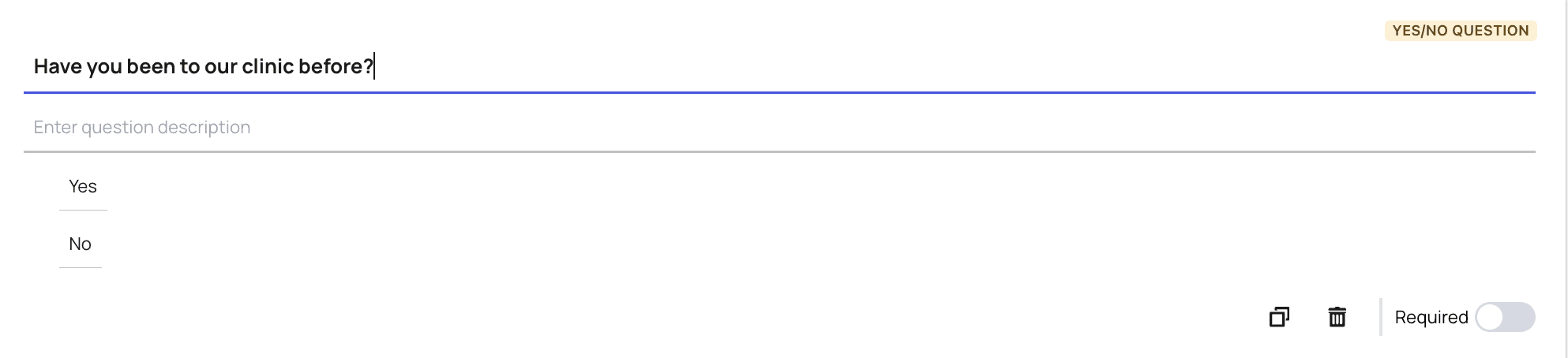
 **Yes/No Question**: Ask a question where only yes or no can be chosen as the answer
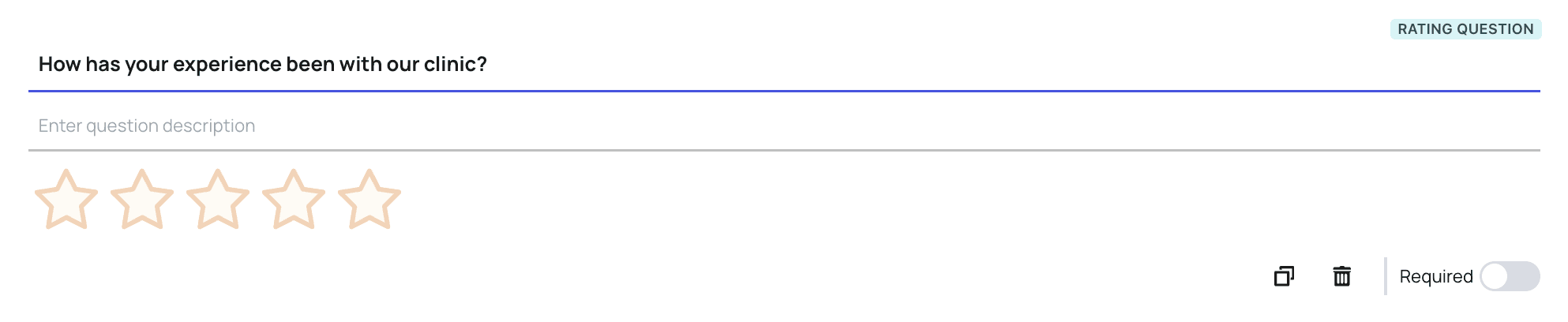
 **Rating Question**: Ask a question where a rating from 1-5 is determined as the answer
 **Date Question**: Ask a question where only a date can be inputted as the answer
 **Text Box**: Convey text that doesn’t require patient action
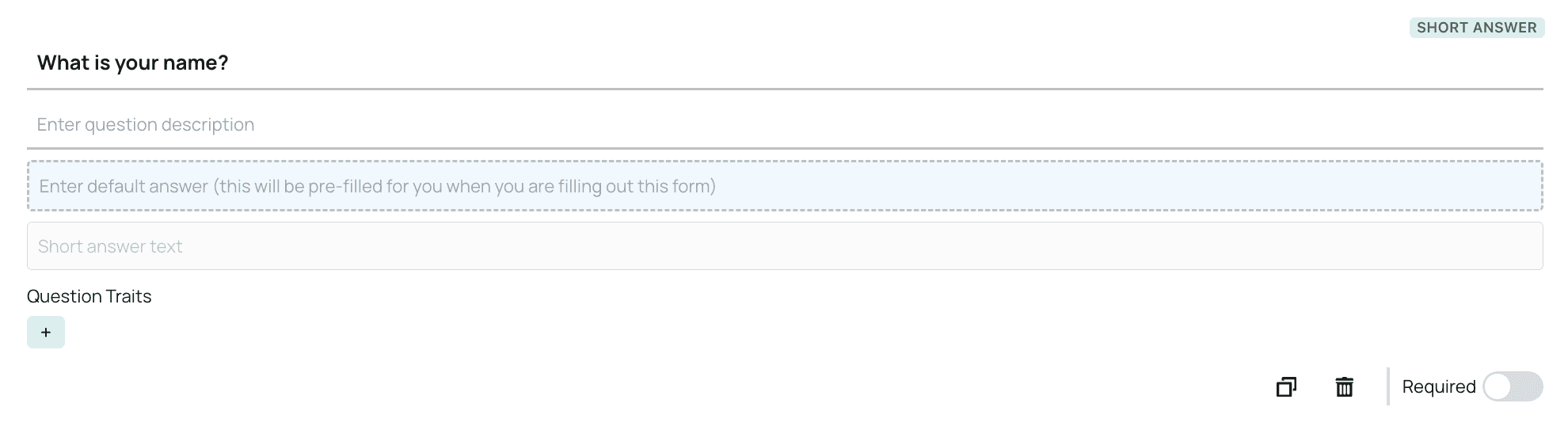
 **Short Answer**: Ask a question where a short answer can be typed in, this is intended for short responses
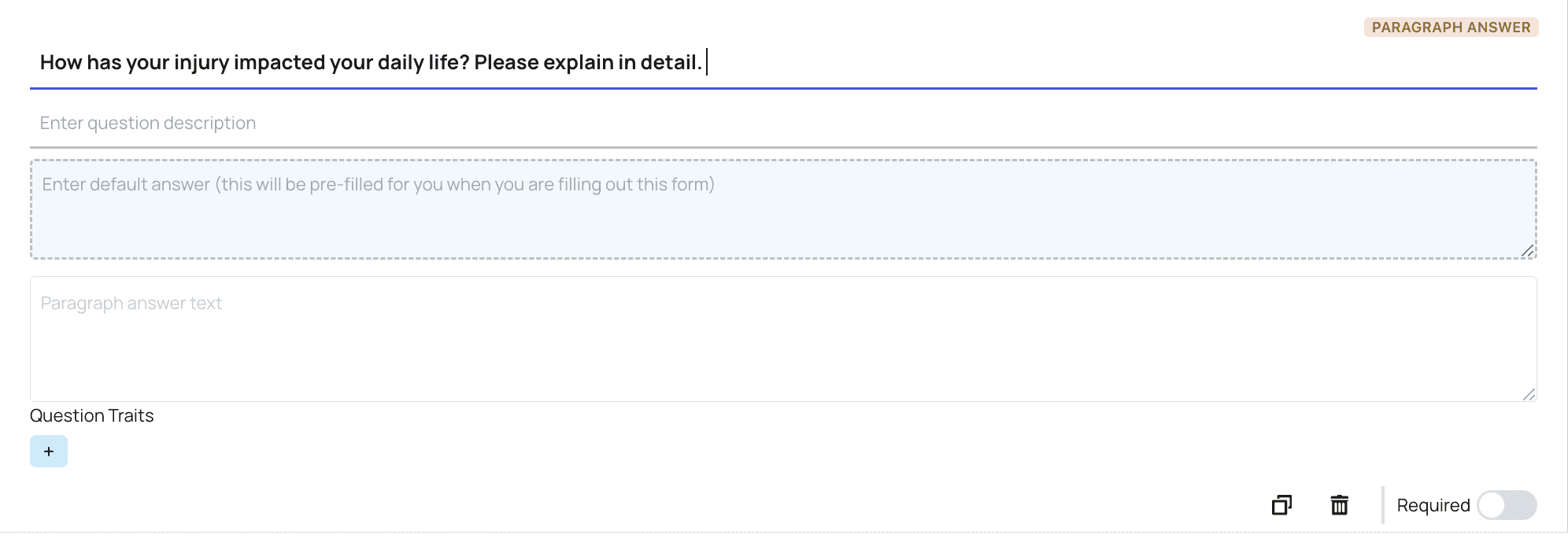
 **Paragraph Answer**: Ask a question where a paragraph answer can be typed in, this is intended for long responses
 **Number Answer**: Ask a question where only a number can be inputted as the answer
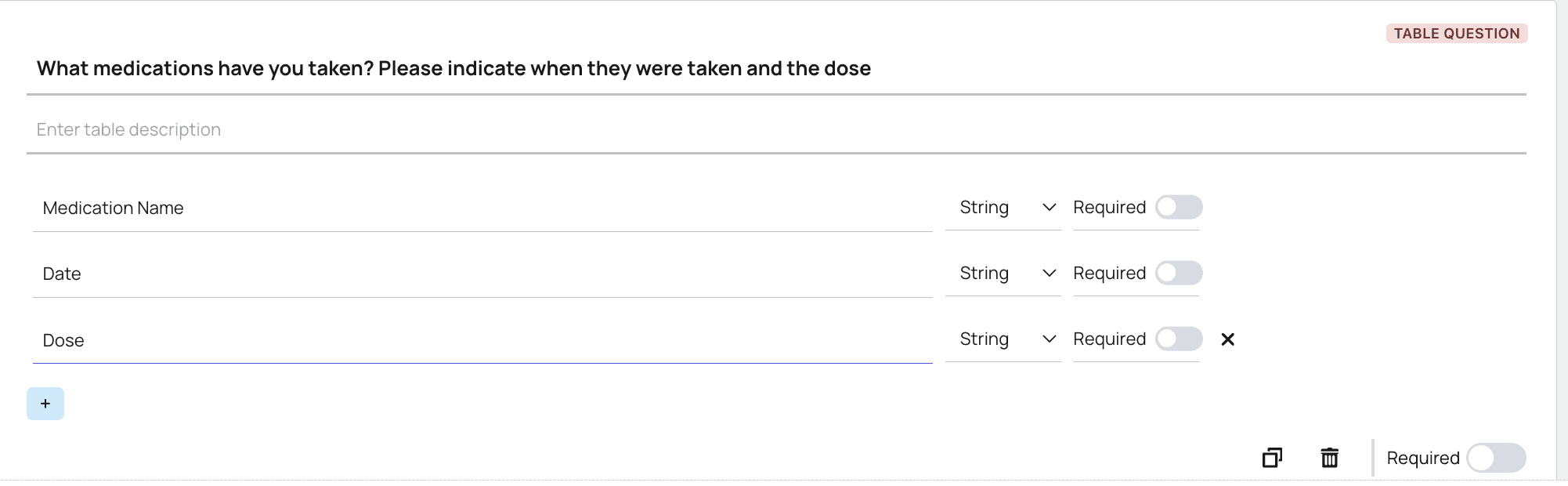
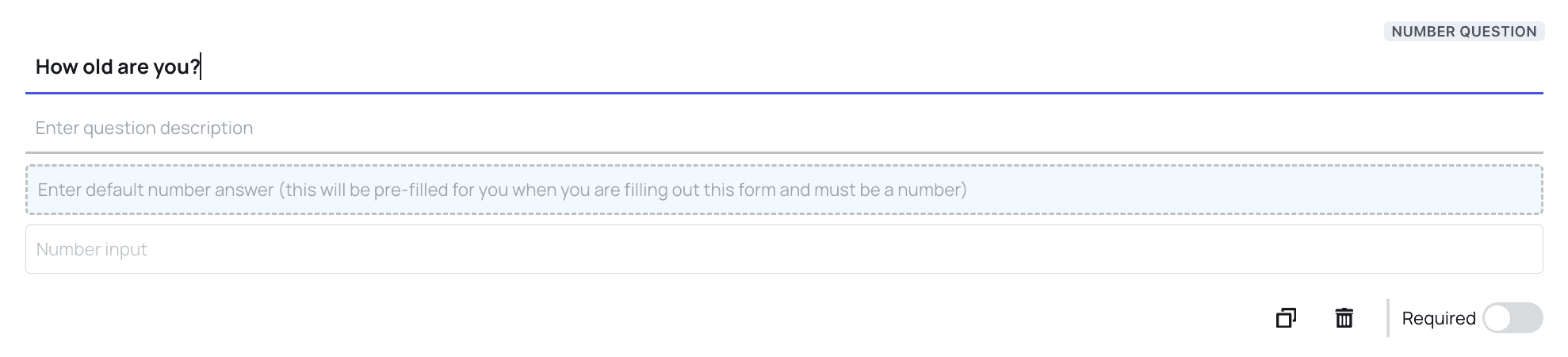 **Table Answer**: Ask a question in a table format. Each line creates a new column, click the + button to create a new one
 **Signature Block**: Create a section for the patient to sign their name, the date of signature will automatically populate.
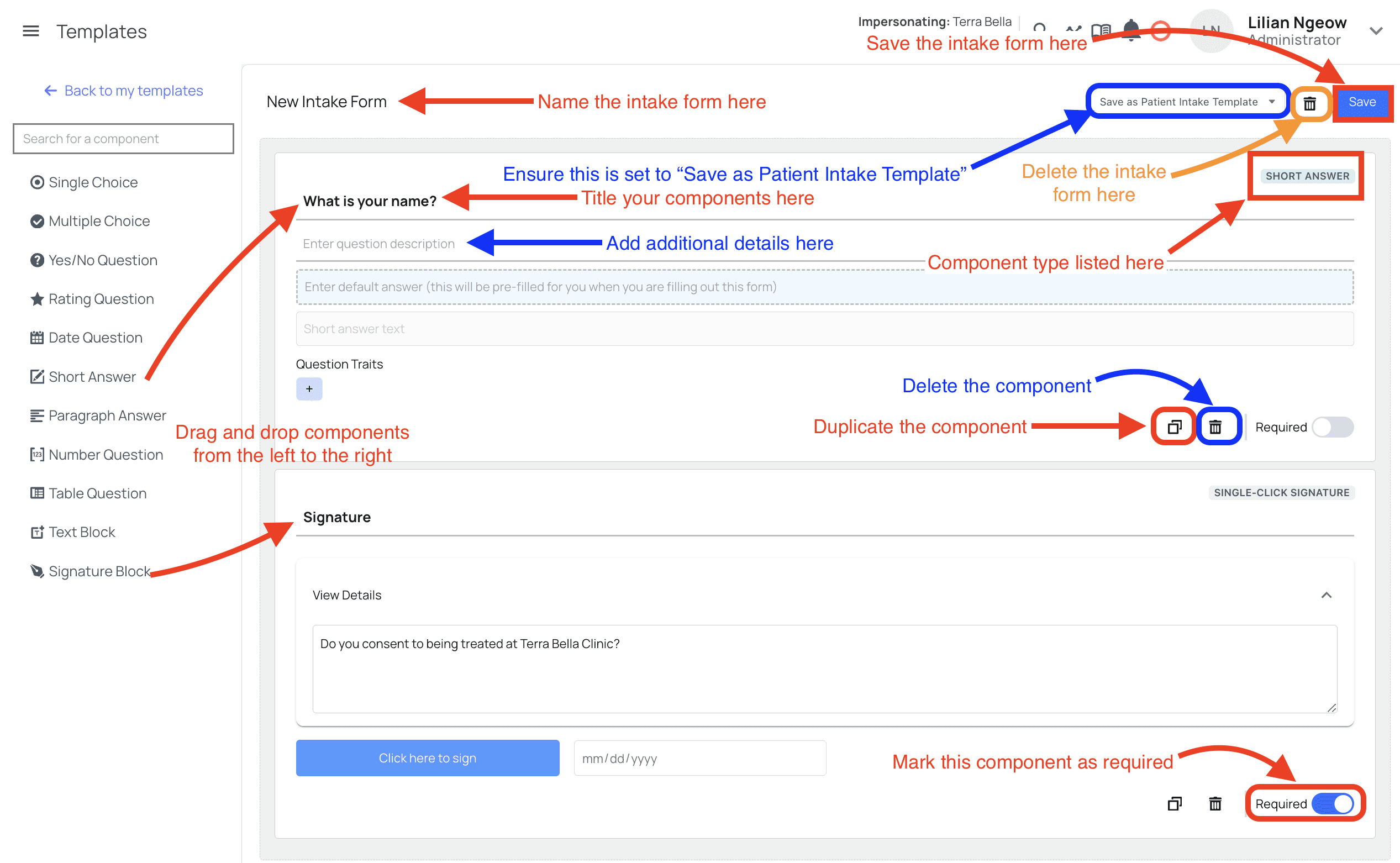
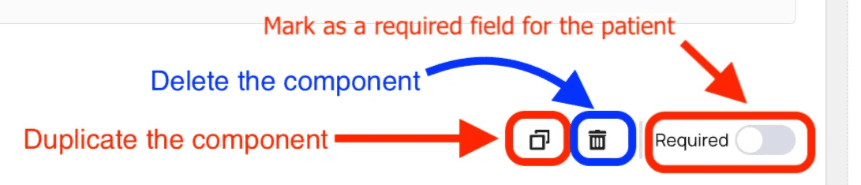
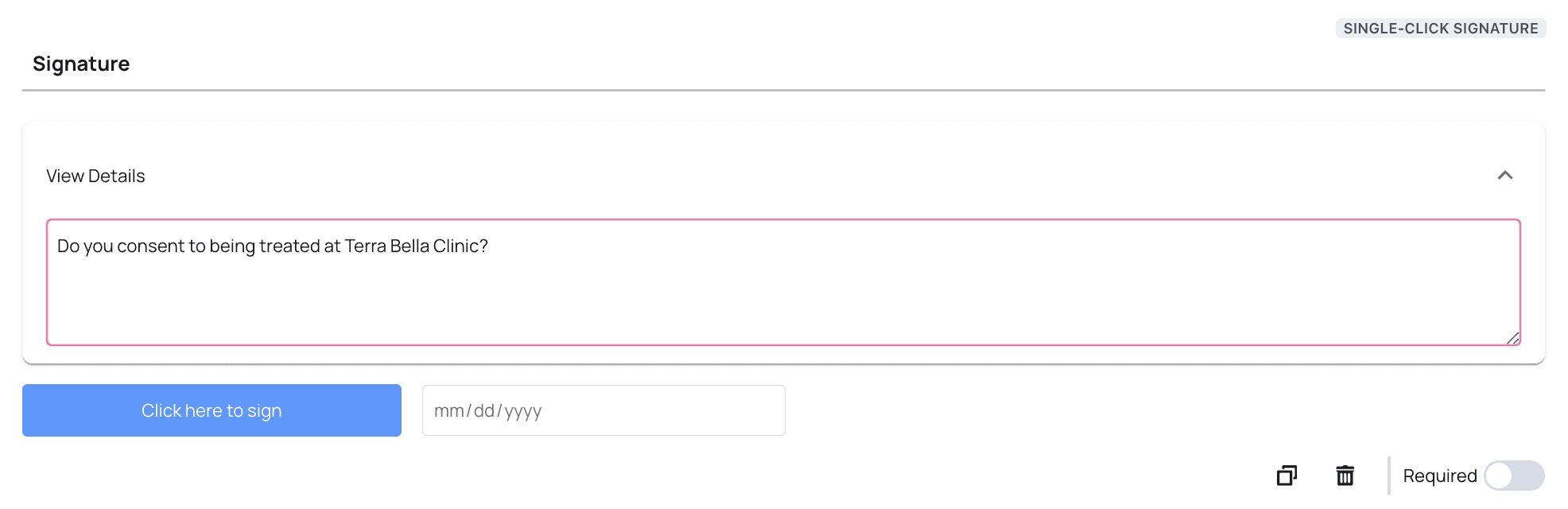 Each component can also be marked as a required field for the patient, or deleted/duplicated. The type of component will also be indicated in the top right corner.
 #### Intake form Finishing Touches
Once you’ve created your intake form using the components, you can then name your intake form and save it. Please ensure that you’re selecting the option \*Save as Patient Intake Template \*to save it as a patient intake form. The option to delete the form is available as well.
#### Intake form Finishing Touches
Once you’ve created your intake form using the components, you can then name your intake form and save it. Please ensure that you’re selecting the option \*Save as Patient Intake Template \*to save it as a patient intake form. The option to delete the form is available as well.
 For simplicity, this image states all the different actions you can perform within this page:
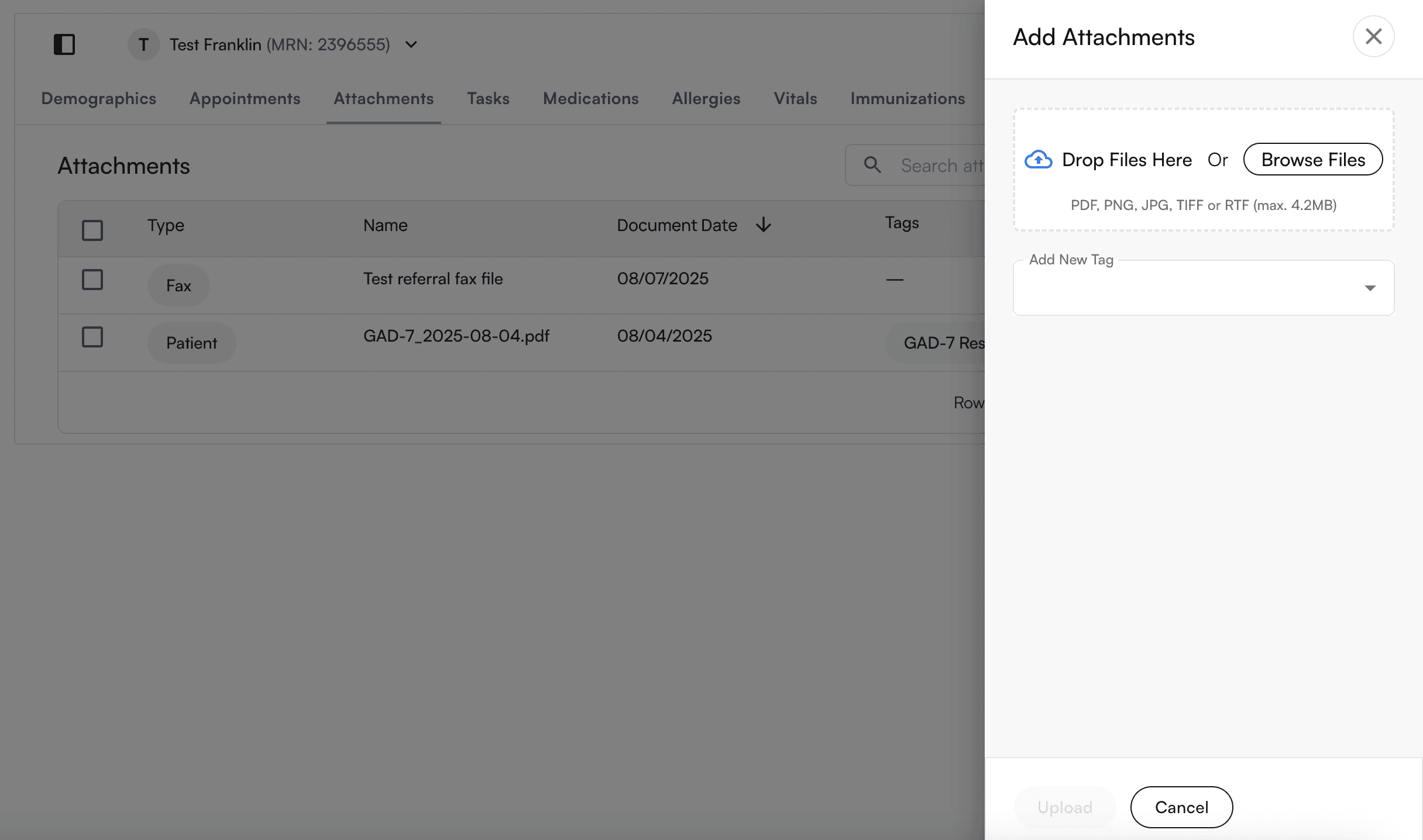
 Once a practice receives the intake form, you can attach to the patient's chart note directly here:
 You can now also configure intake forms to be included in the chart note.
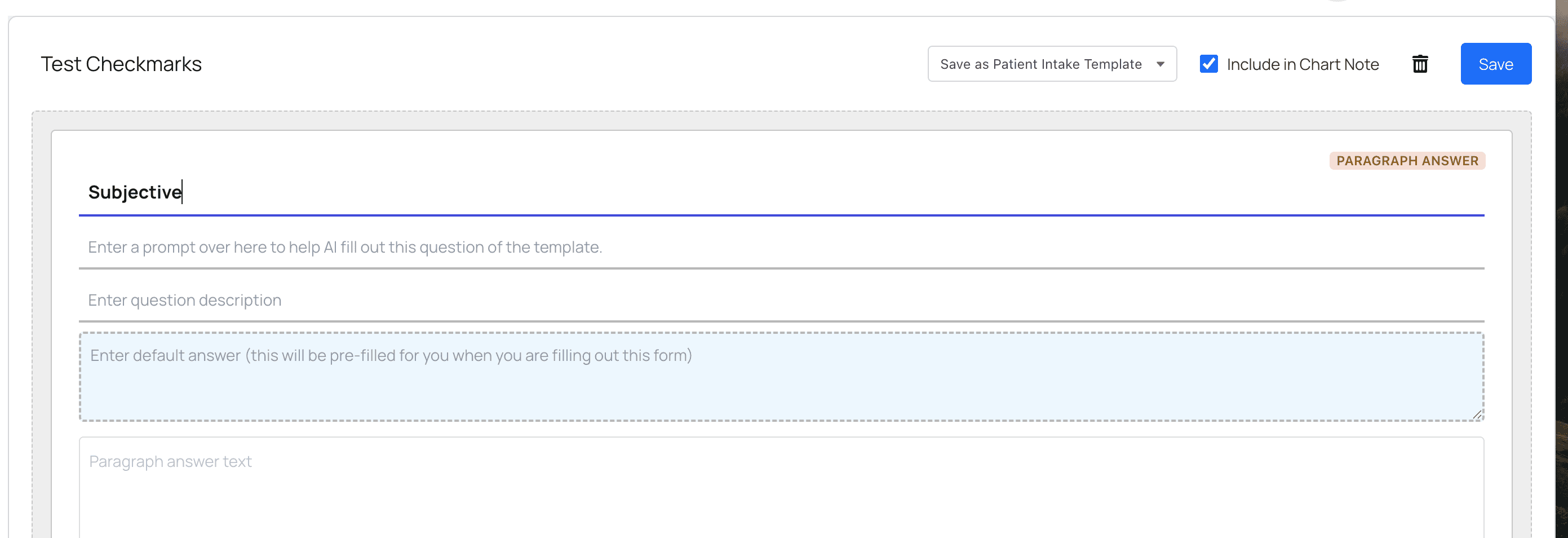 When checked "Include in Chart Note", the Patient Forms will appear in the Chart Note here:
 ####
#### Intake Features Not Supported:
* Post-visit reminders and communications
####
#### Intake Features Not Supported:
* Post-visit reminders and communications