> ## Documentation Index
> Fetch the complete documentation index at: https://trainings.air.athelas.com/llms.txt
> Use this file to discover all available pages before exploring further.
# How to Write Off a Balance
### Write Off PR (Procedure Only Action)
**⚠️ Currently, Write Offs can only be applied to procedure-level Payment Items.**
A **Patient Responsibility Write Off** removes a balance that was assigned to the patient but should no longer be collected. This is typically used when your organization decides not to bill the patient for a portion of their responsibility (copay, deductible, or coinsurance).
Like payer write offs, this is a **net-zero operation**: the amount is moved out of the corresponding **Patient Responsibility** column and into the **Other Adjustments** column. This reduces the **outstanding patient balance** on the encounter by the written-off amount.
**How it works:**
* Locate the remittance with a patient responsibility balance (copay, deductible, or coinsurance) you want to write off in the **Payment Items Table**.
* Open the **Actions** menu (three-dot menu in the right-most column) and select **Write Off PR**.
 * Enter a reason for the write off **and specify the amount to write off for each PR CARC**. Then click **Write Off PR.**
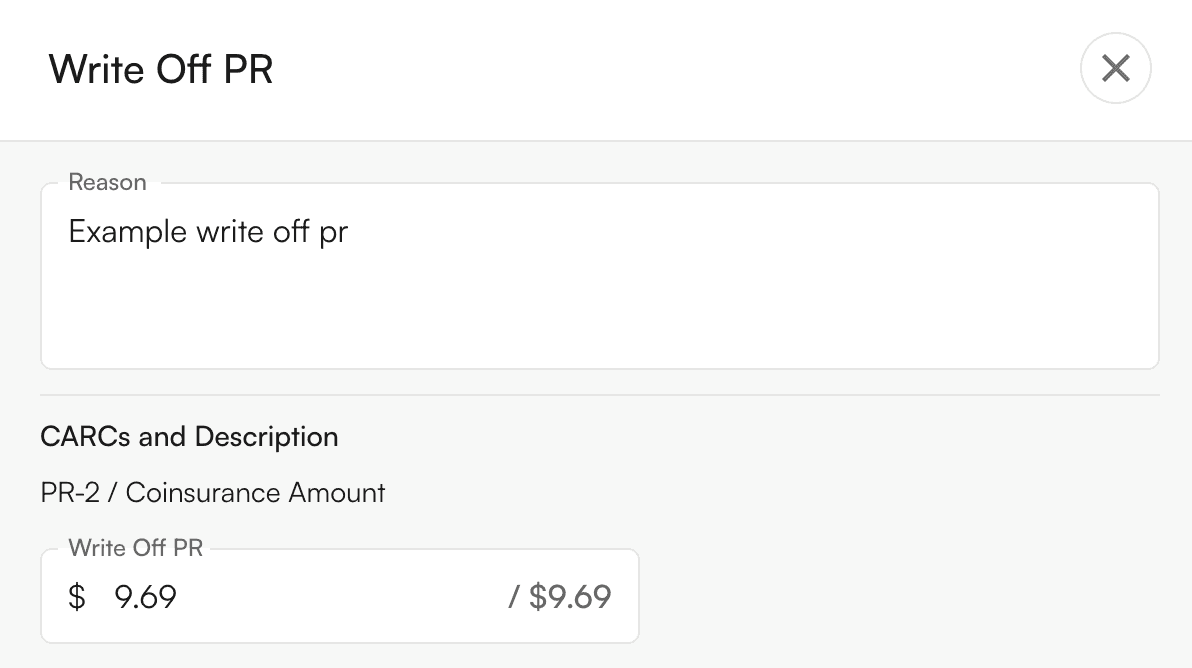 * A **yellow preview row** will appear showing the write off and its impact on balances.
 * Review the preview. Crossed-out values with updated values beside them will show how the write off affects encounter-level and (if applicable) procedure-level amounts. Click the **undo** button (in the right-most column) to remove this preview.
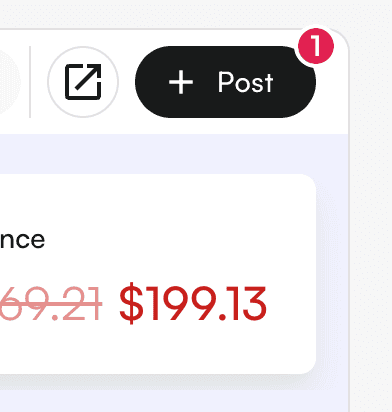
 * To permanently apply the write off to the ledger, click **Post**.
 **Notes:**
* Write Off PR can only be applied to **patient responsibility balances** like **coinsurance, deductible, or copay** (not to payments).
* The original amounts remain visible in the ledger for auditing, with the write off recorded as a separate line item.
* In the **preview row**, you can click directly on the **Value columns** or the **Note column** to edit amounts or text before posting.
###
**Notes:**
* Write Off PR can only be applied to **patient responsibility balances** like **coinsurance, deductible, or copay** (not to payments).
* The original amounts remain visible in the ledger for auditing, with the write off recorded as a separate line item.
* In the **preview row**, you can click directly on the **Value columns** or the **Note column** to edit amounts or text before posting.
###