> ## Documentation Index
> Fetch the complete documentation index at: https://trainings.air.athelas.com/llms.txt
> Use this file to discover all available pages before exploring further.
# Athelas Assistant for Providers
Athelas Assistant is a powerful tool to provide users with the familiar ChatGPT-like help along with powerful agentic tools. It includes a few key features, such as answering medical questions, syncing with the current chart note, and pulling up patient or appointment data.
#### Usage
Pro tip: Use dictation or voice mode in the Assistant input box!
To start:
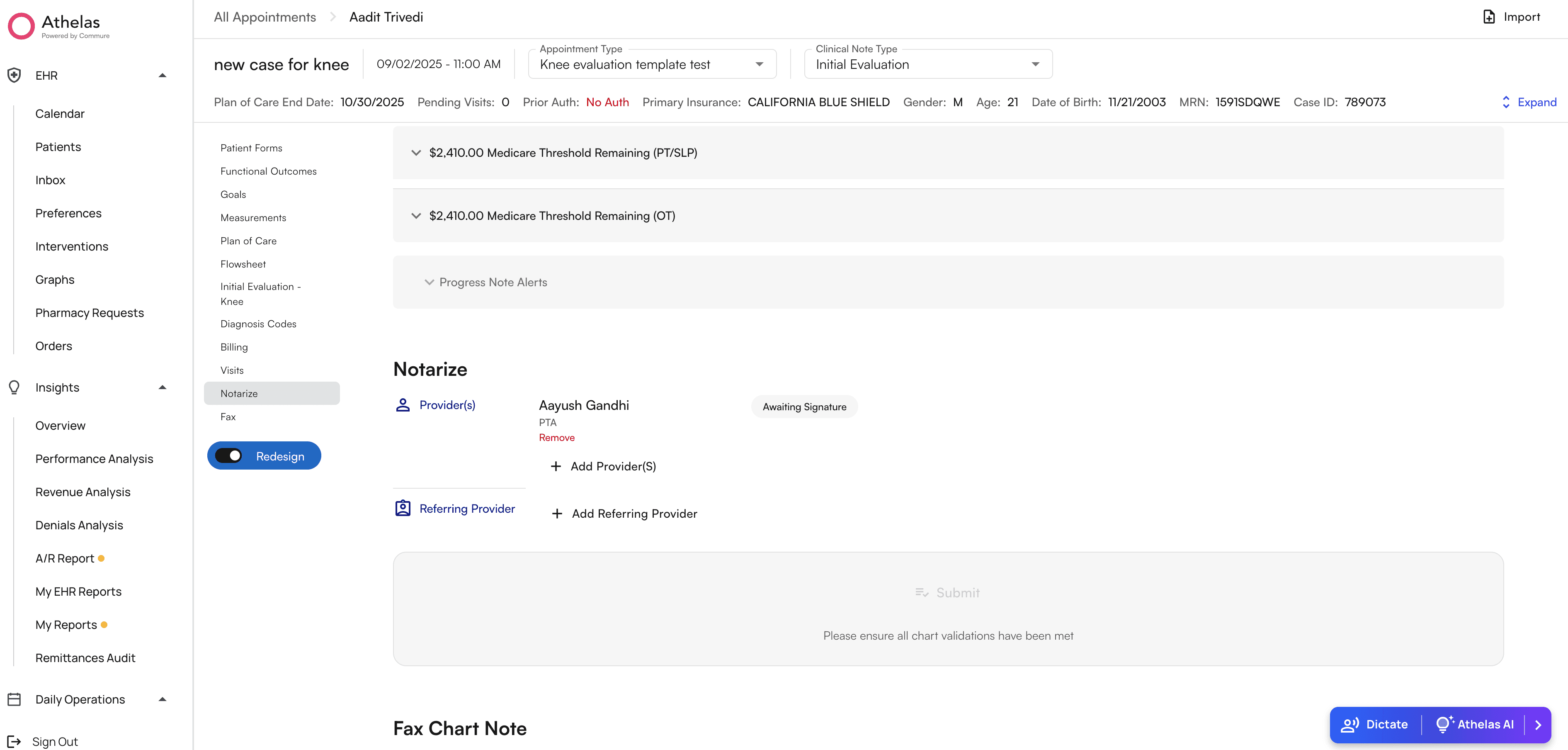
* Click the blue button in the bottom-right corner of the screen to show the AI Widget
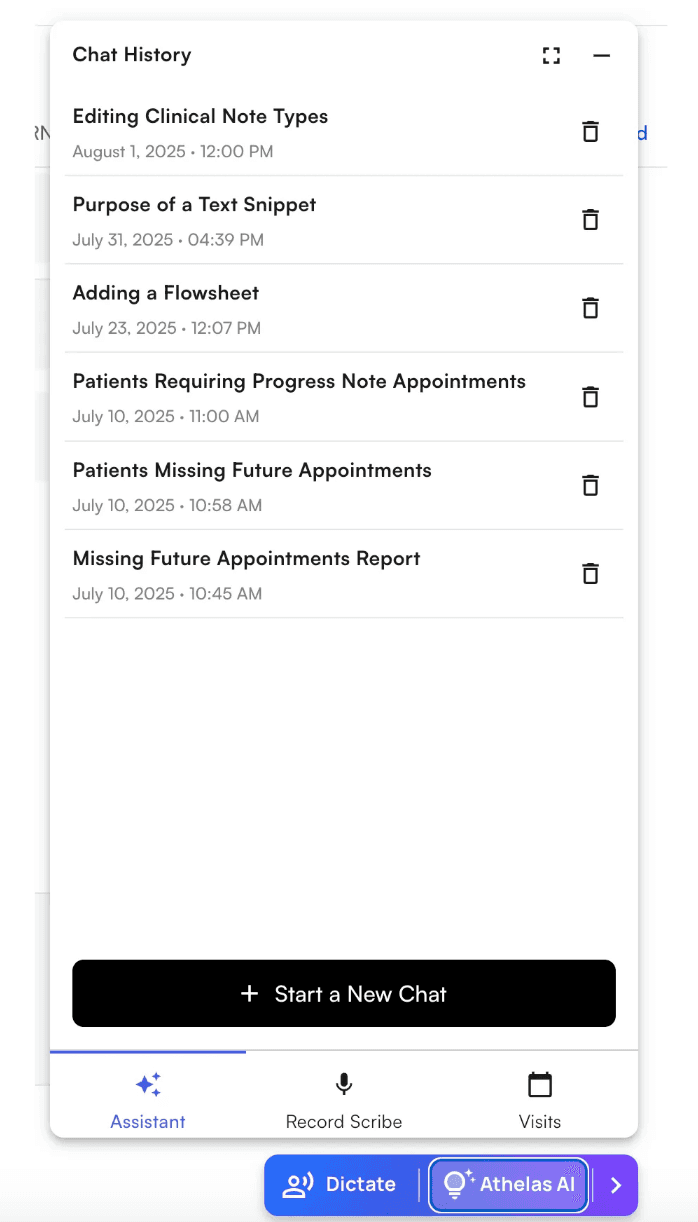
 * Click “Athelas AI” to open the Athelas Assistant widget, and then click on the “Assistant” tab. You’ll see a chat history page with no current chats, click on the “Start New Chat” button to start chatting
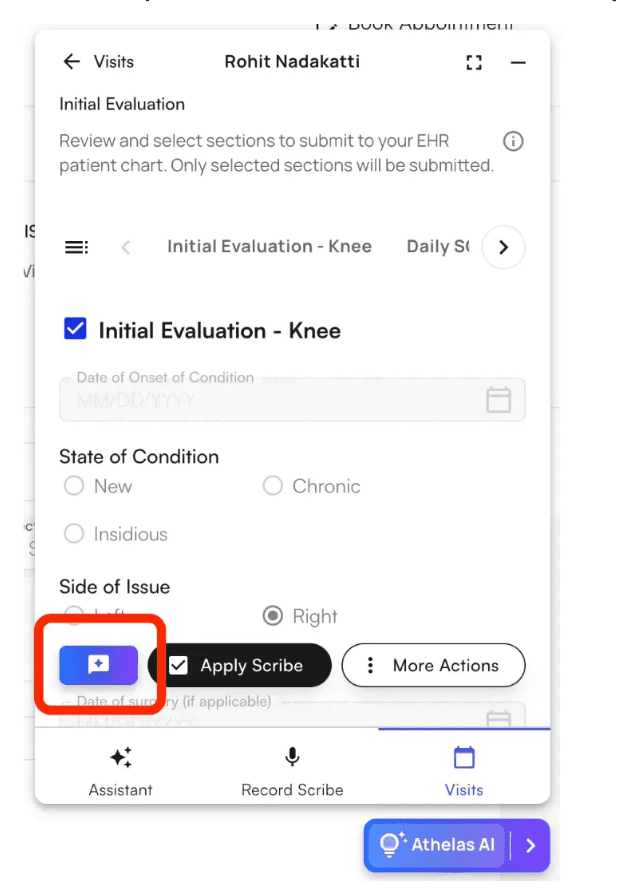
 * You can also create a chat linked to the scribe from the completed scribe view - to ask questions with the full transcript and note as context
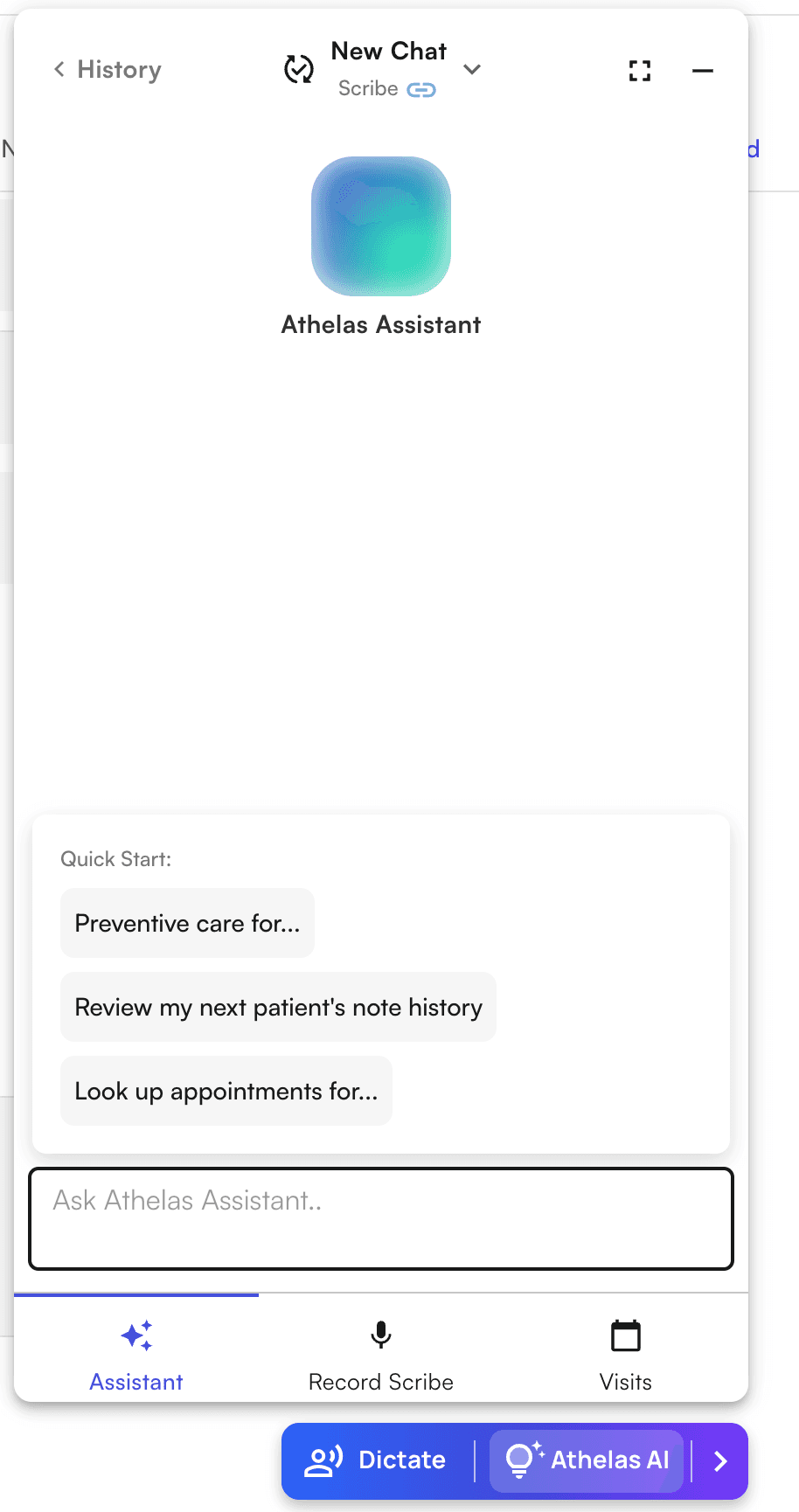
 * You’ll see some quick start suggestions, but **also ask it directly what it can do!**
* You can always go back to your chat history to view older chats and create new chats
* Start fresh by clicking the dropdown in the chat page to create a new chat
* You’ll see some quick start suggestions, but **also ask it directly what it can do!**
* You can always go back to your chat history to view older chats and create new chats
* Start fresh by clicking the dropdown in the chat page to create a new chat