> ## Documentation Index
> Fetch the complete documentation index at: https://trainings.air.athelas.com/llms.txt
> Use this file to discover all available pages before exploring further.
# Download Chart Notes as PDFs
Once a Chart Note has been completed, this will be visible within the *Appointments* Section of the Patient Demographic. A user can utilize the Status field to validate the stage of a given Chart Note.
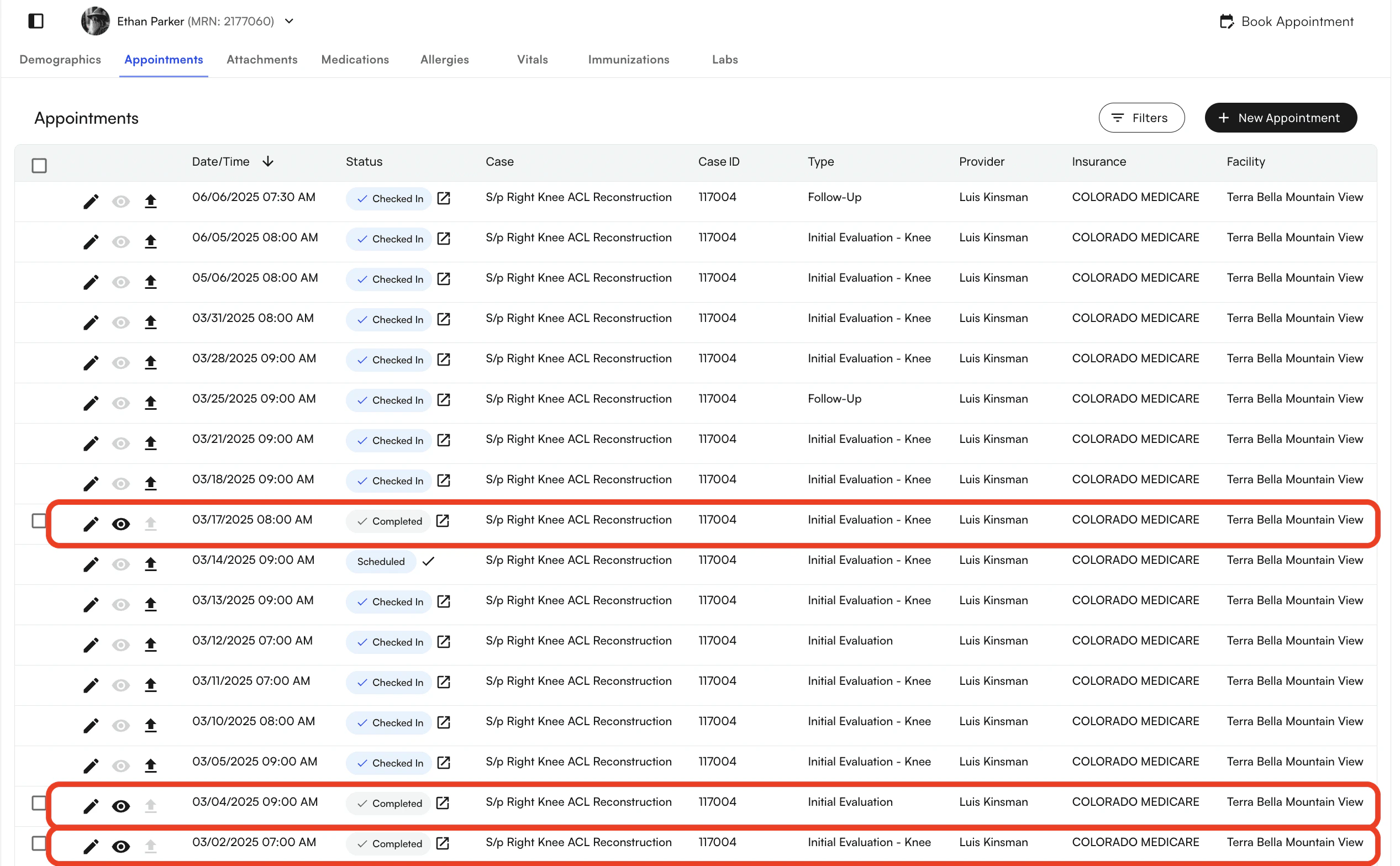
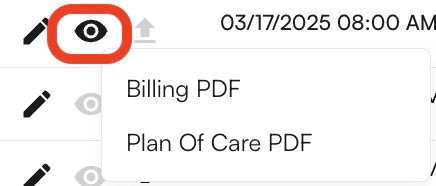 Once the Appointment is in a *Completed Status* you will have the ability to download the document. It will change from a gray eye icon to a black eye icon to indicate that you can. We offer both a **Medical Billing PDF and a Plan of Care PDF.**
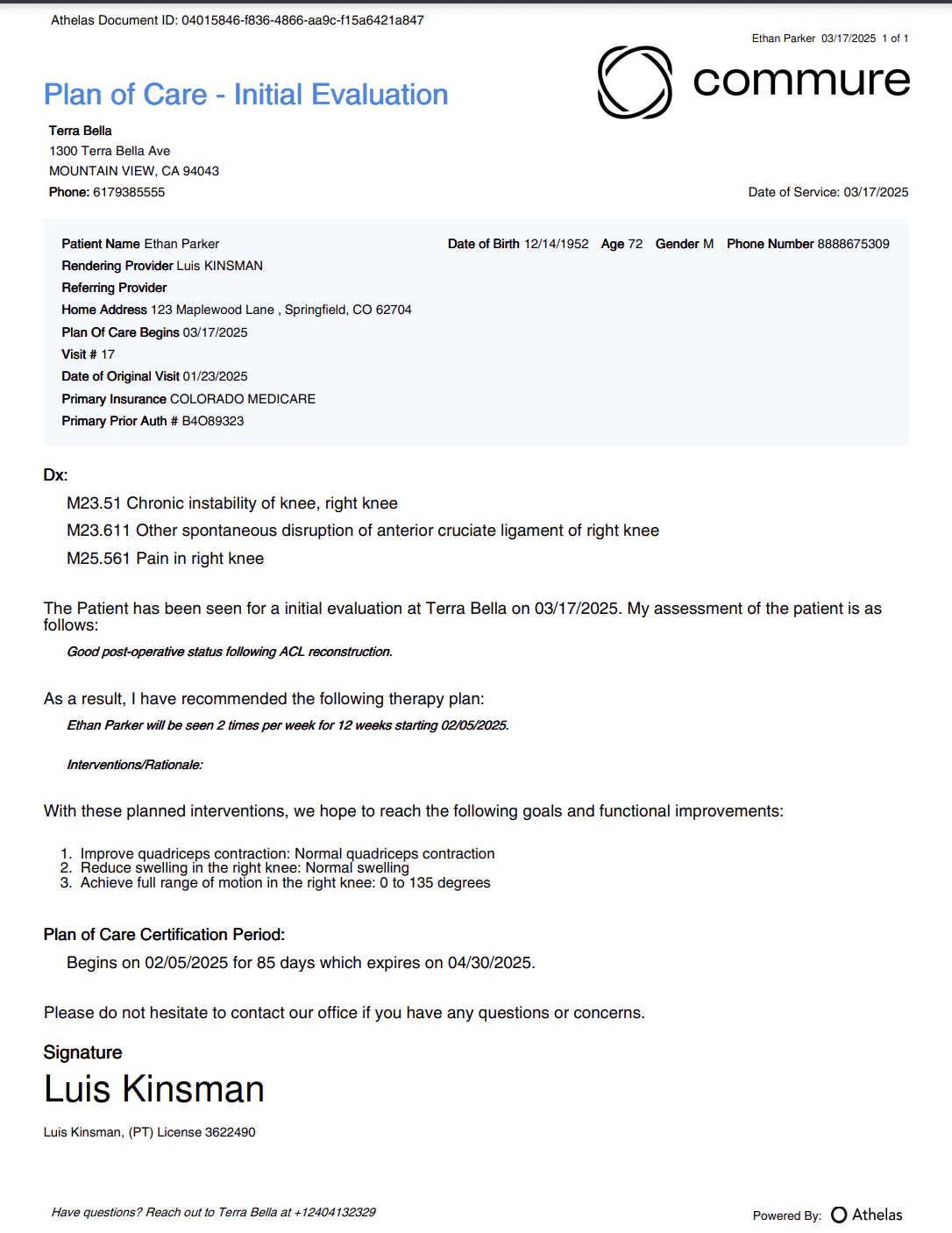
After the user downloads the Chart Note they will be able to see the following document, depending on the selection.
#### Example of a Billing PDF
Once the Appointment is in a *Completed Status* you will have the ability to download the document. It will change from a gray eye icon to a black eye icon to indicate that you can. We offer both a **Medical Billing PDF and a Plan of Care PDF.**
After the user downloads the Chart Note they will be able to see the following document, depending on the selection.
#### Example of a Billing PDF
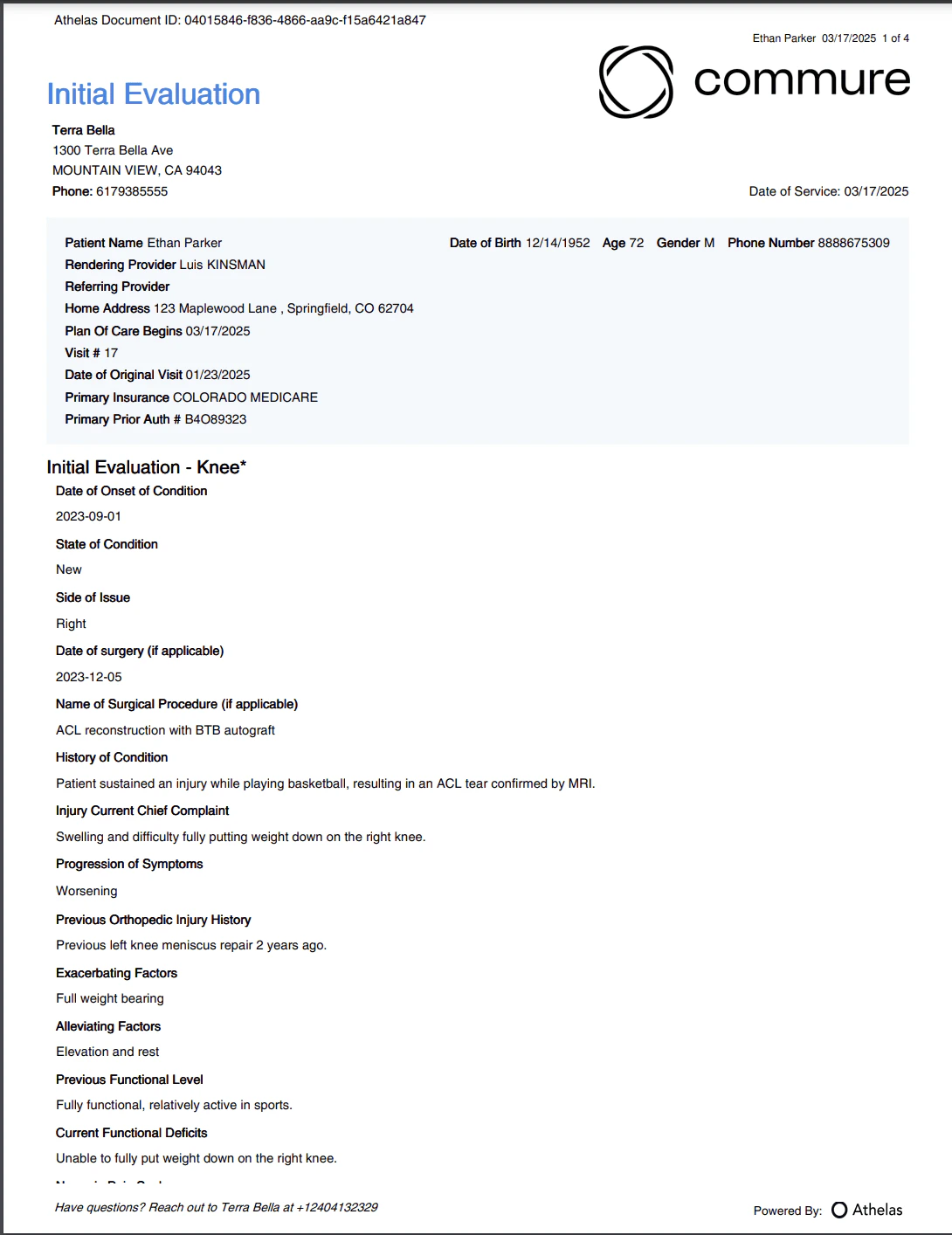 #### Example of a Plan of Care PDF
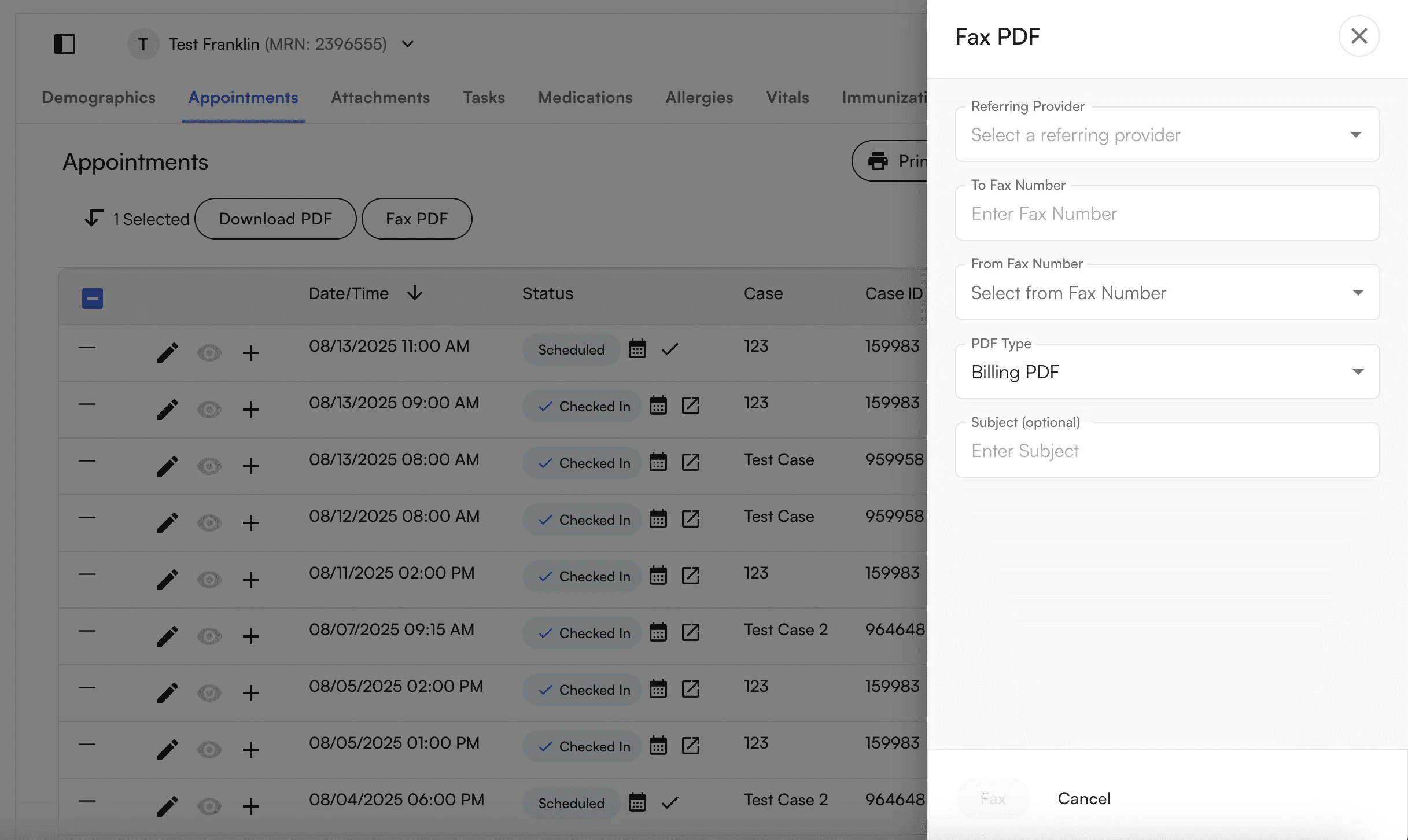
 Once you select the completed appointment, you can Fax PDF and select the PDF Type to Fax: