> ## Documentation Index
> Fetch the complete documentation index at: https://trainings.air.athelas.com/llms.txt
> Use this file to discover all available pages before exploring further.
# Import Previous Medical History
To Import a Medical Record to a given Appointment, you can navigate to the *Appointments* section within the EHR, and select the “+” icon to “Set Up Chart Note” and upload an existing record:
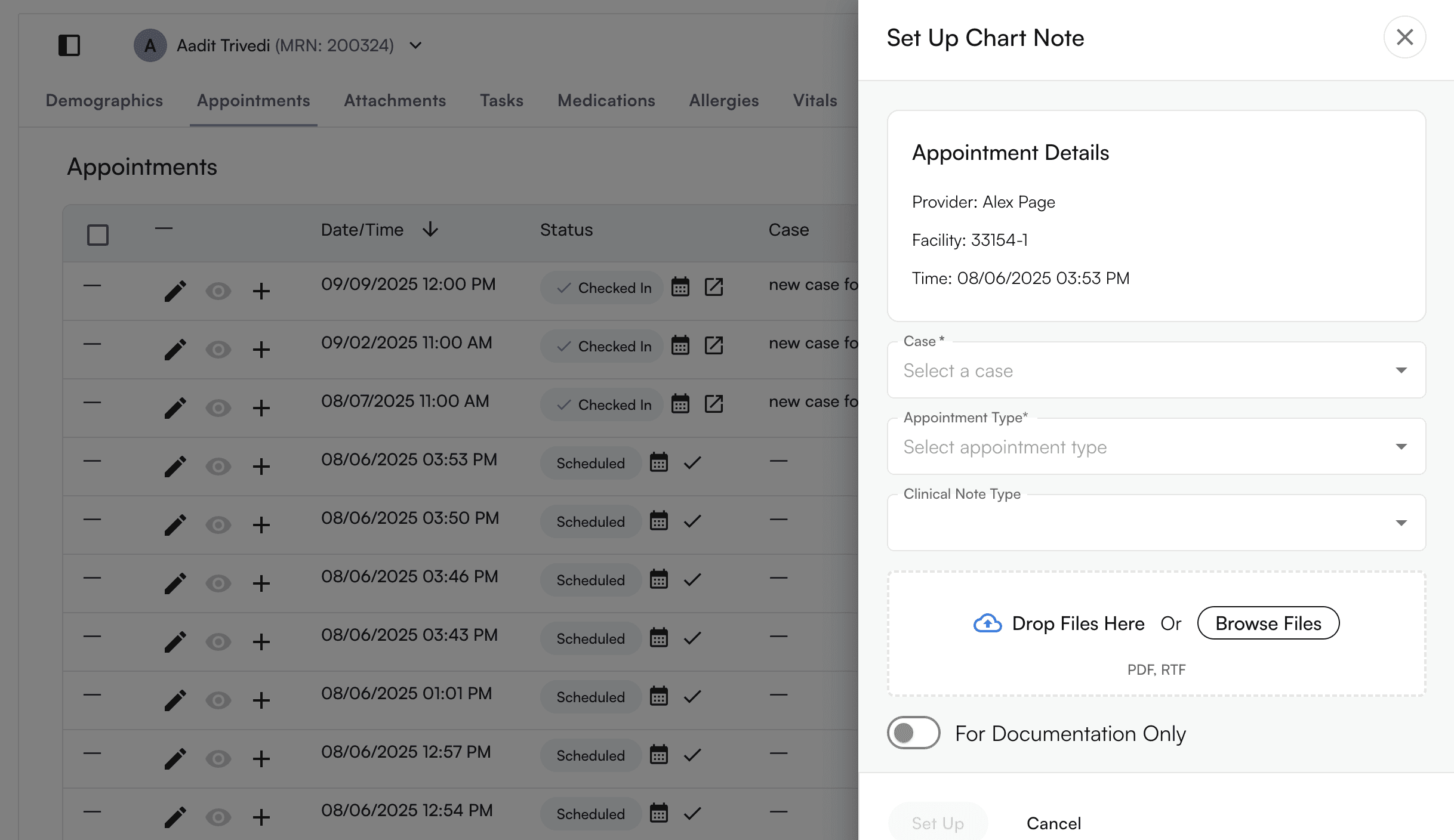 Fill out the relevant sections to ensure that the given Medical Record aligns to the desired Case, Appointment Type and Clinical Note Type (Intial Eval, Progress Note, Daily Note, Discharge). Ensure that the correct PDF or RTF file is uploaded for import.
 > Enabling this feature allows a user to import a chart note that will not be marked as billable, this will be particularly useful if a user must manually add the Initial Evaluation and still continue the Plan of Care for a Progress Note or Re-Evaluation
Ultimately, this will populate the expected permutation of chart note + appointment type
You are also able to import an existing record through selecting “Athelas AI” at the bottom right corner of the page, and selecting “Import Existing Record"
> Enabling this feature allows a user to import a chart note that will not be marked as billable, this will be particularly useful if a user must manually add the Initial Evaluation and still continue the Plan of Care for a Progress Note or Re-Evaluation
Ultimately, this will populate the expected permutation of chart note + appointment type
You are also able to import an existing record through selecting “Athelas AI” at the bottom right corner of the page, and selecting “Import Existing Record"
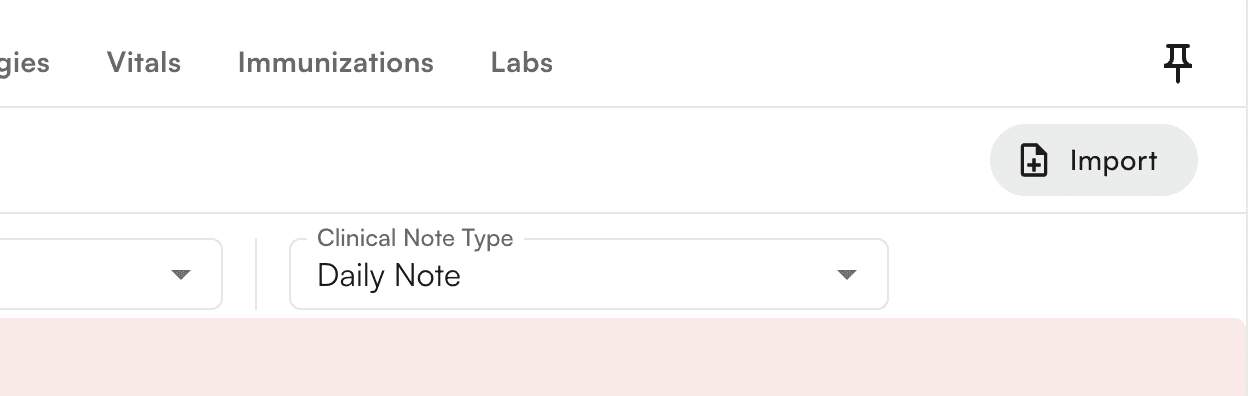
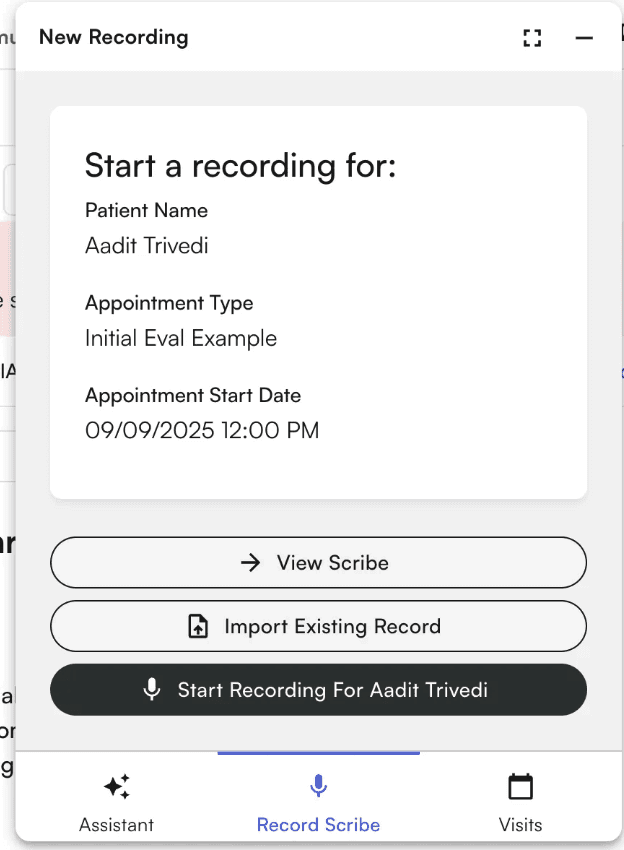 You can also import a previous record through the chart note itself