

Provider Calendar Availability & Blocks
Navigate to the Preferences Tab on the left navigation pane > Providers TabClick on the pencil edit icon next to a Provider’s name.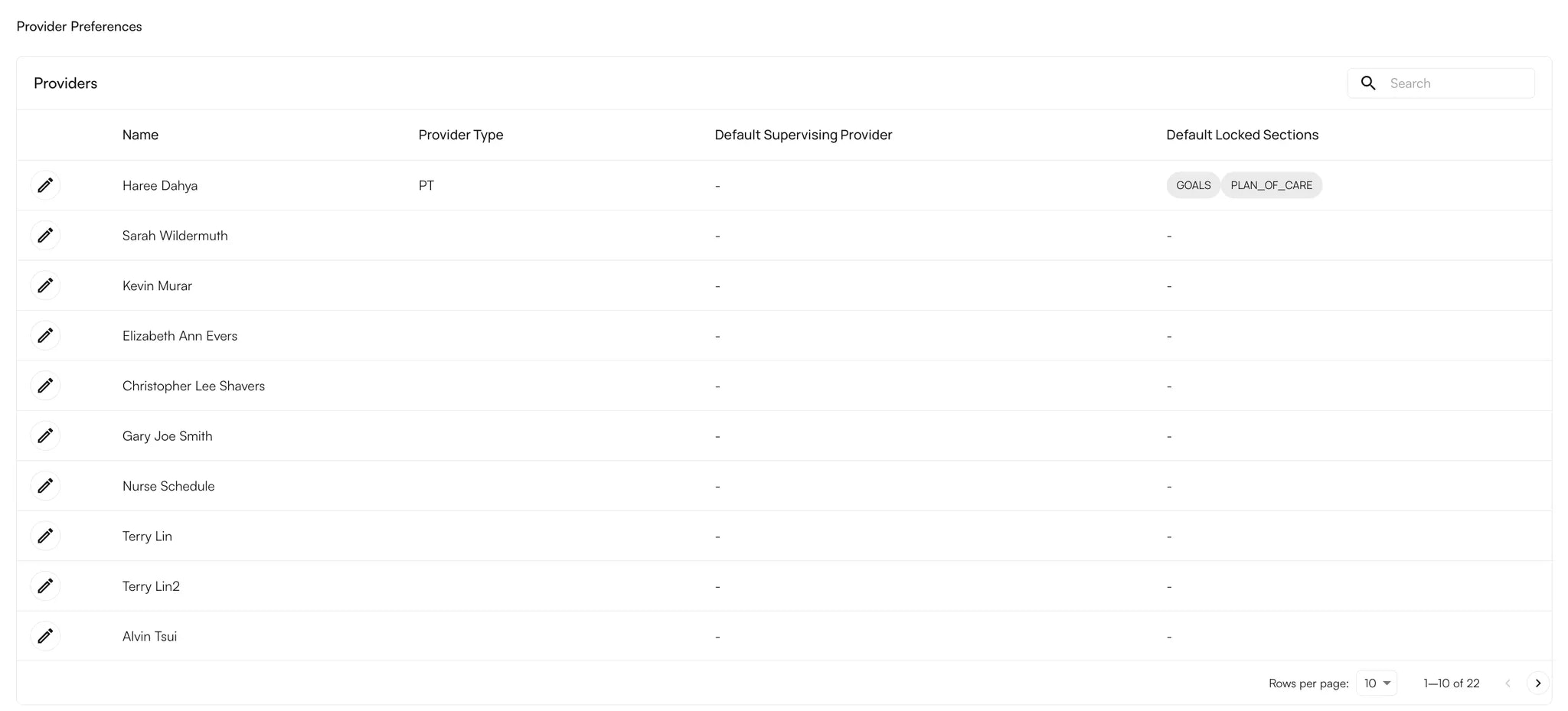
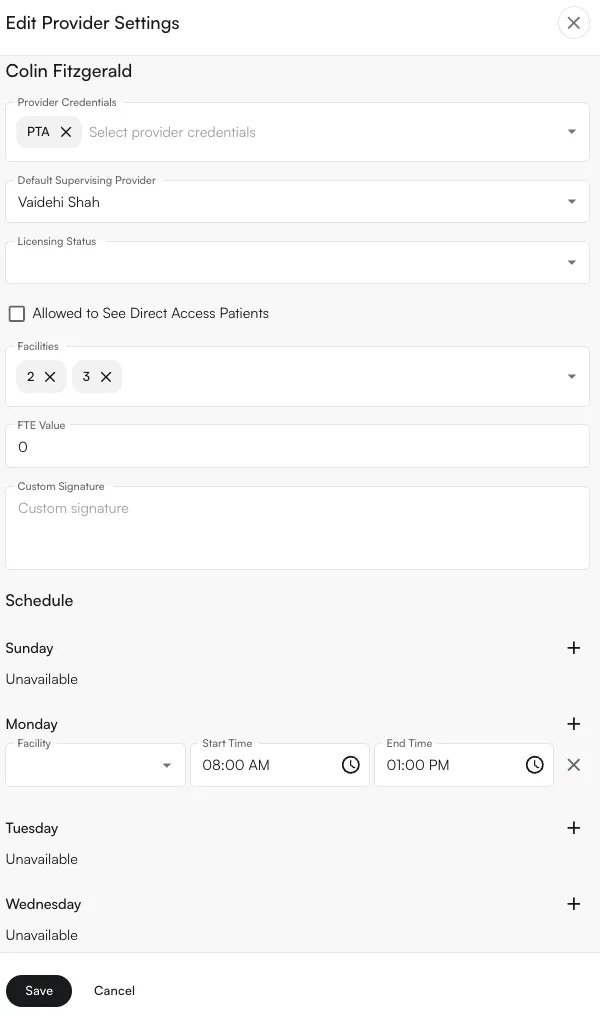
- Facility (Add facilities within the Facilities section to be able to add them for the daily schedule).
- Start Time
- End Time
Provider Signature Preferences
You can also update the following following details from the Edit Provider Panel:
- Provider Credentials
- Default Supervising Provider (If a supervising provider is not needed you can remove it from here).
- Facilities associated
- See Direct Access Patients
- **Custom Signature **(if your practice has this turned on)