

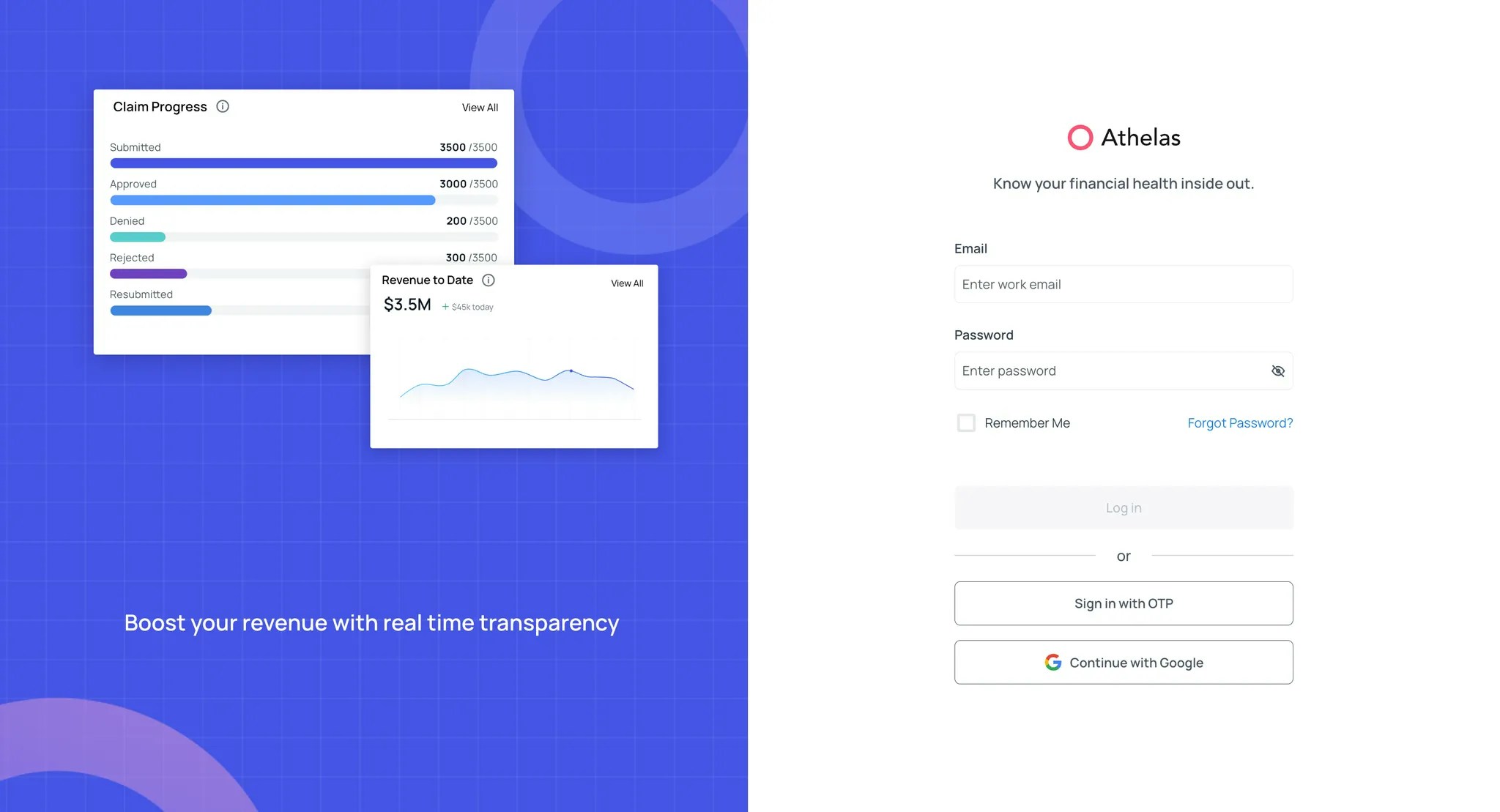
Log-in to Air
Air by Athelas can be accessed through the Insights page.
- Login credentials are created and managed by your site administrators. Please contact your admin to get started.
-
For additional help, reach out to our support team at support@getathelas.com.
Overview of Air
Once logged in, you can access both Air (EHR) and Insights (RCM platform) from the same site.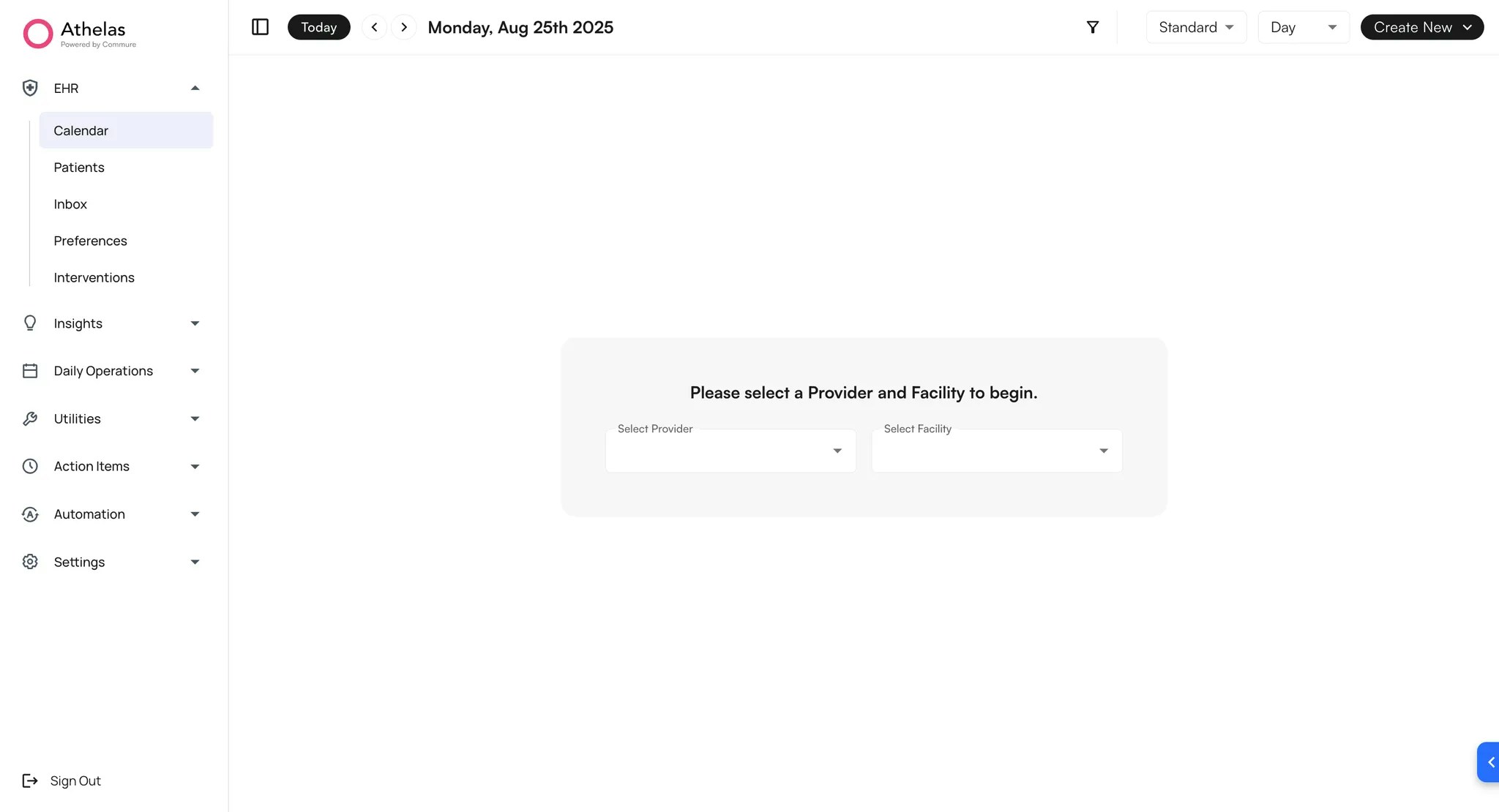
✨Smart Tip: Use Cmd + K (Mac) or Ctrl + K (PC) to open the search function. You can quickly search by patient name, provider, or section.
- Calendar (all users) – View the schedule by provider or facility.
- Patients (all users) – Access patient demographics, appointments, attachments, and more.
- Inbox (providers) – Manage open notes.
- Preferences (company admins) – Configure site-wide settings such as default calendar times and alerts.
- Interventions (company admins) – Manage the library of interventions and intervention groups.