
At a Glance
The Encounter Timeline tracks all events related to a claim, organized chronologically. This overview will cover the functionality and events visible in each claim’s Encounter Timeline. The Encounter Timeline applies to claims, rather than patients. Therefore, events like self-pay patient encounters will not appear here.Core Feature Walkthrough
From the Claim Details page, choose a claim. That claim’s encounter details will pop up, and then you can click the ‘Timeline’ tab to view the complete life cycle of that claim to date.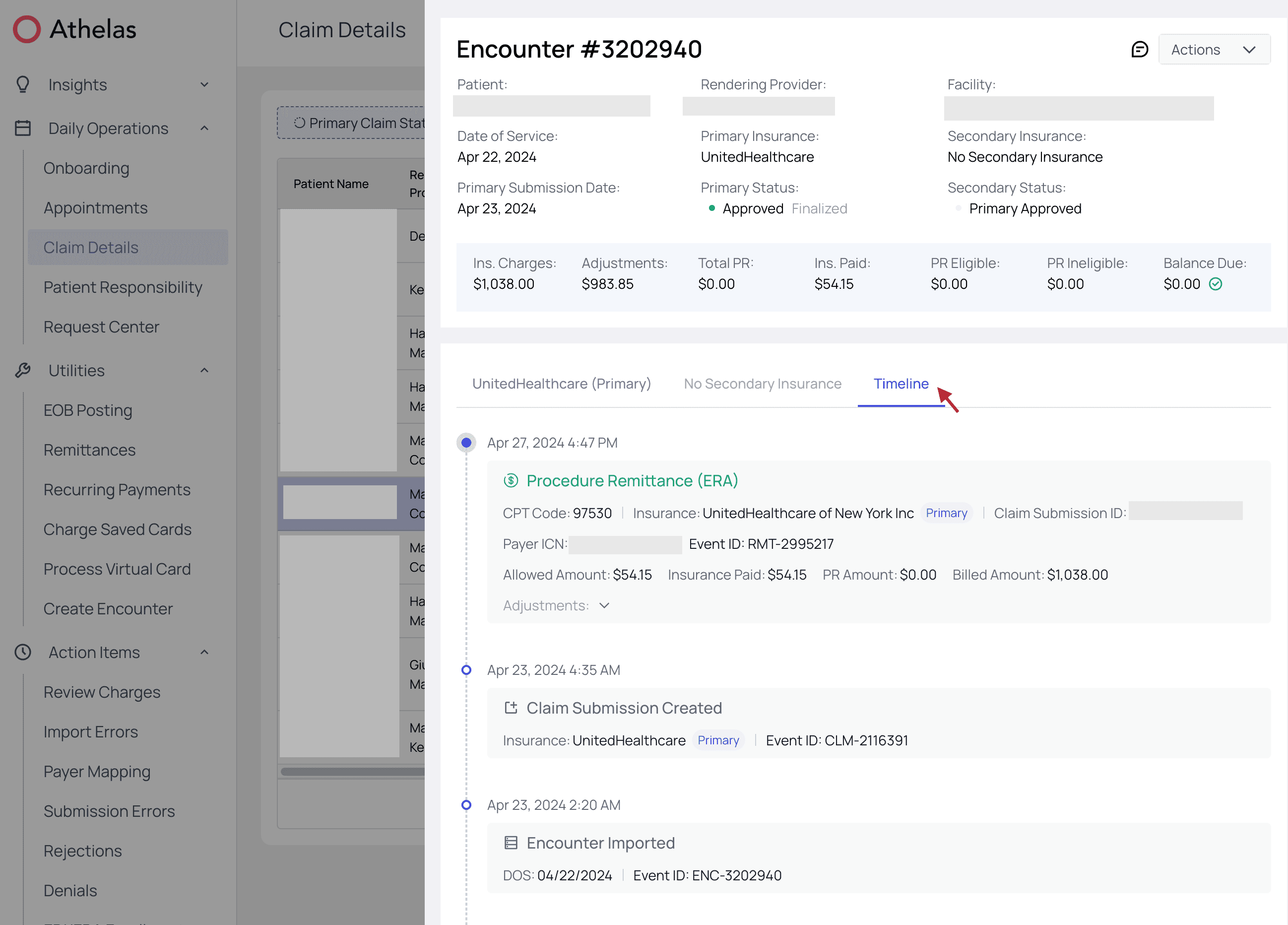
Events Found in the Encounter Timeline
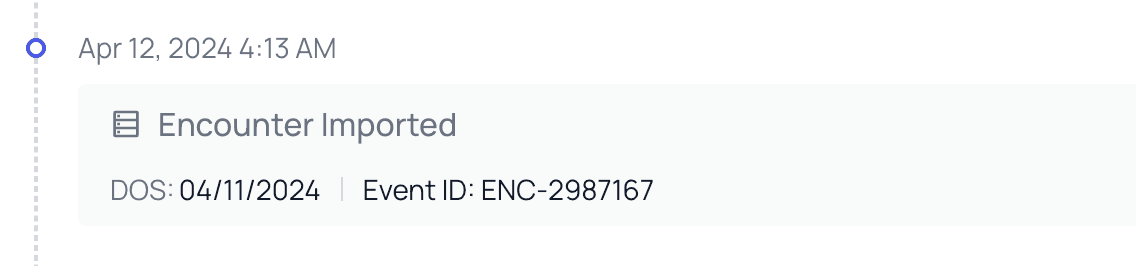
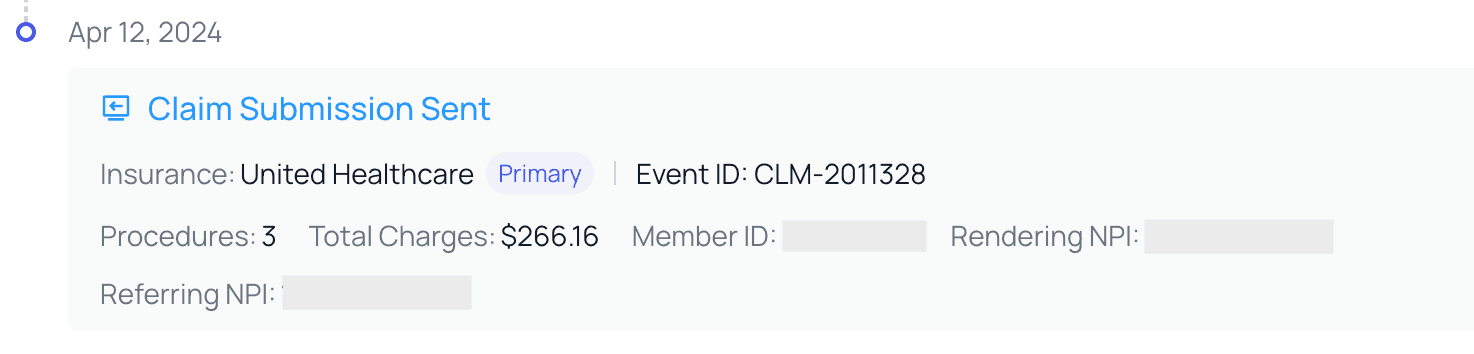
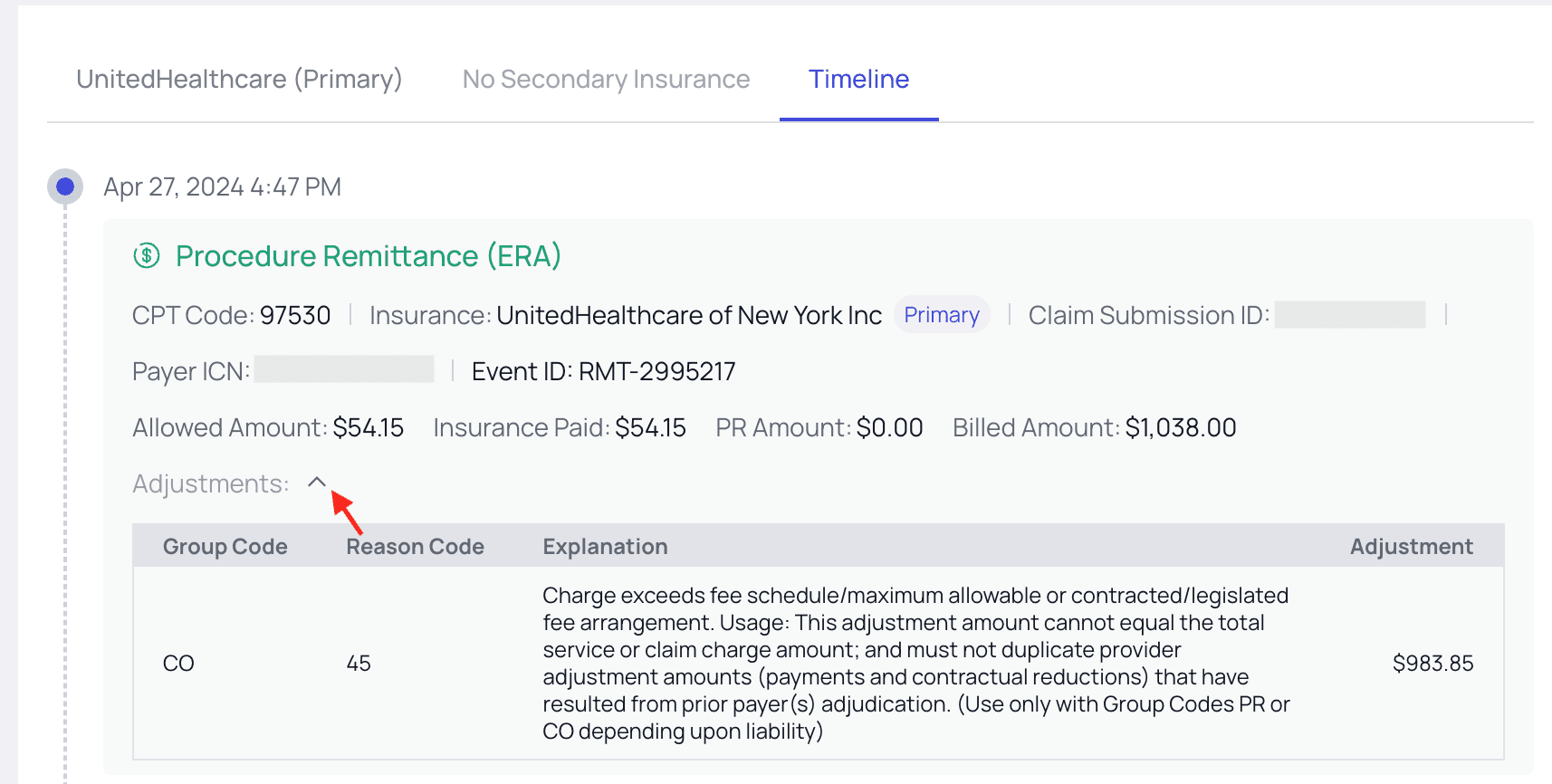
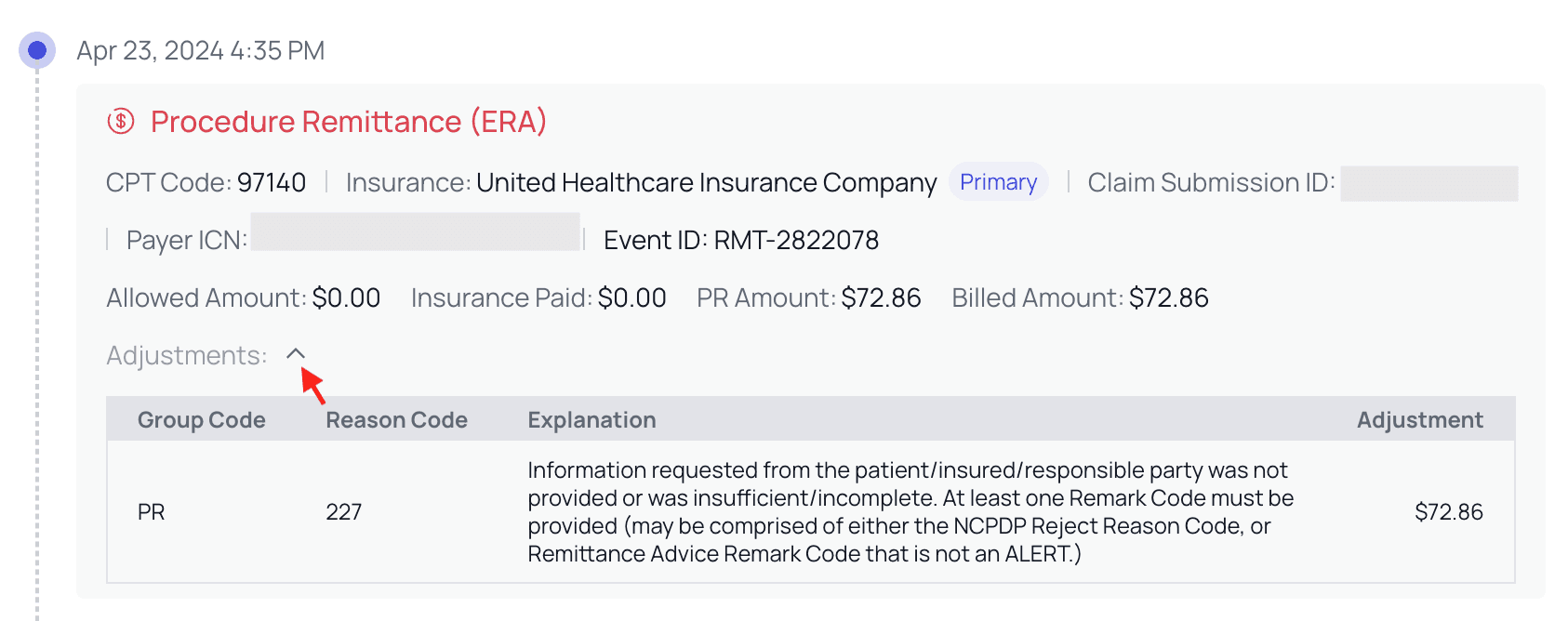
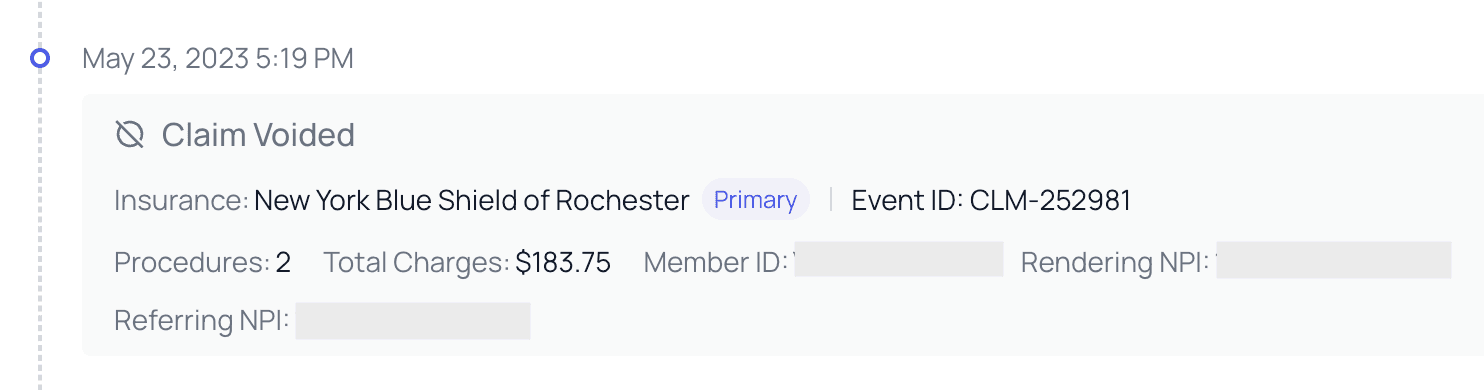
The Encounter Timeline is organized into events, represented by cards, and filled in with relevant information. The timeline will generally begin with the claim submission creation. Athelas will then import the corresponding encounter, and finally that claim submission will be sent to our clearinghouse for review. There, it will either be rejected to fix known errors or sent along to the payer. There are several more possible events that the Encounter Timeline will capture. The ideal final result is payment in full by either payer or patient, at which point the Timeline will end. Below are some example cards you may find on the Encounter Timeline, with notes calling out important points and further action you can take, when applicable. Claim Submission Created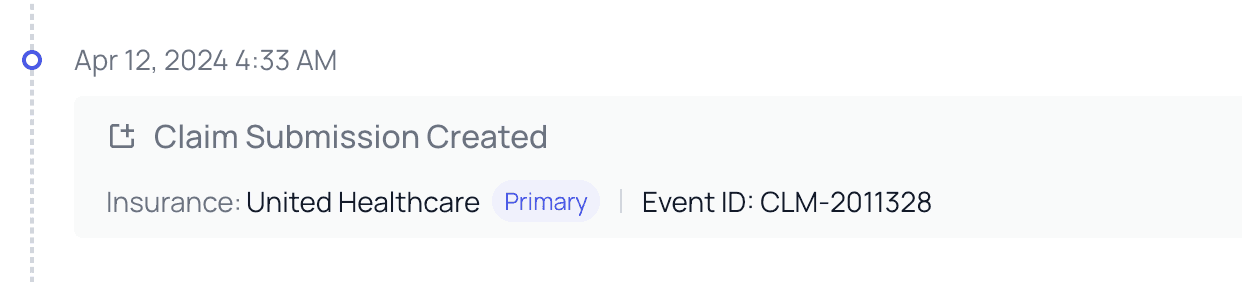
Encounter Timeline Errors
Claim Pre-check Failed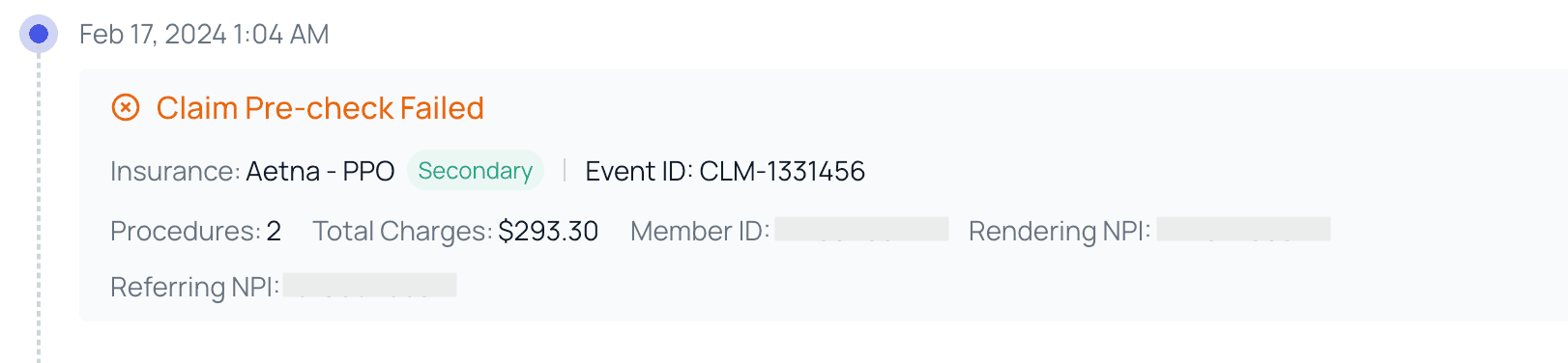
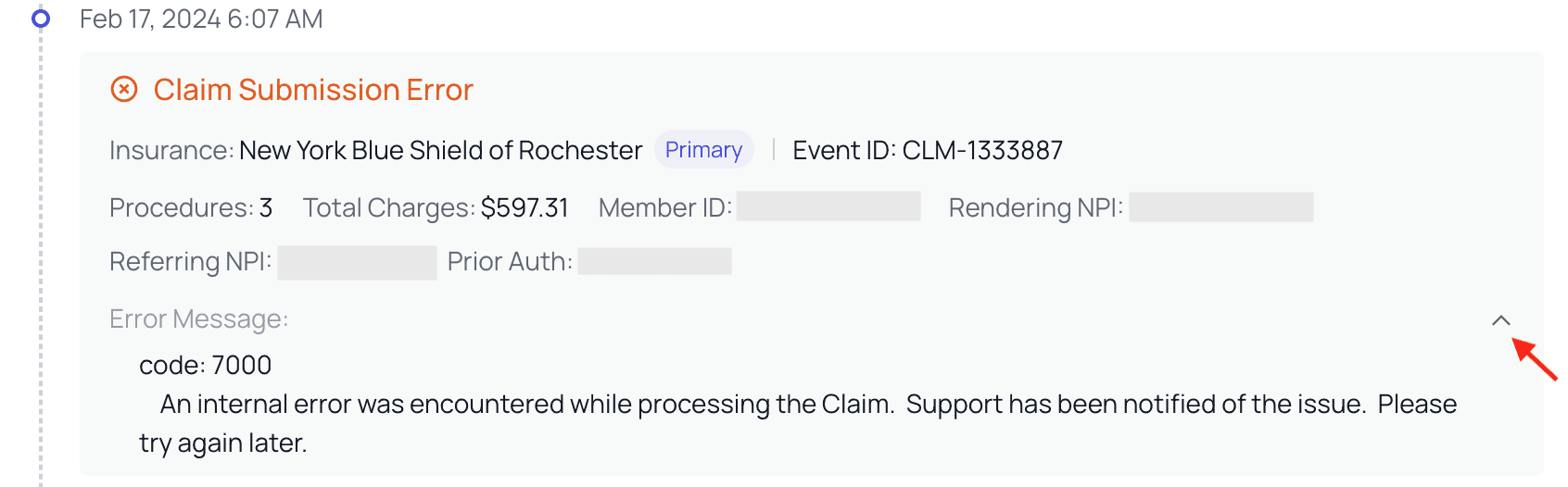
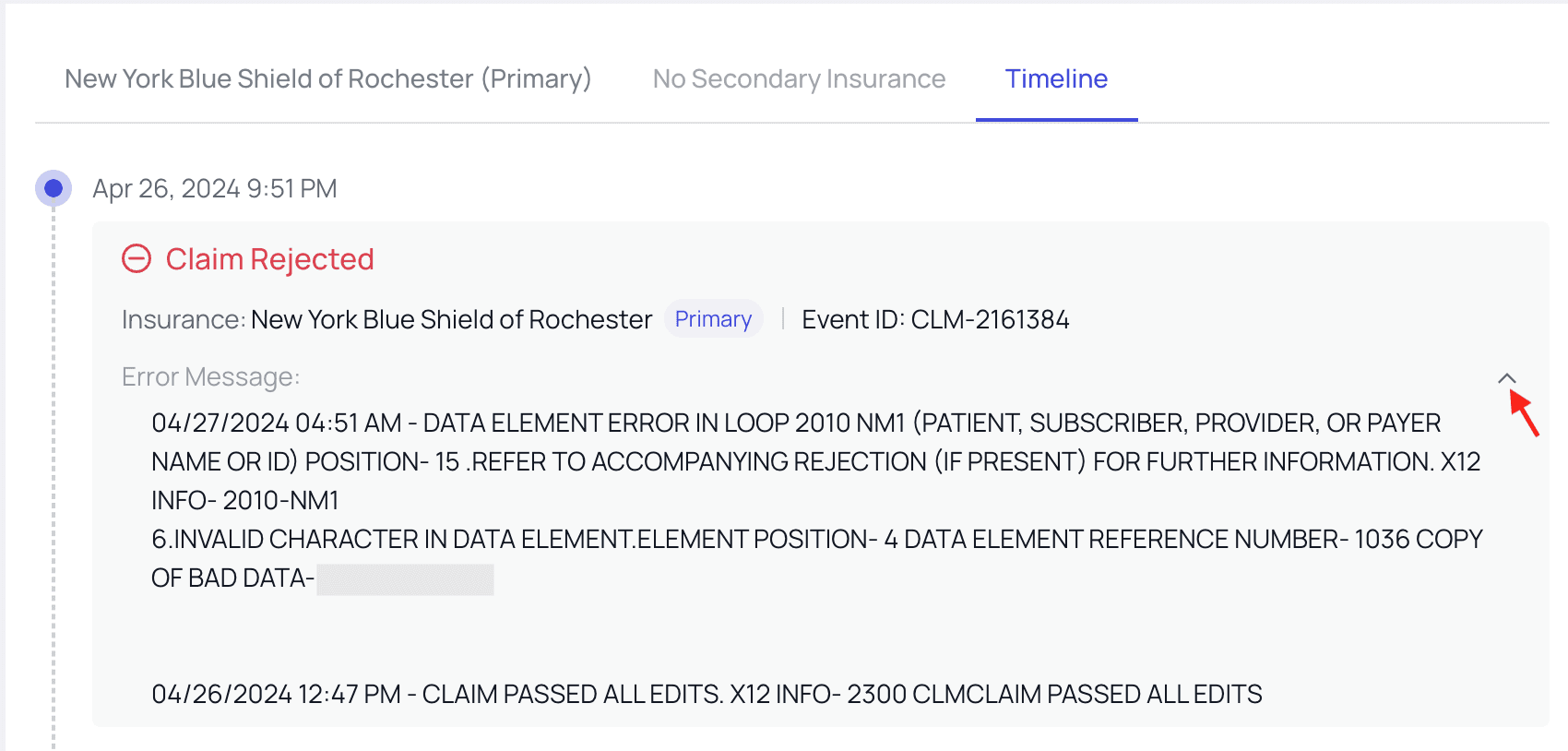
- View encounter timeline that shows when submission(s) were sent, payments were received, payments were posted
- View changes made to the encounter over time Features In Development:
- More clear view of the encounter timeline with better visibility into who made the changes