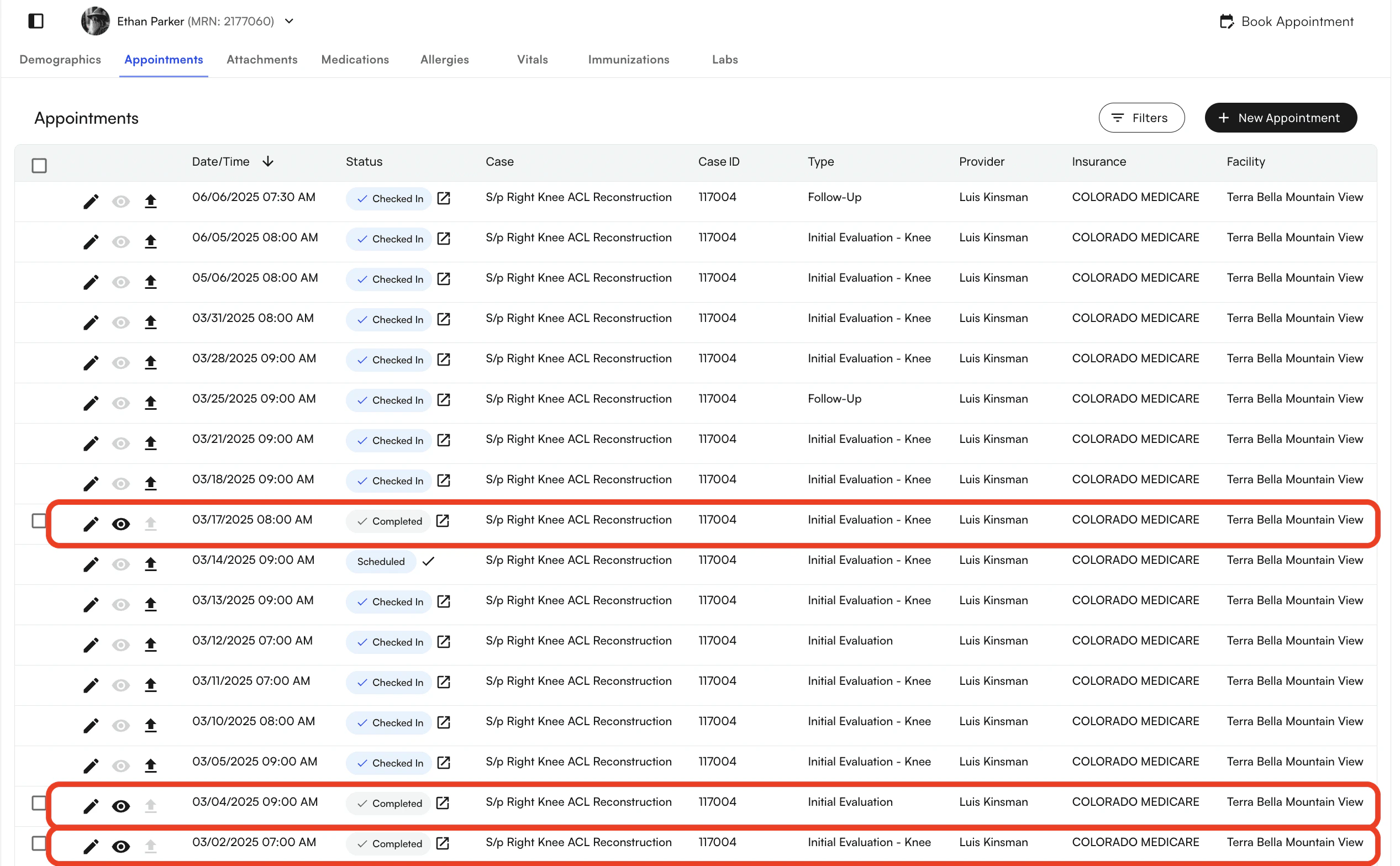
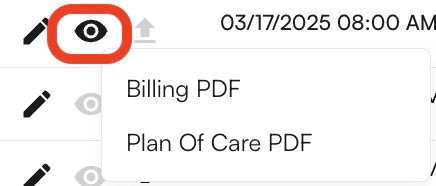
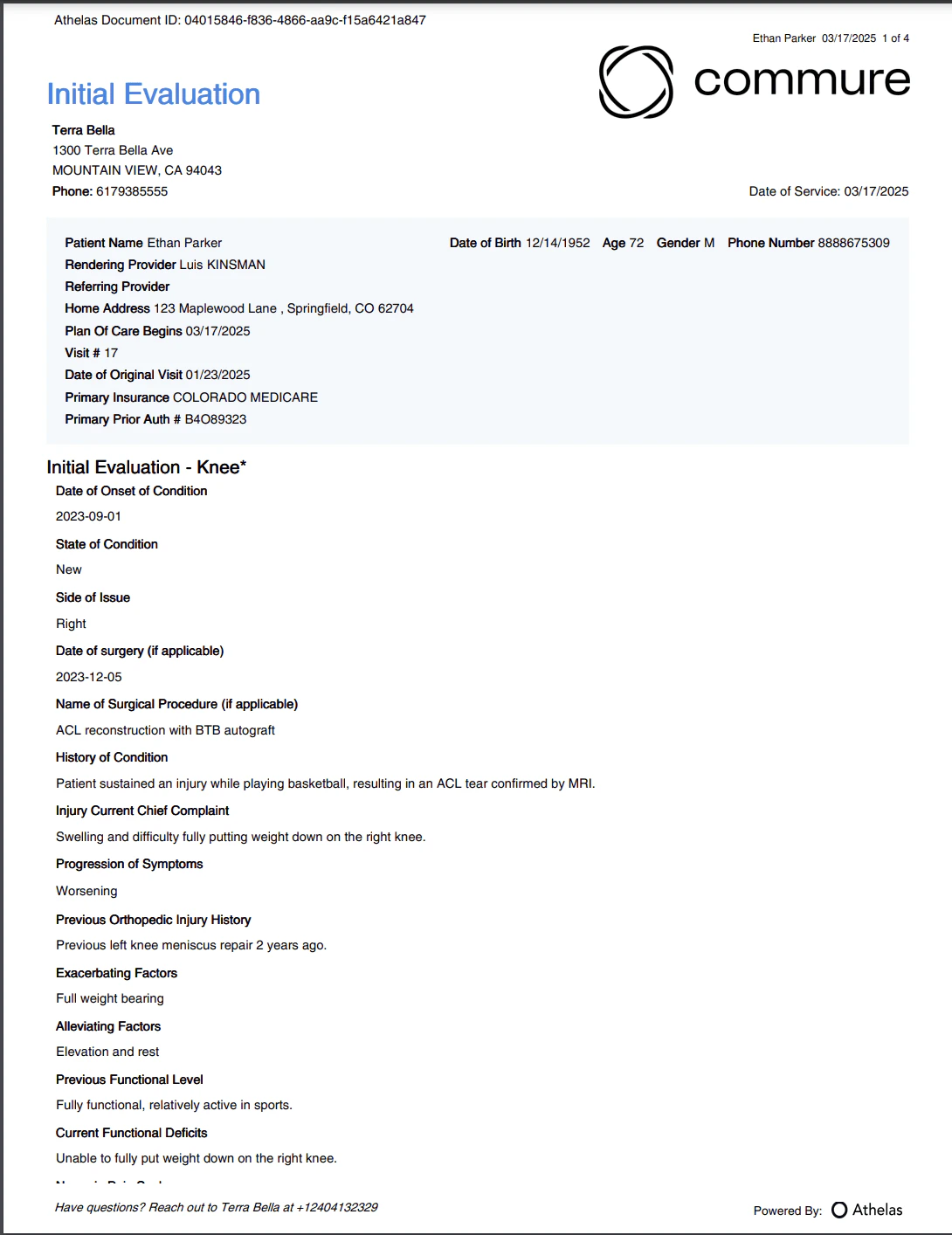
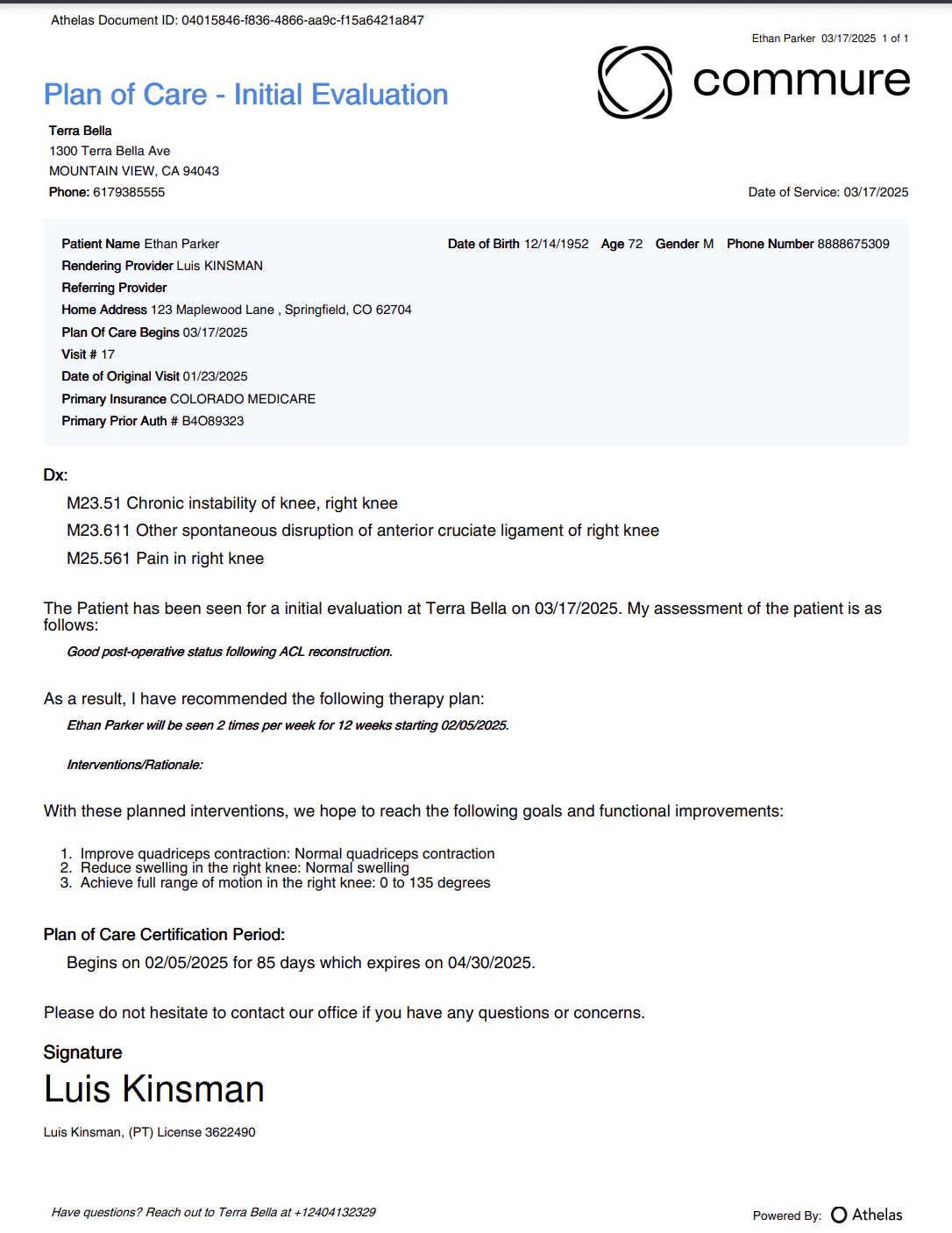
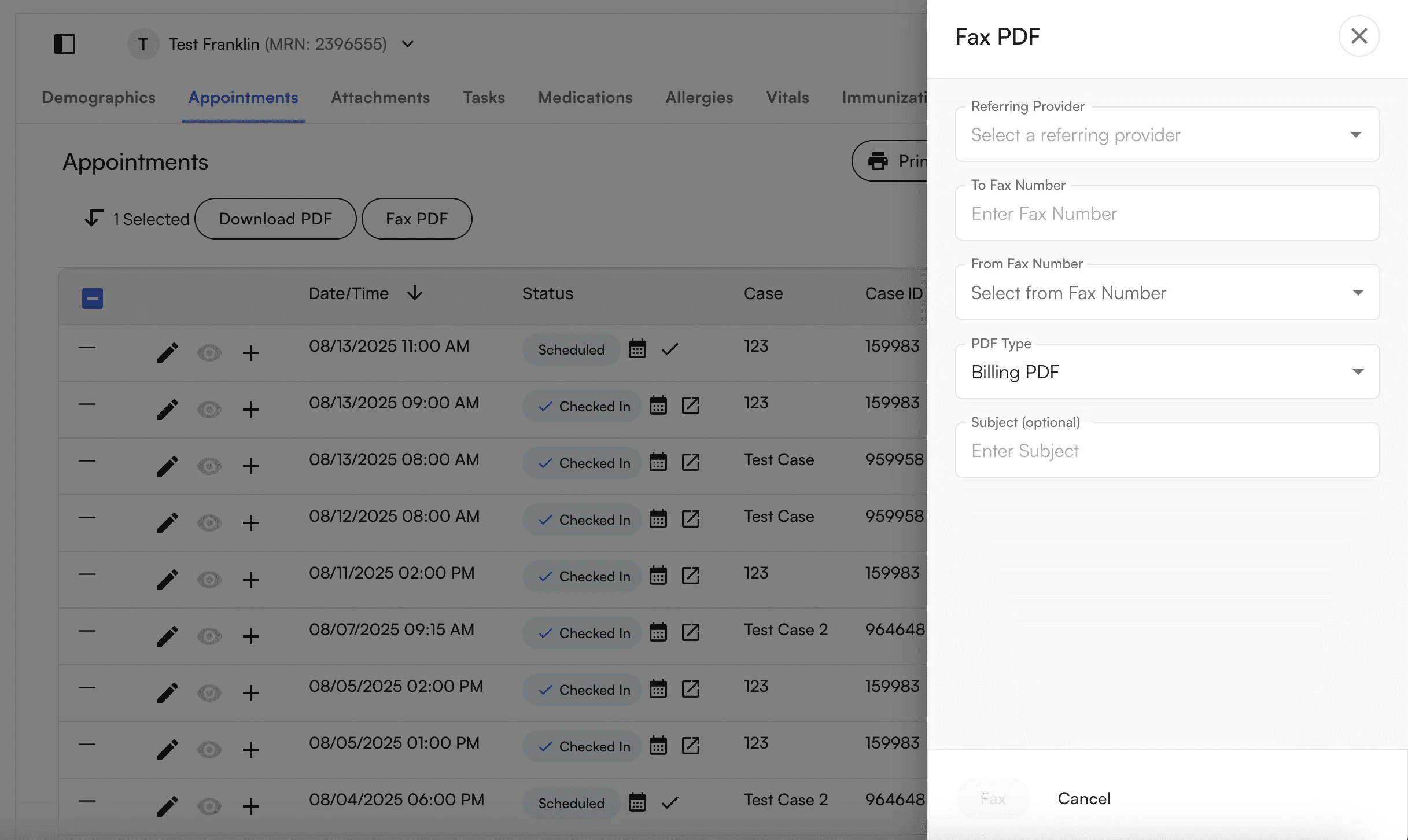
Once a Chart Note has been completed, this will be visible within the Appointments Section of the Patient Demographic. A user can utilize the Status field to validate the stage of a given Chart Note.Once the Appointment is in a Completed Status you will have the ability to download the document. It will change from a gray eye icon to a black eye icon to indicate that you can. We offer both a Medical Billing PDF and a Plan of Care PDF.After the user downloads the Chart Note they will be able to see the following document, depending on the selection.