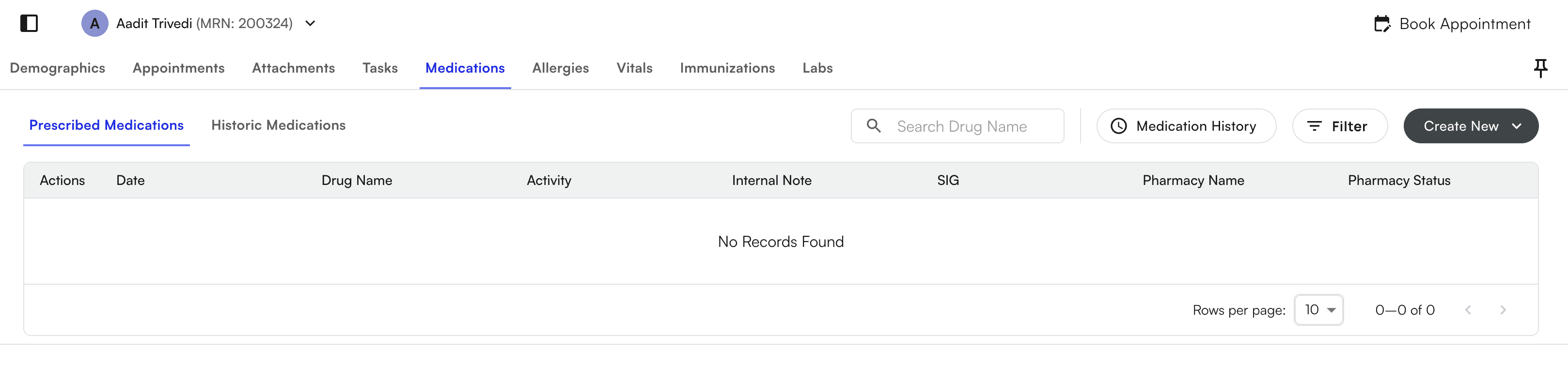
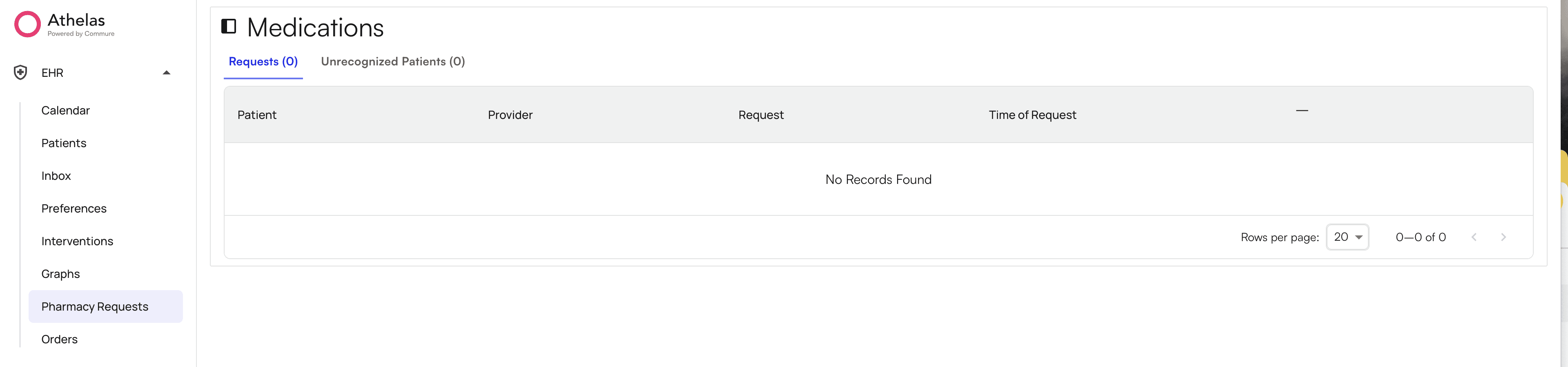
Prescribing Medications - how to enable prescribing an uncontrolled substance for a provider:
You can prescribe and manage medications by brand or generic name, including both controlled and non-controlled substances, through SureScripts integration Navigate to Preferences tab, select Medications and Nominate Provider in the top right. After clicking the “Nominate Provider” button select the provider and facility for which you want to nominate the provider. This nomination is required because to prescribe an uncontrolled substance, you require a SureScripts Prescription Identifier (SPI) number. Once these requirements are fulfilled, the provider can start prescribing uncontrolled substances.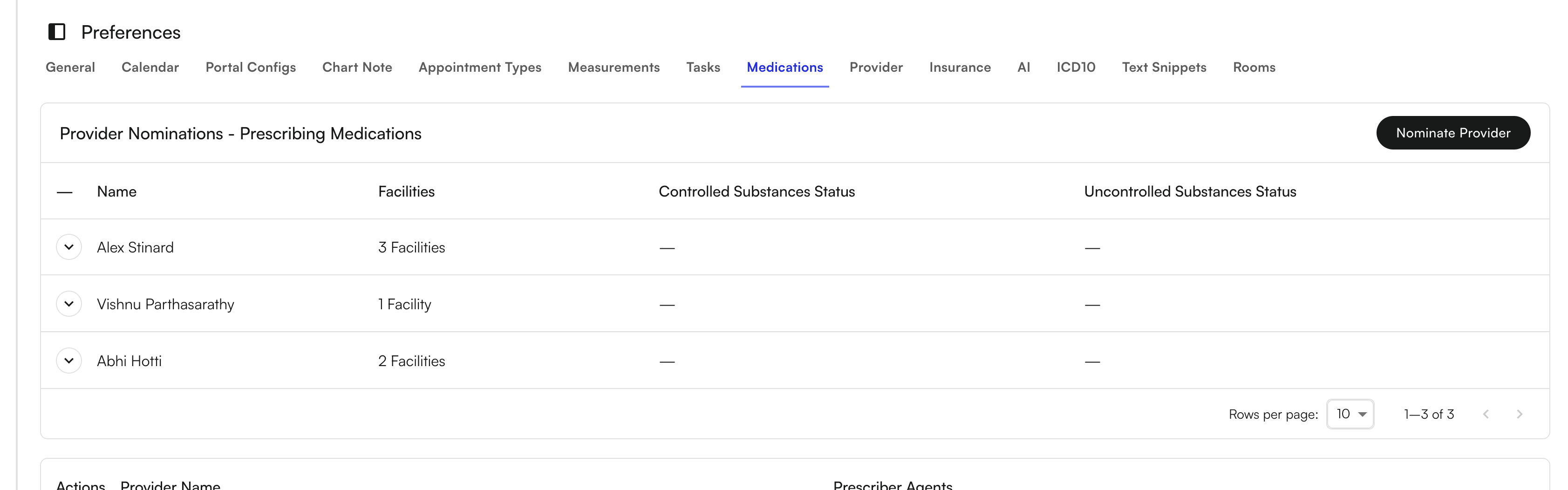
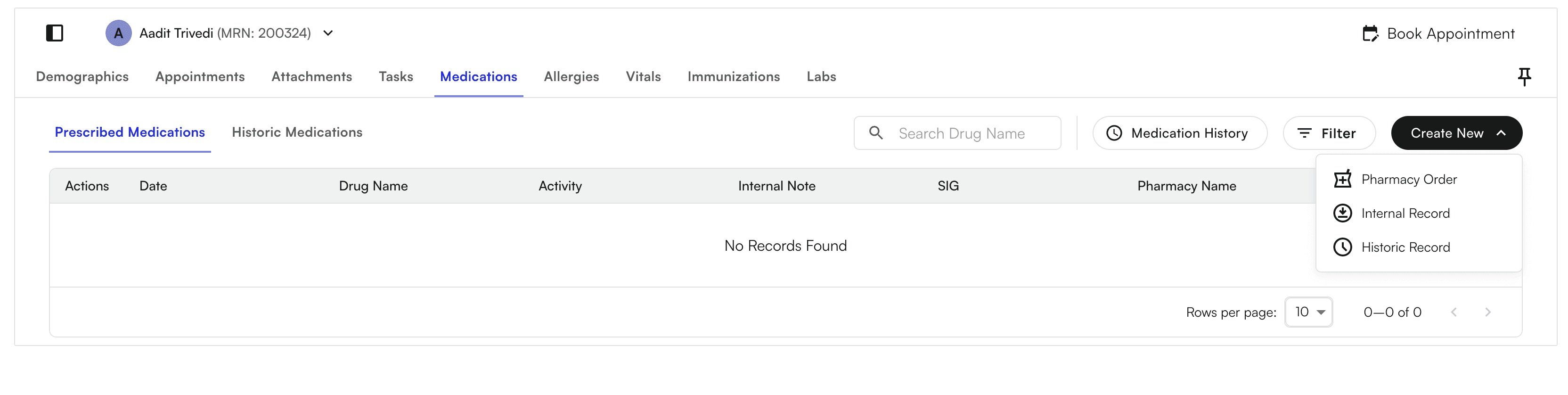
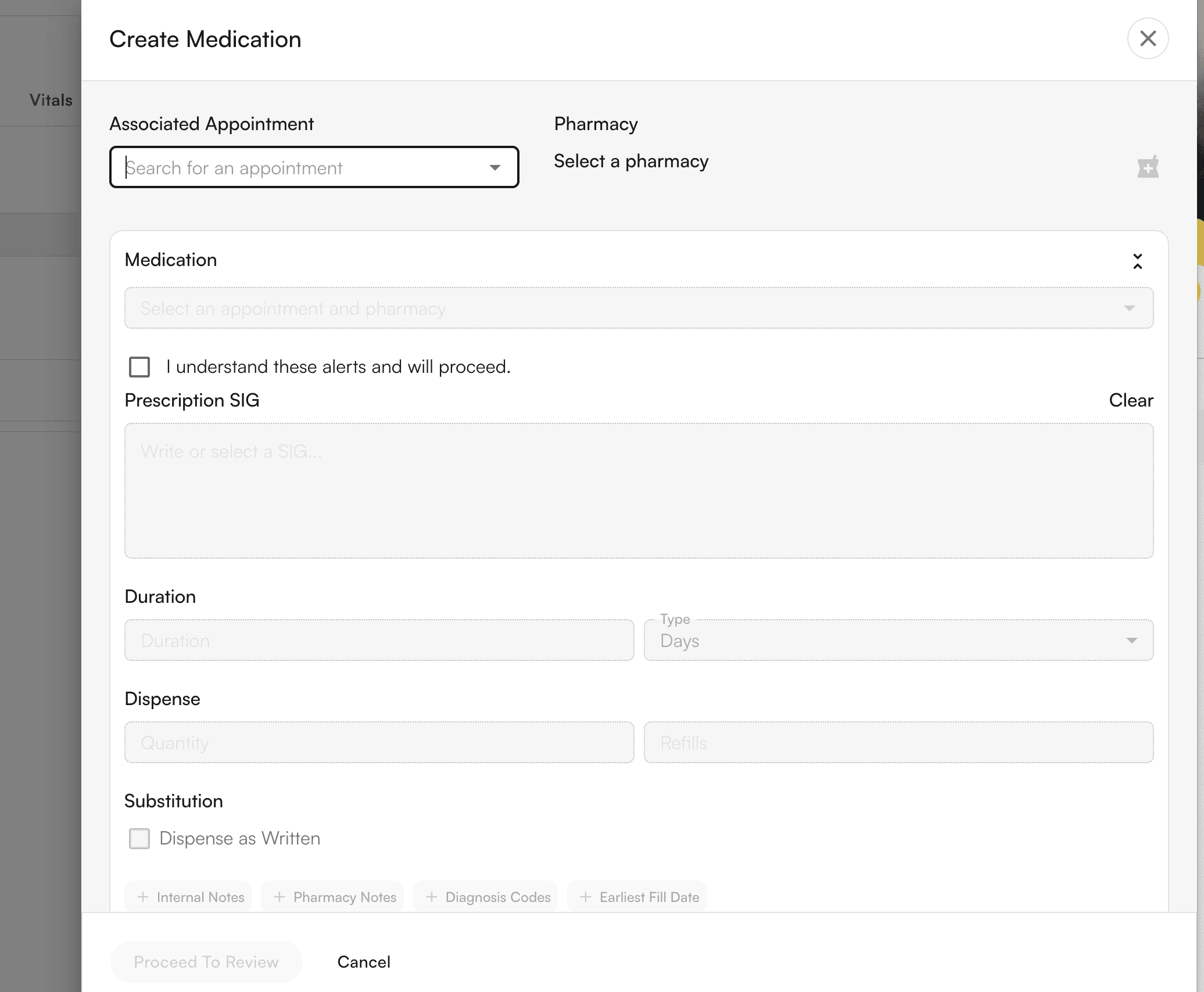
Recording Medications without Prescribing
Select Internal Record or Historic Record — which would not send the order to the pharmacy. Proceed to create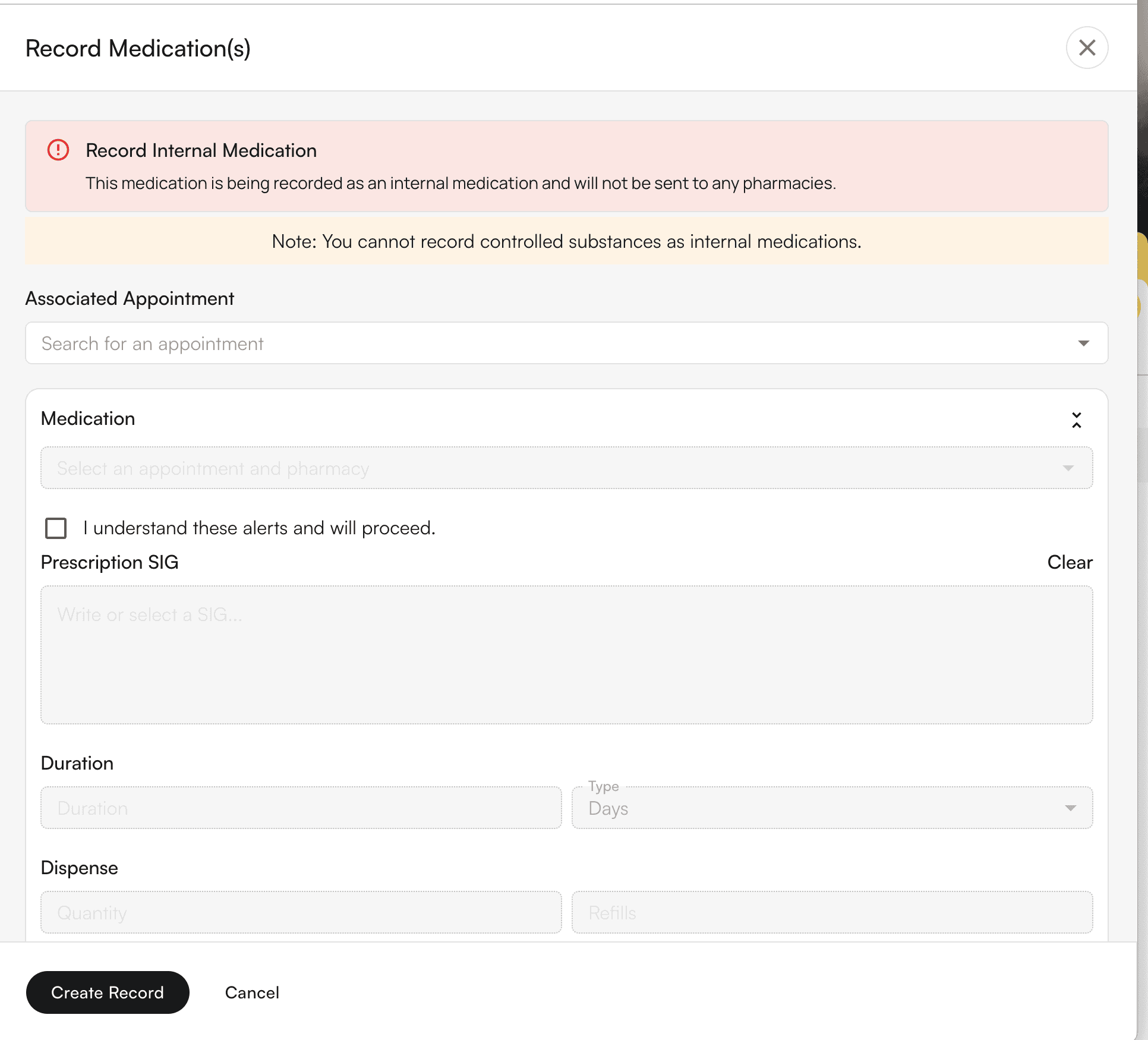
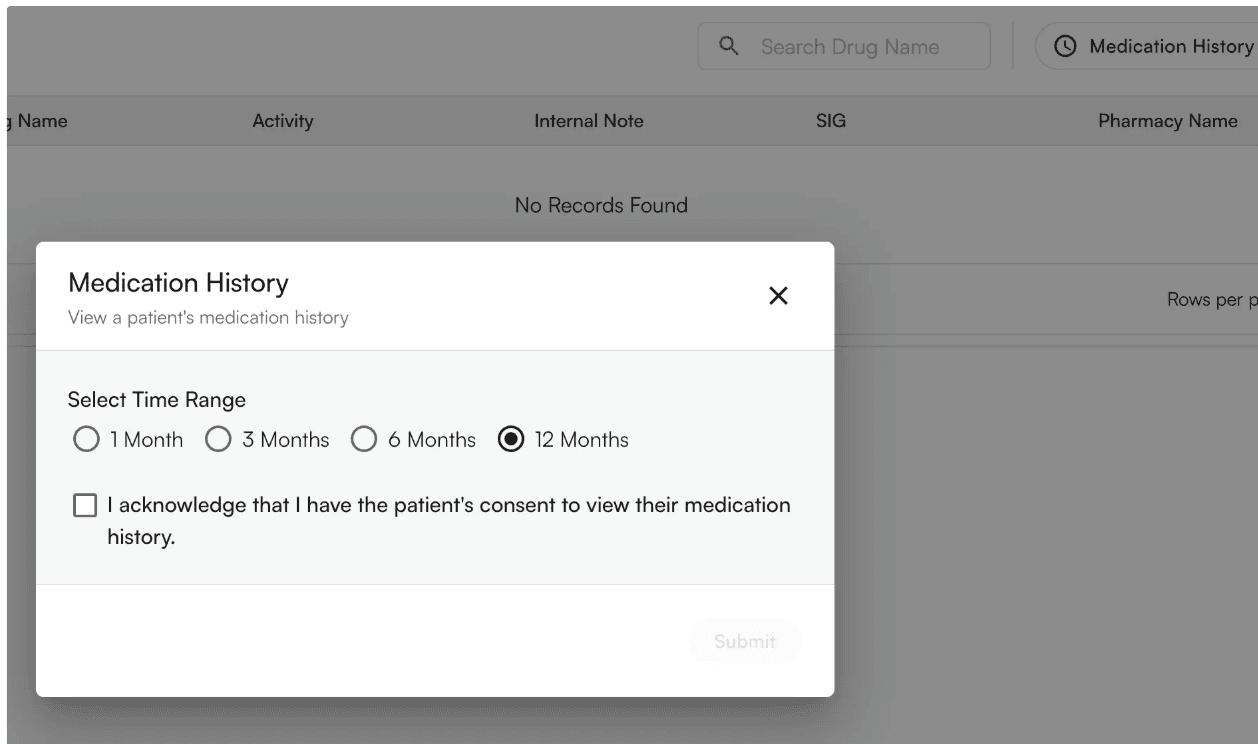
View Medication History
All logged medication history will be stored here. You can Create new logs through the “Create New” button in the top right - “Historic Record”
View and address pharmacy requests
View Prescribed medications in the Patient Profile for individual patients