At a Glance
There are dozens of reasons why a claim may be rejected or denied and require resubmission—an incorrect CPT code, new insurance information, a typo anywhere, etc. This guide shows how to fix errors in a claim and resubmit it so that your practice can get paid. If the claim in question can be modified and resubmitted at the encounter level, we strongly recommend do so through the Encounter Details page. You can also do it using the method outlined below, but it is more time consuming and achieves the same result. August 2025 update: Exceptions to the above recommendation include NDC updates or claim submission method updates. In those cases, you must use the longer method. NDC updates will be added to the Encounter Details modification and resubmission flow in the future.Here’s How to Do It
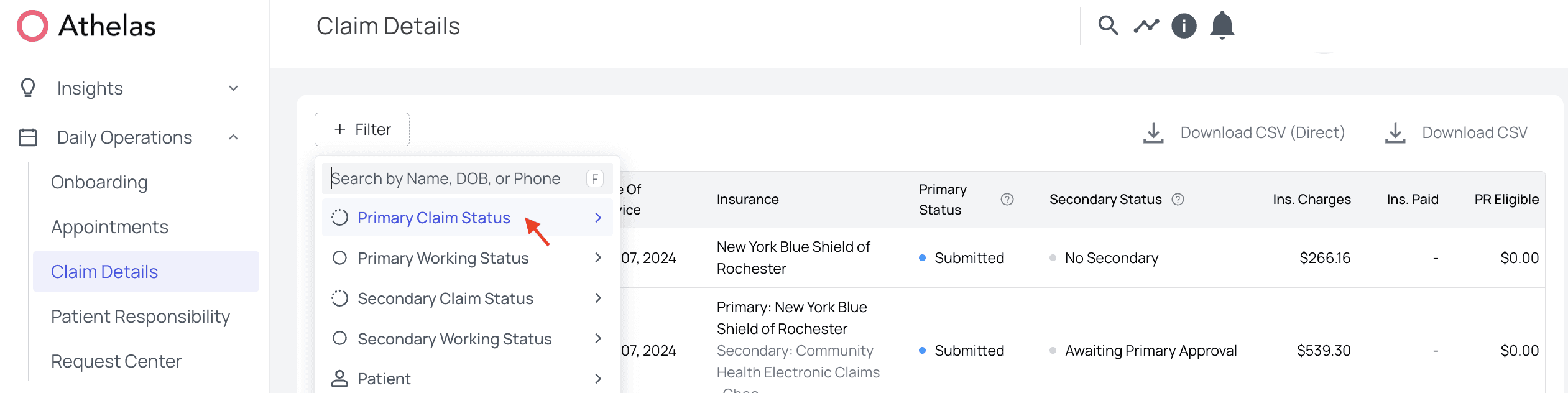
The claim resubmission process can begin from several pages on Insights: Encounter Details, Denials, Rejections, or Claim Details. For this example, we will start from the Claim Details page, but the process is the same from all starting points (except Encounter Details which, again, we strongly recommend, as it is easier and faster).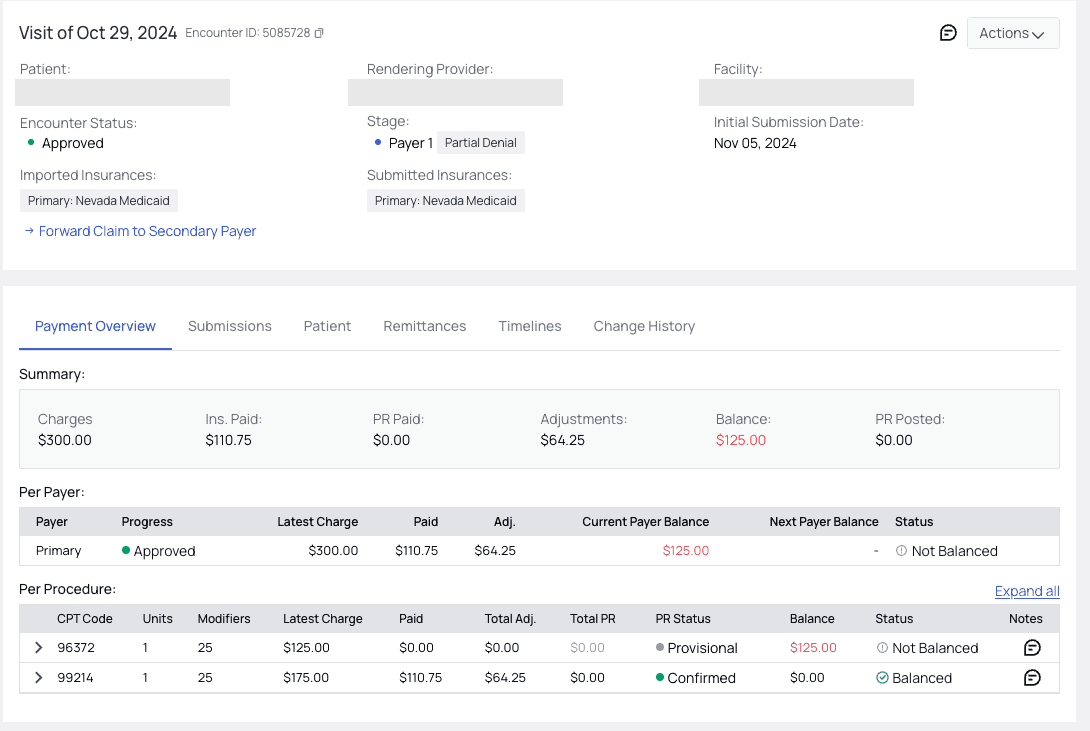
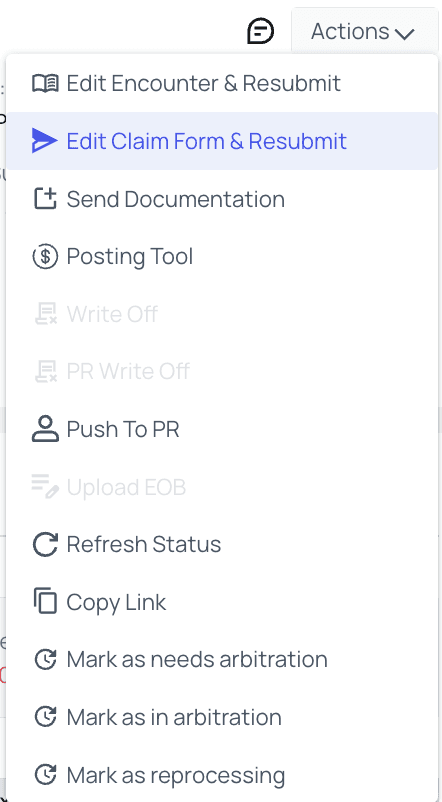
Edit Claim Form & Resubmit.
Regenerate or Save and Resubmit the Claim
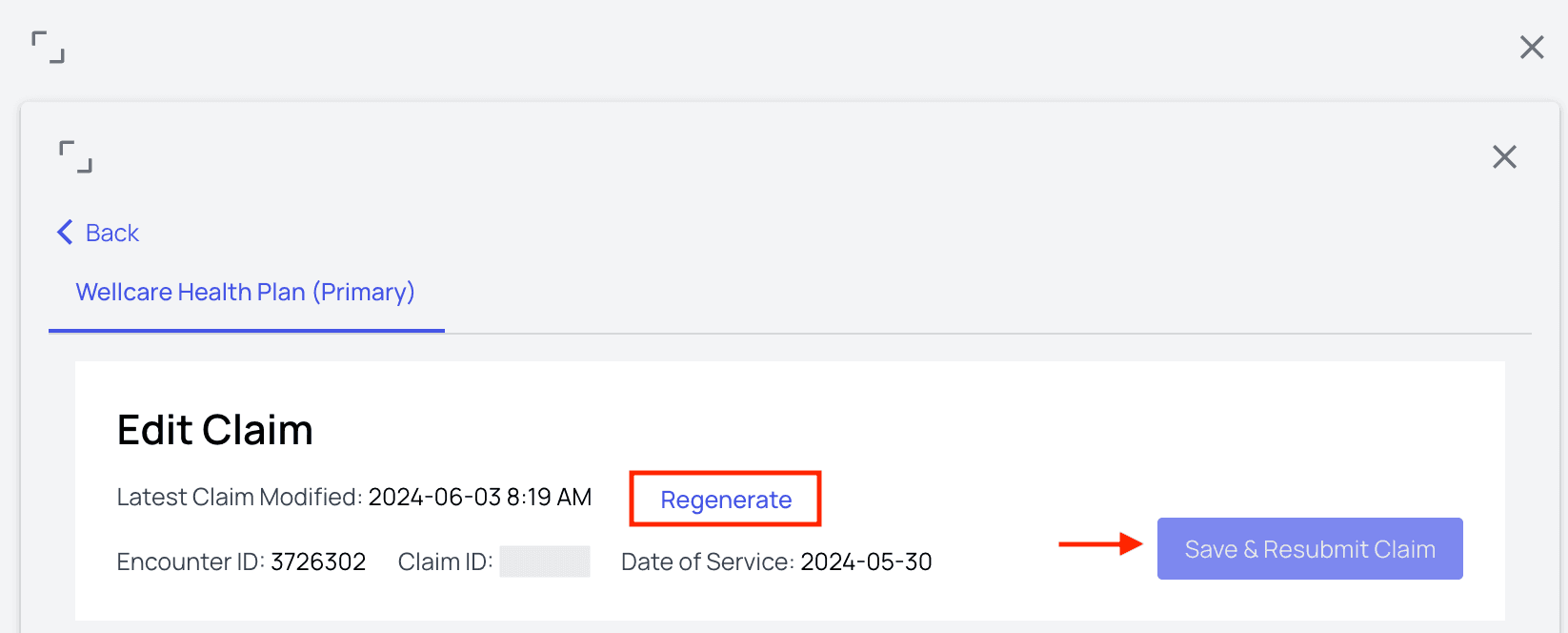
Regenerate a claim. Clicking this will reset the information in the claim to its original state at the time of submission. This is particularly useful if changes were made incorrectly, or if some unknown piece of information is now missing.
You will also see the Save and Resubmit Claim button. This is where you’ll go after you’ve changed everything you would like.
Notes

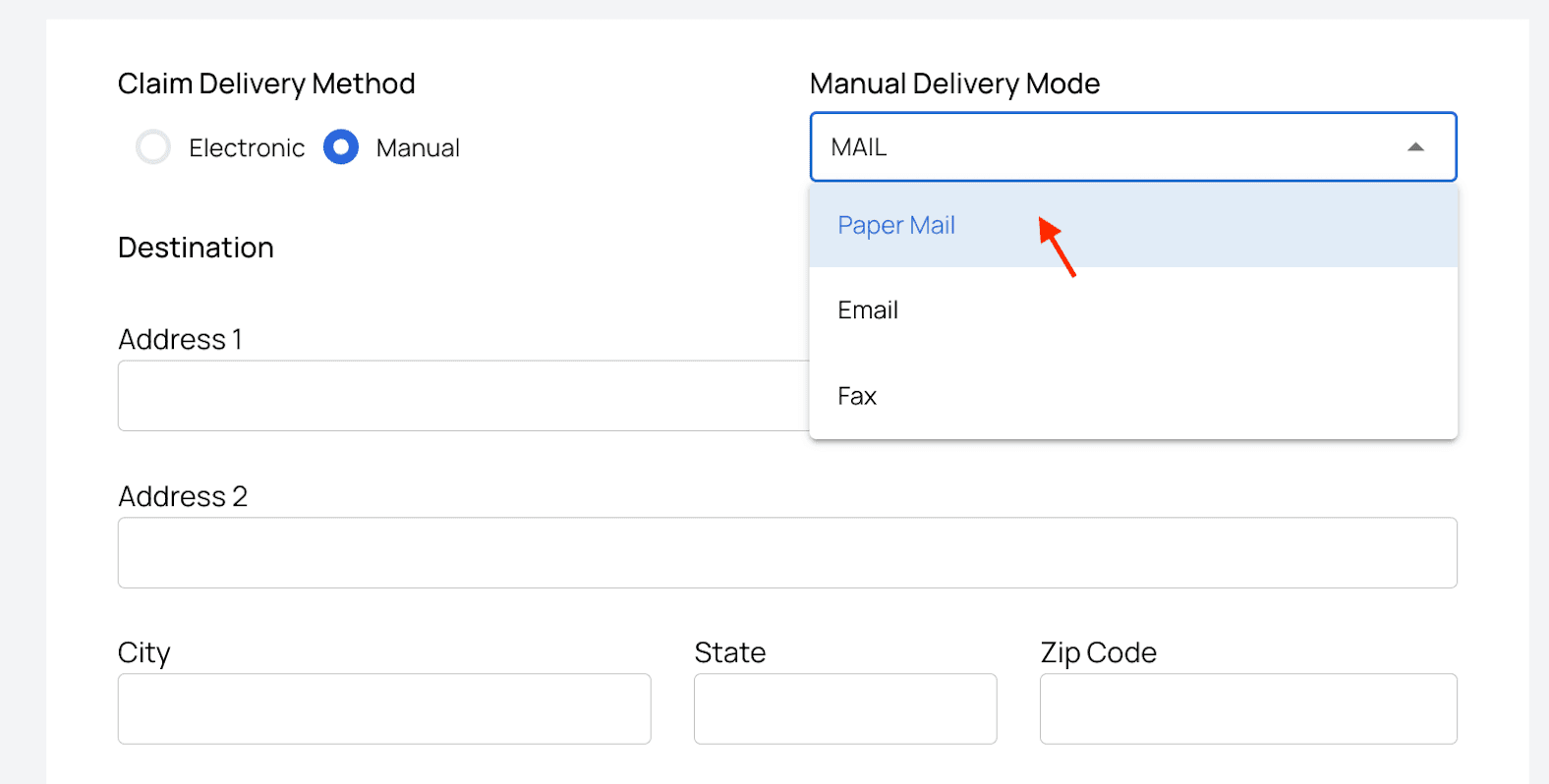
Claim Delivery Method
Patient Information
The patient’s information will be pre-filled, and you can edit any typos if necessary.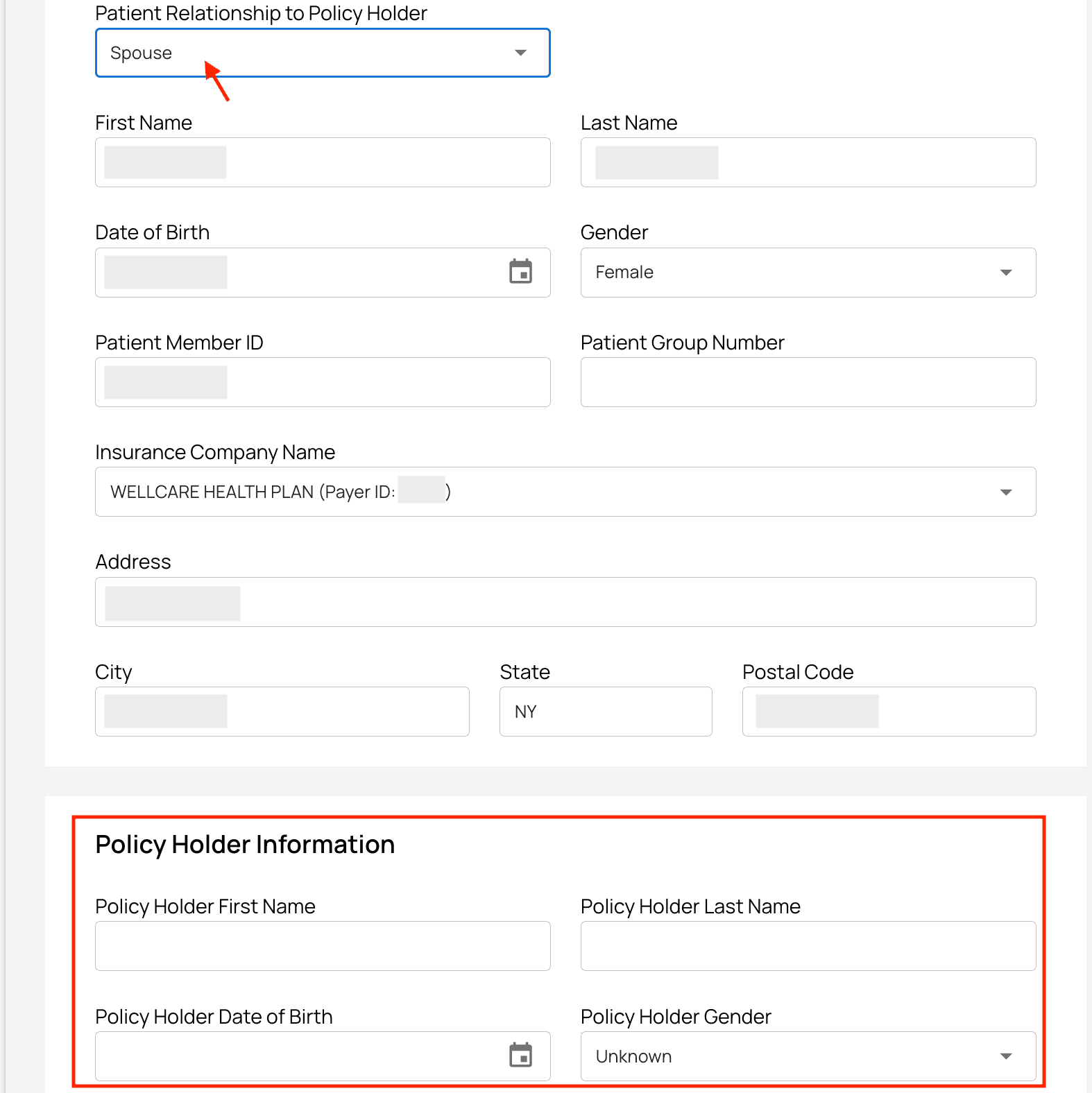
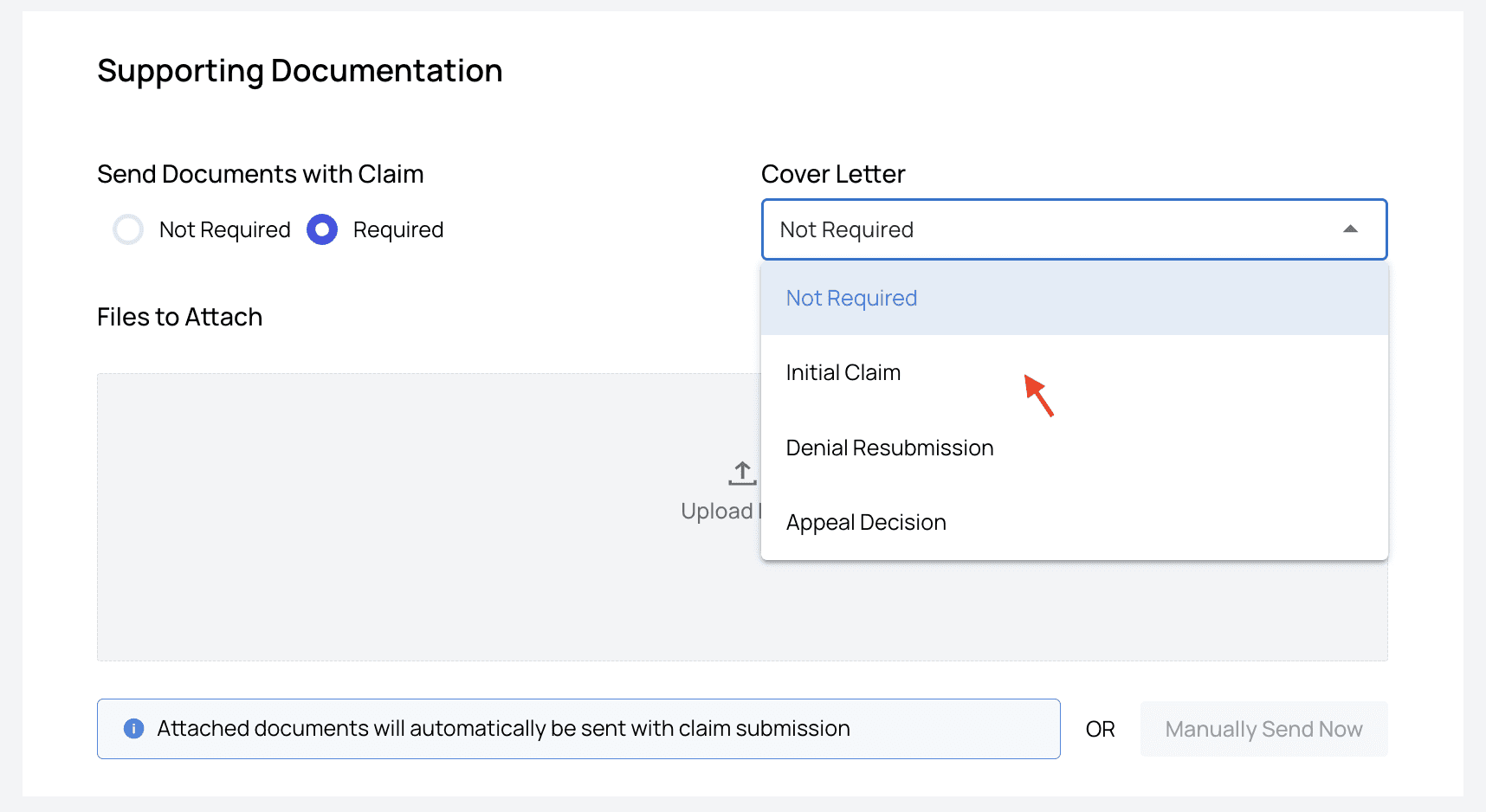
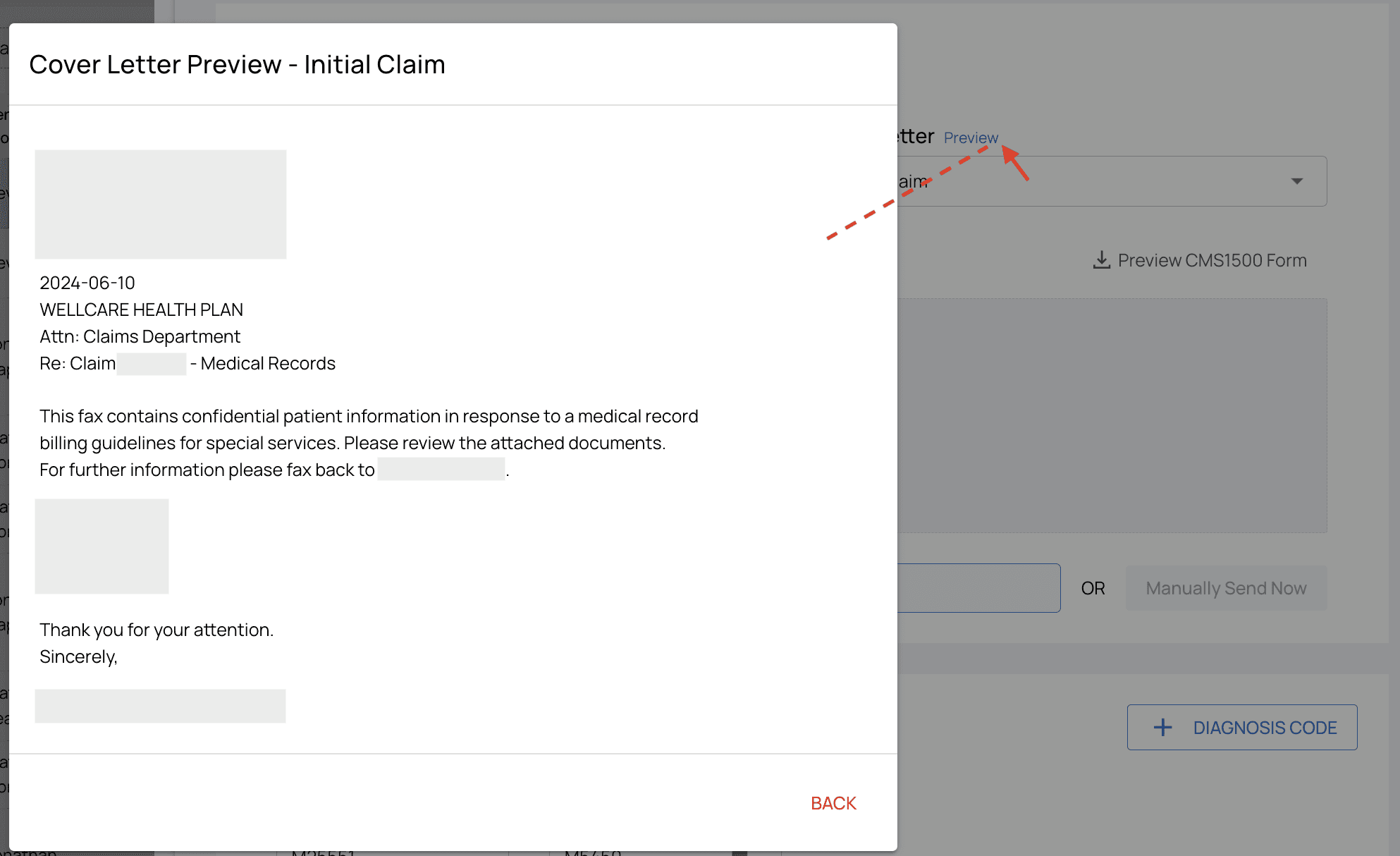
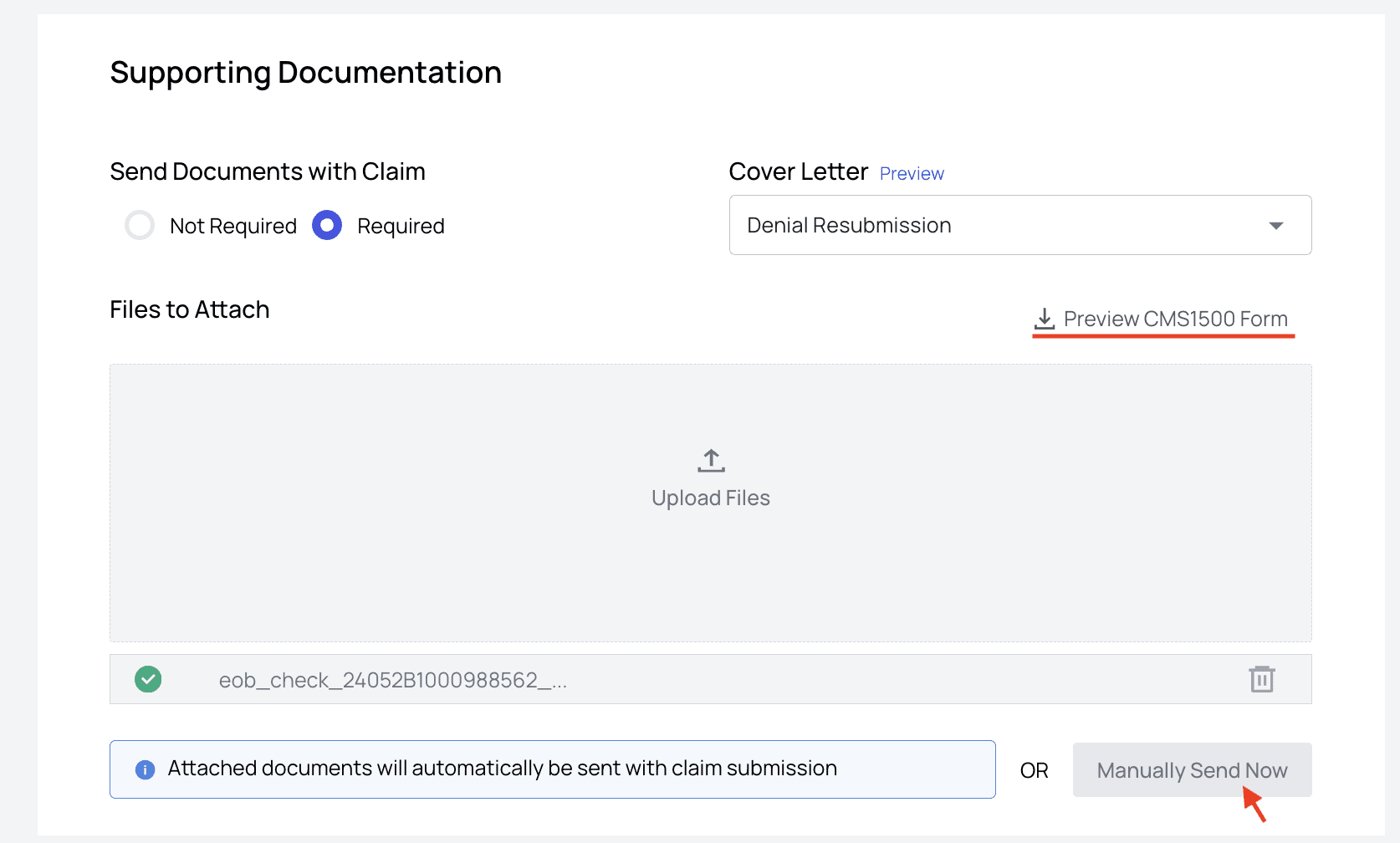
Supporting Documentation
Diagnosis Codes and Service Lines
To add a diagnosis code, click the ‘+ Diagnosis Code’ box and enter the code. You can delete a diagnosis code by clicking the trash icon.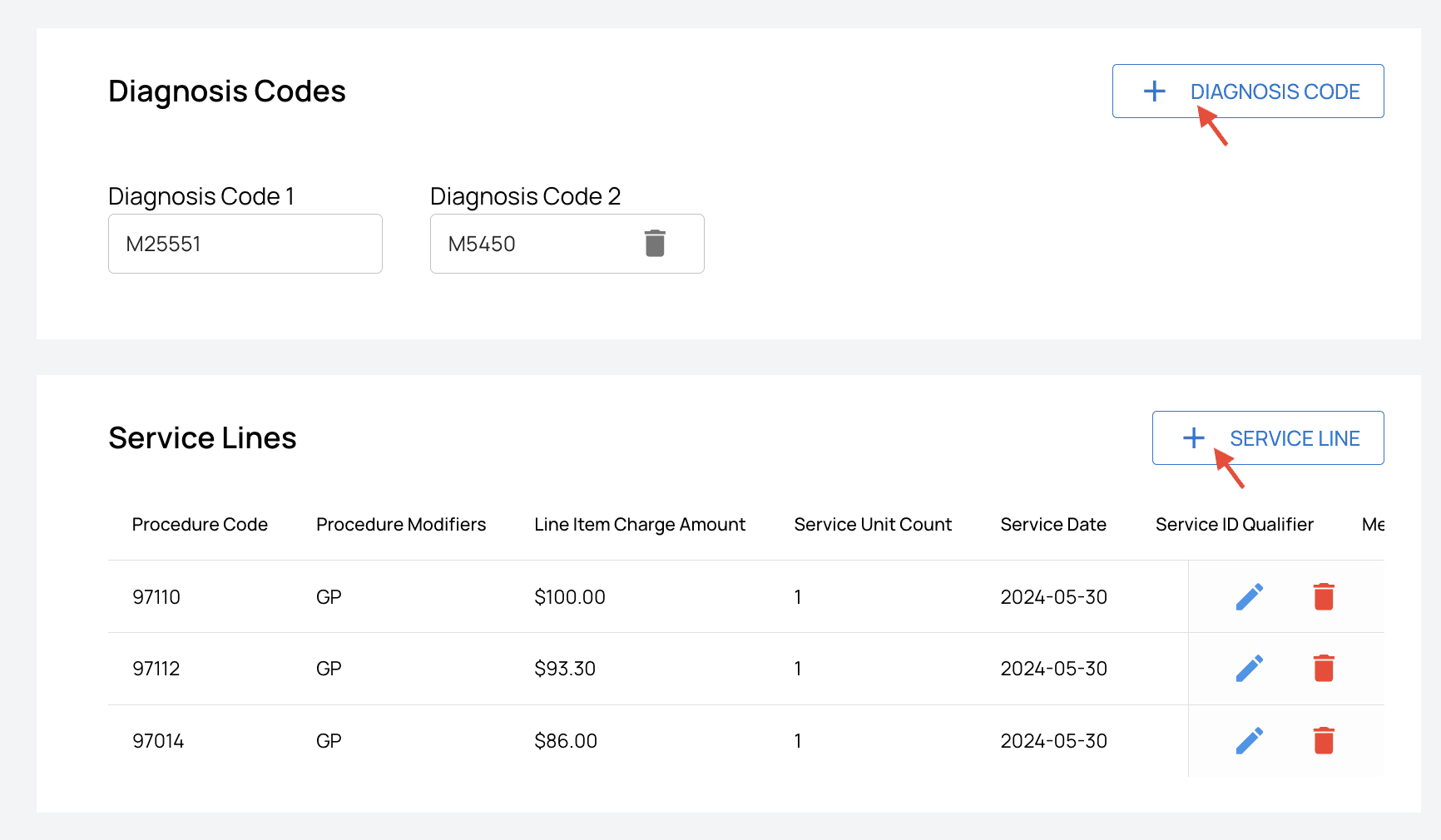
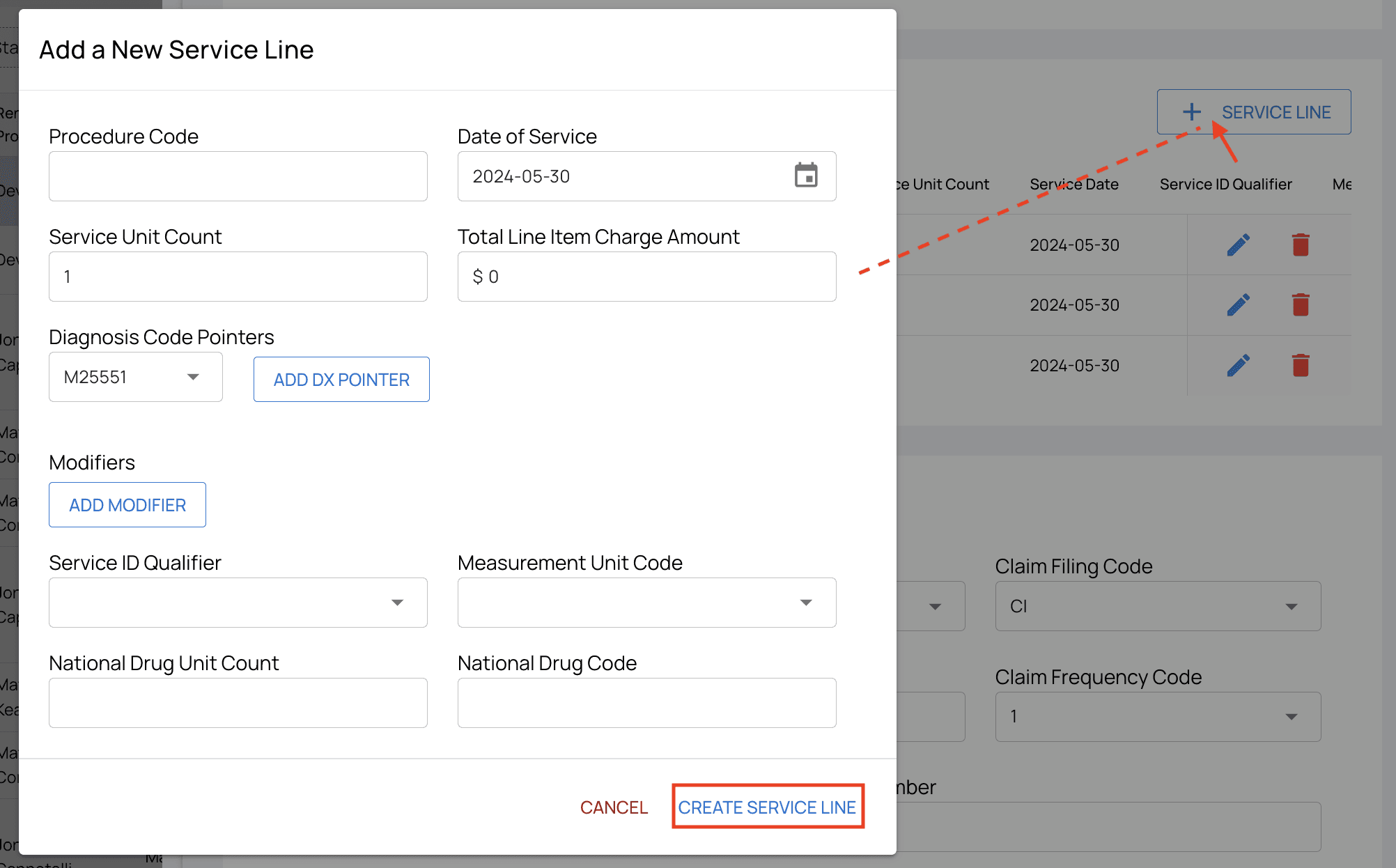
+ Service Line a popup will appear. Fill out the information and then click Create Service Line. Your new entry will then appear in the list of service lines.
All Other Sections
The rest of the sections in this view are straightforward data entry, and they are prime candidates for typos. Be sure to double check these sections for human error:- Claim Information
- Billing Information
- Rendering Information
- Referring Information
- Supervising Information
- Service Facility Information
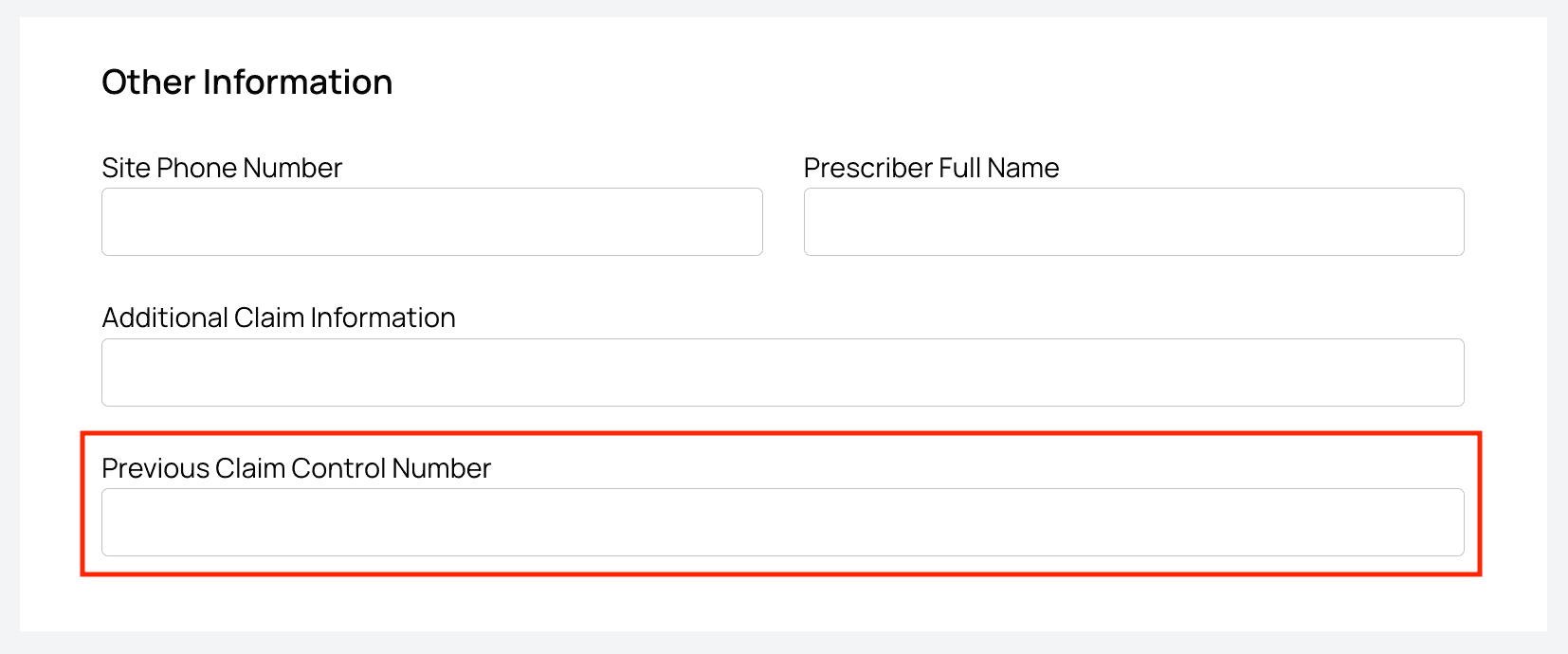
- Other Information Important Note: If a payer is non-Medicare/Medicaid and they want to resubmit a claim…
-
Update the Claim Frequency Code to
Corrected Claim (7)in the Claim Information section. - Input the Previous Claim Control Number in the Other Information section (if it isn’t already populated).