
At a Glance
When the same problem affects many claims — an eligibility denial across a patient’s visits, a batch of submission errors with the same cause — you don’t have to fix them one at a time. The Claims Page lets you build a focused worklist, select a group of claims, and resubmit them all in a single action.Step 1 — Build a Focused Worklist
Bulk resubmission works best when you first gather the claims that share a problem. Filter your list and group by reason so claims with the same denial, rejection, or submission-error reason land in one bucket. For the full set of tools, see Organizing Your Claims Worklist.Step 2 — Select the Claims
Select the claims you want to resubmit using the checkboxes. To grab an entire bucket, right-click the empty space in the group and choose Select all in the group.You can select up to 50 claims at a time. To work a bigger bucket, scroll down to load more rows first, then select again — each selection captures everything currently loaded.
Step 3 — Resubmit with More Actions
With your claims selected, open More Actions at the bottom of the screen and choose Resubmit (or Submit). The action applies to every selected claim at once.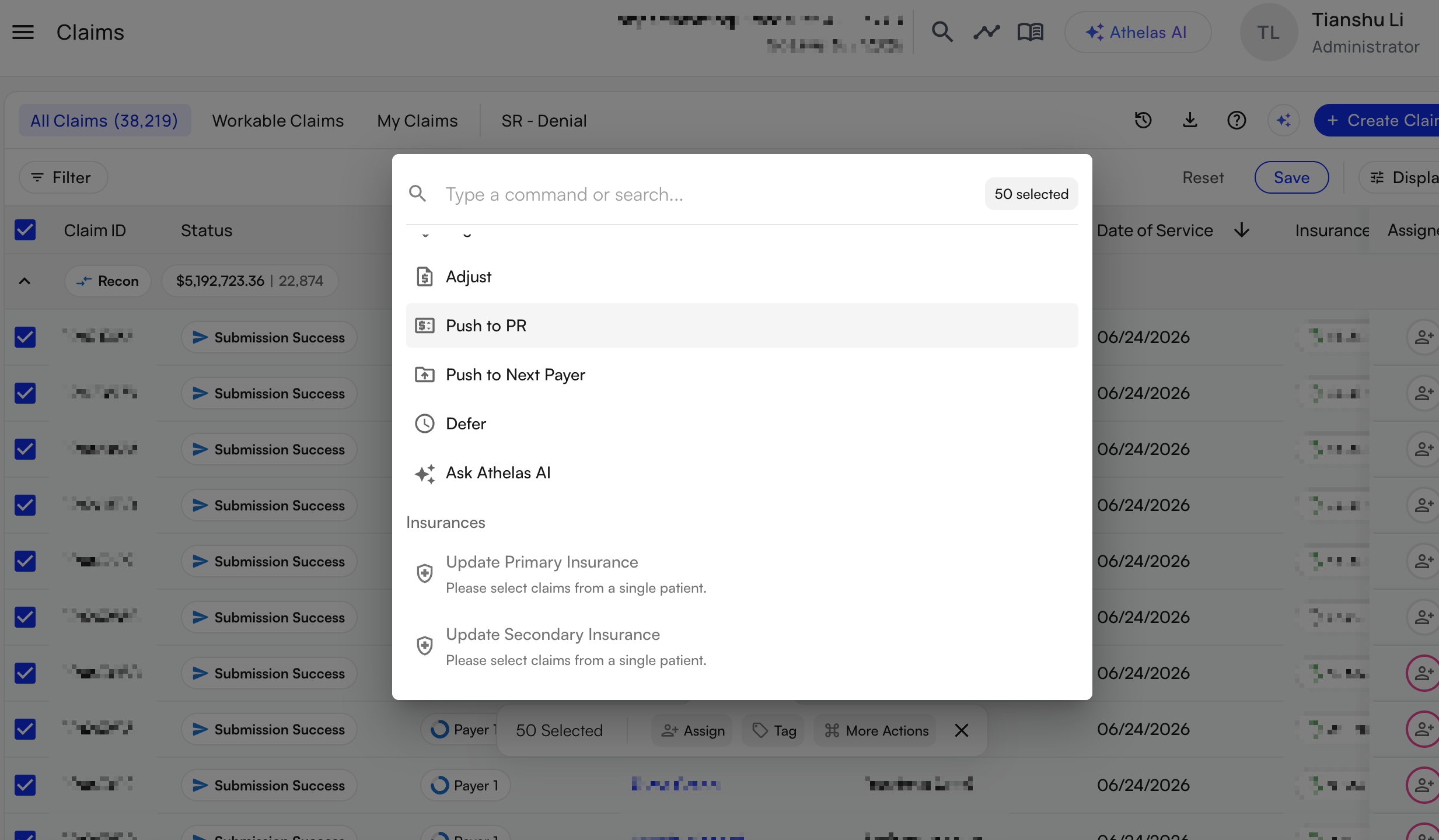
FAQ
Where do I find bulk resubmission?
Where do I find bulk resubmission?
It’s built into the Claims Page. Select claims from your worklist, then open More Actions at the bottom of the screen and choose Resubmit. There’s no separate bulk-resubmission page to visit.
How many claims can I resubmit at once?
How many claims can I resubmit at once?
Up to 50 at a time. To work a larger group, scroll to load more rows and select again — each selection grabs everything currently loaded, so you can scroll to the bottom of a group and select the whole bucket.
Can I bulk-update insurance before resubmitting?
Can I bulk-update insurance before resubmitting?
Yes. Update primary insurance is one of the bulk actions in the More Actions menu — useful when an eligibility denial hits several claims. Update the insurance across the group, then resubmit them together.
What if I only need to fix one claim?
What if I only need to fix one claim?
Open the claim from the Claims Page and use Actions → Edit Claim Form & Resubmit to fix and resubmit it individually.