At a Glance
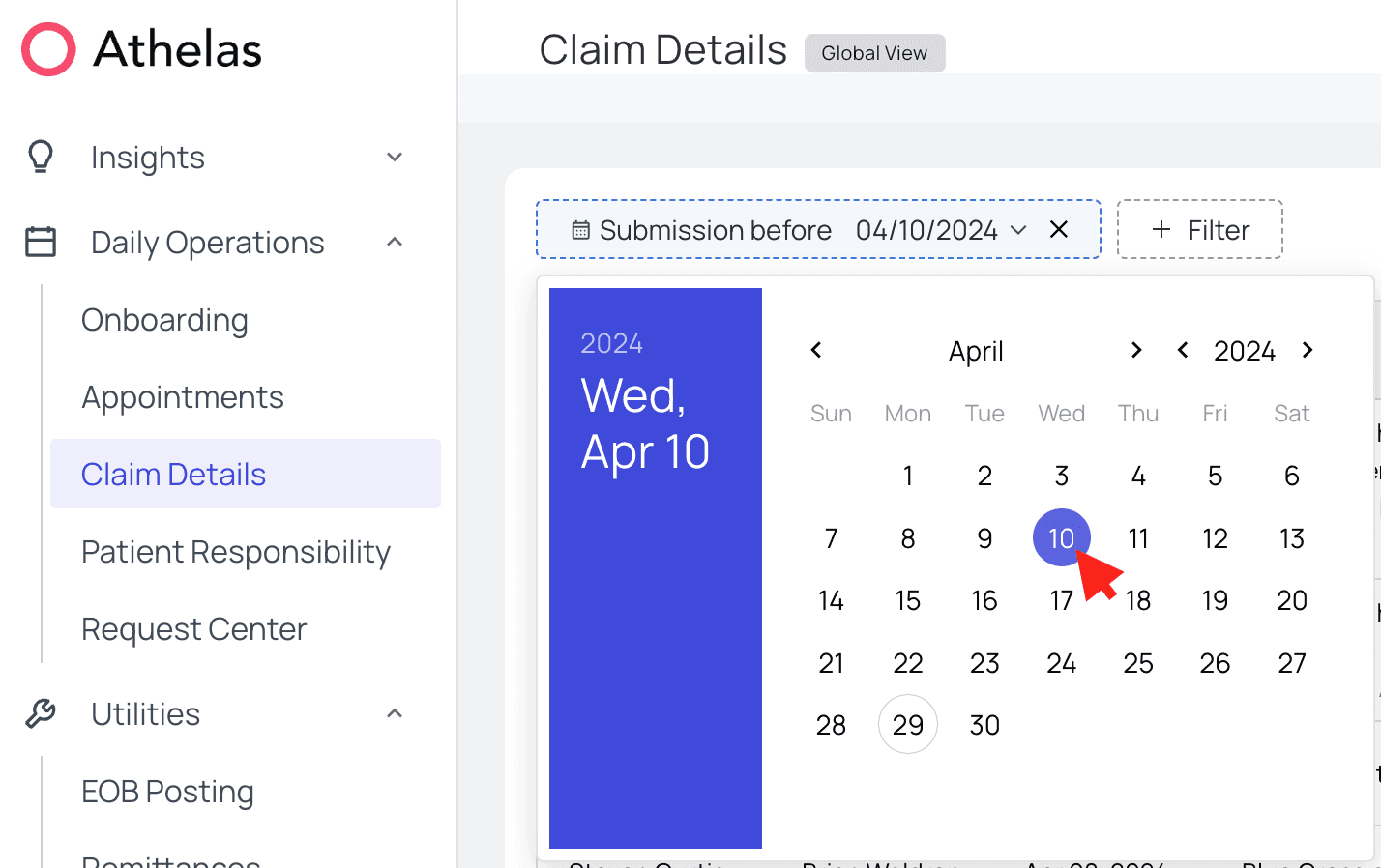
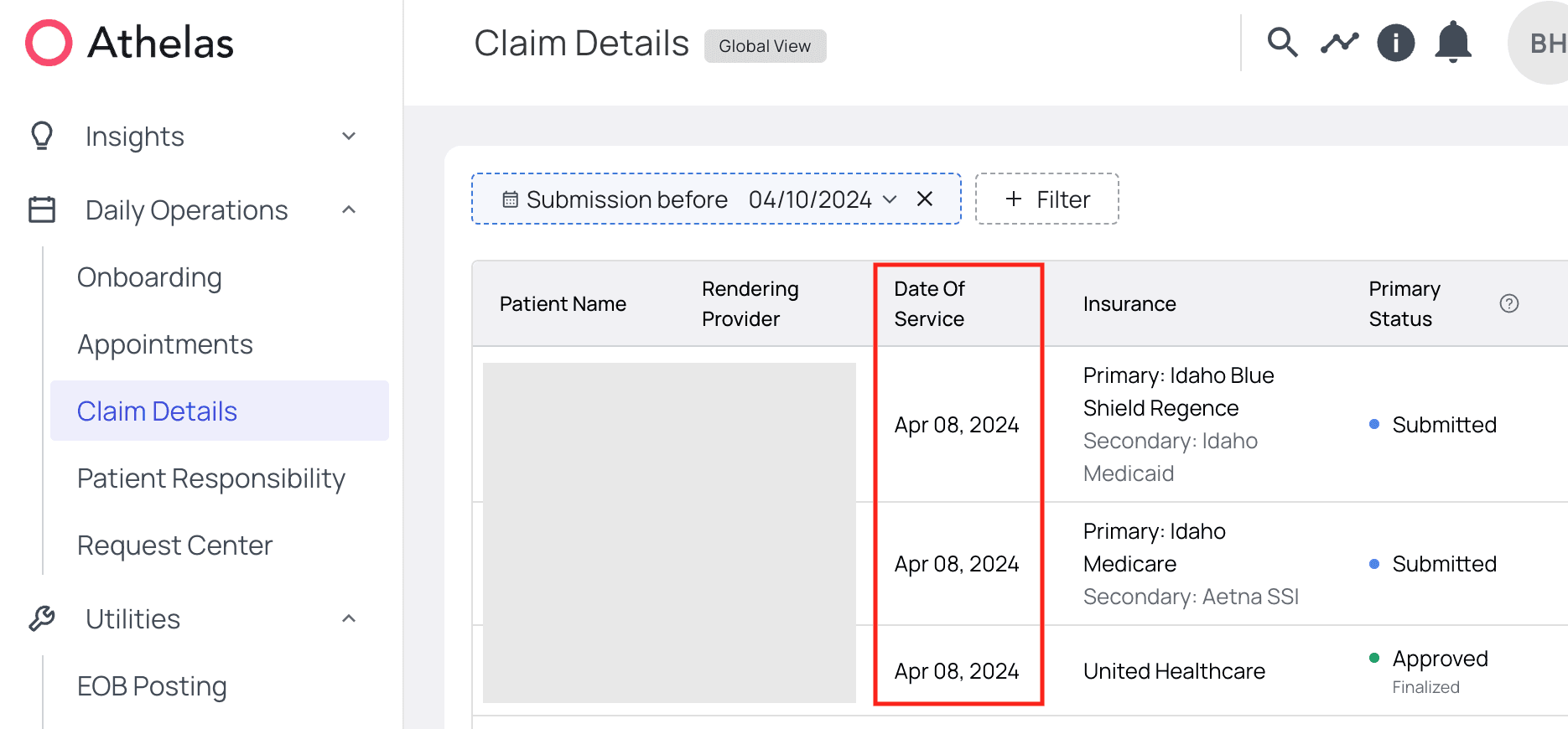
As your practice’s list of claims and remits can quickly grow to many thousands of entries long, it is helpful to know how to quickly find claims and remits by date posted.Here’s How to Do It
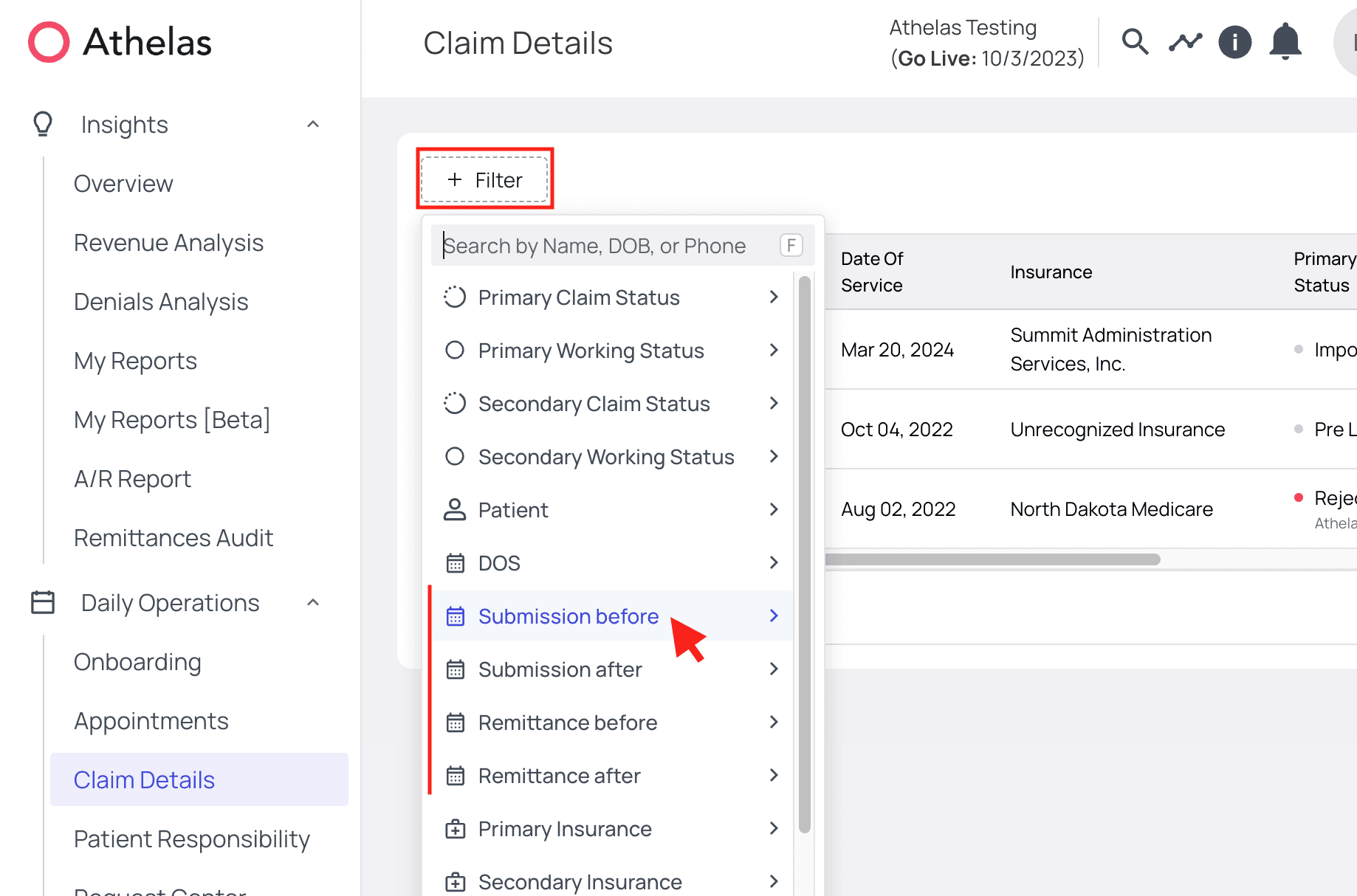
On the Claim Details page, open the Filters. You’ll see the four filters that this guide will cover: ‘Submission before,’ ‘Submission after,’ ‘Remittance before,’ and ‘Remittance after.’