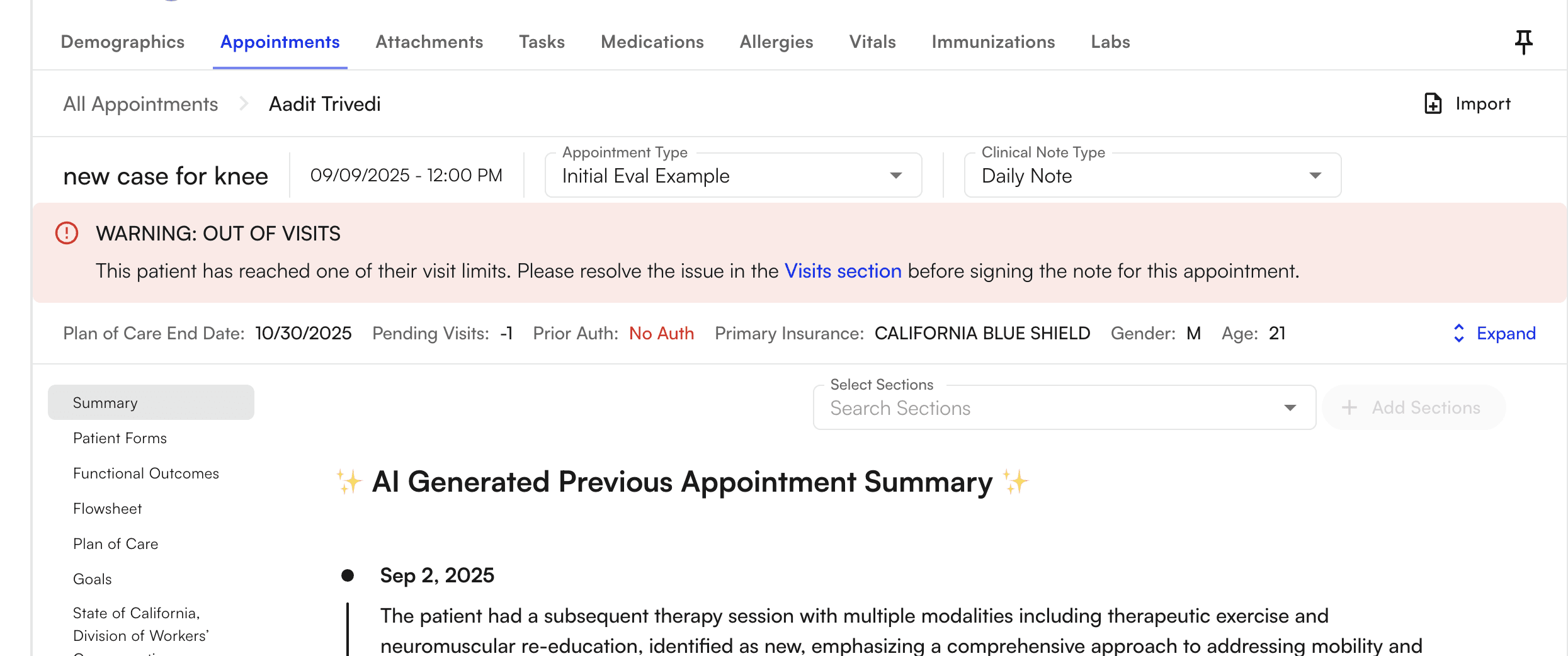
The Chart Note is the essential workflow for a Provider within our EHR. In this section, we outline the notable features for proper usage coupled with a nuanced look at our configuration capabilities. At a high level, the Chart Note is comprised of both Dynamic Templates and Sections that allow a user to set-up a Chart Note in accordance to their specific workflow.Documentation Index
Fetch the complete documentation index at: https://trainings.air.athelas.com/llms.txt
Use this file to discover all available pages before exploring further.
Fundamental Components of our Chart Note
- Plan of Care
- Measurements
- Goals
- Treatments
Setting up Chart Note Preferences
Once you open up your Chart Note you will be greeted with the following buttons to allow for the appropriate base set-up. There are several buttons here, which will be explained within this section.