
Documentation Index

Fetch the complete documentation index at: https://trainings.air.athelas.com/llms.txt

Use this file to discover all available pages before exploring further.

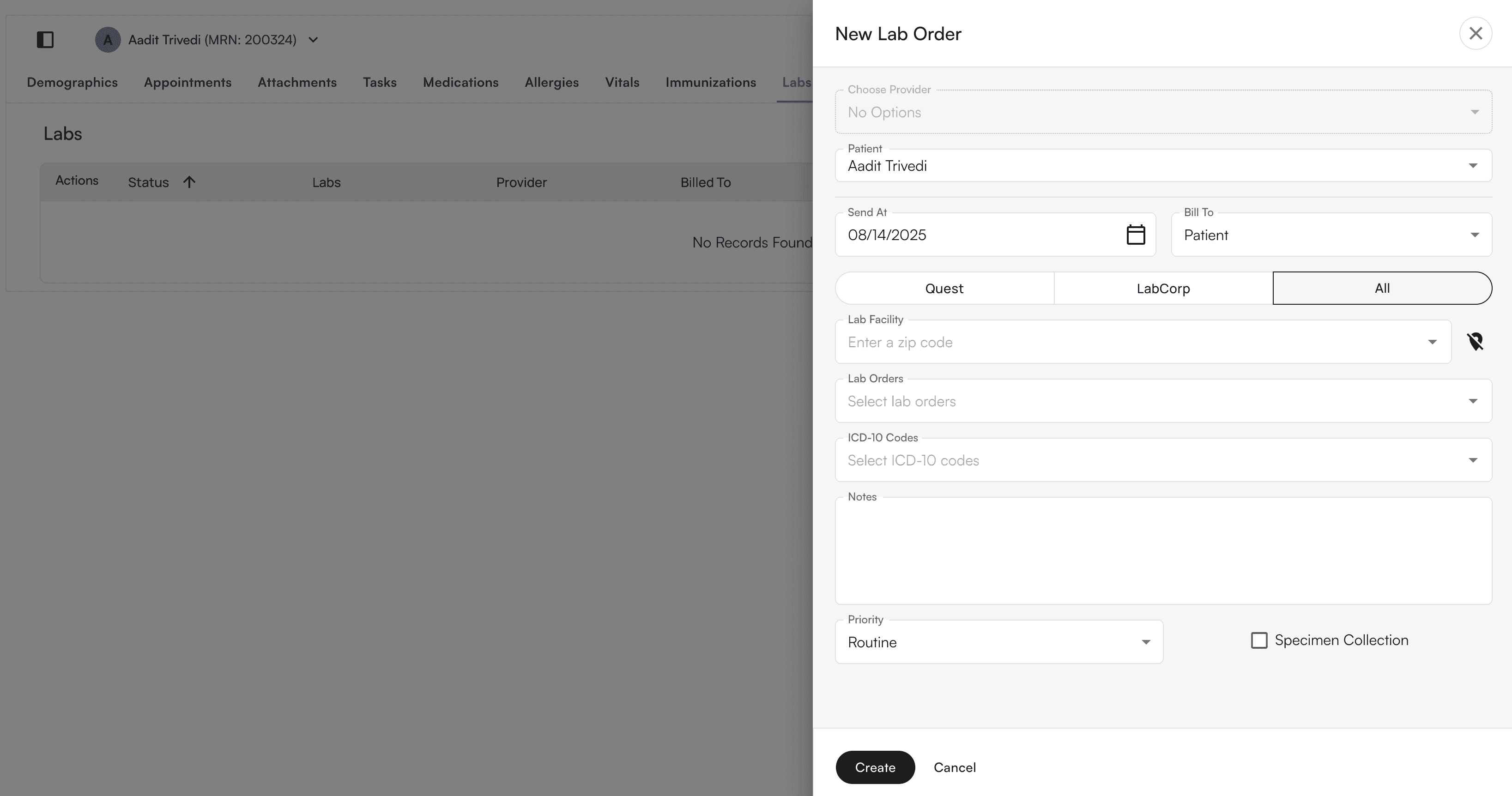
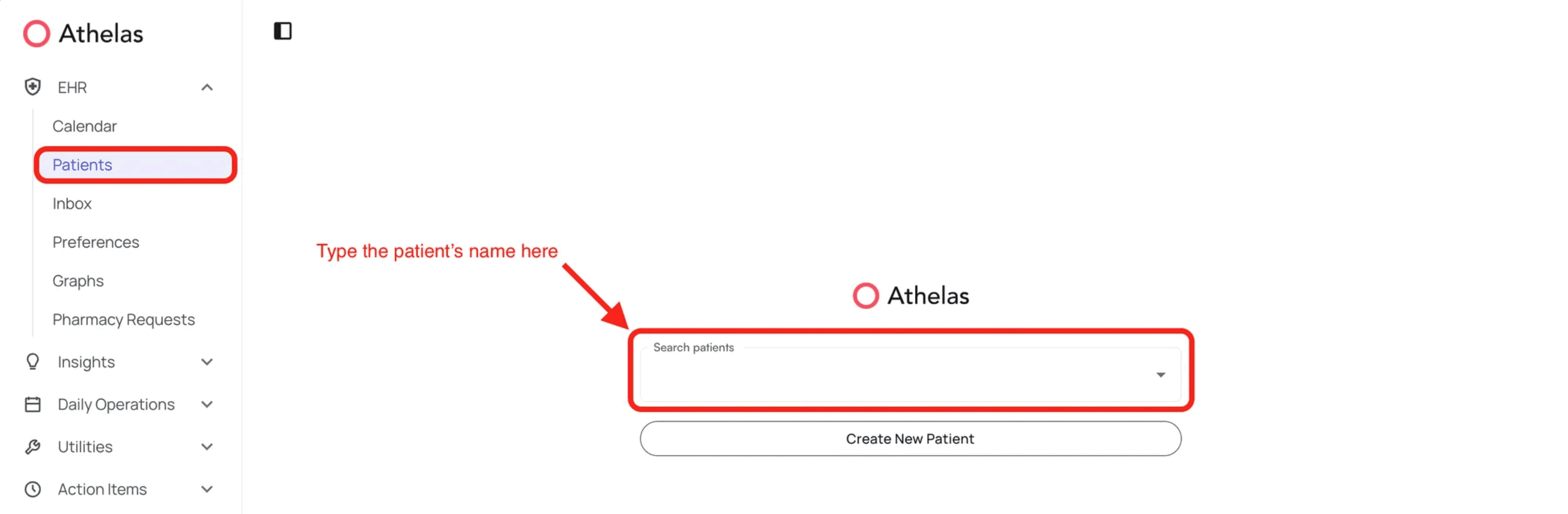
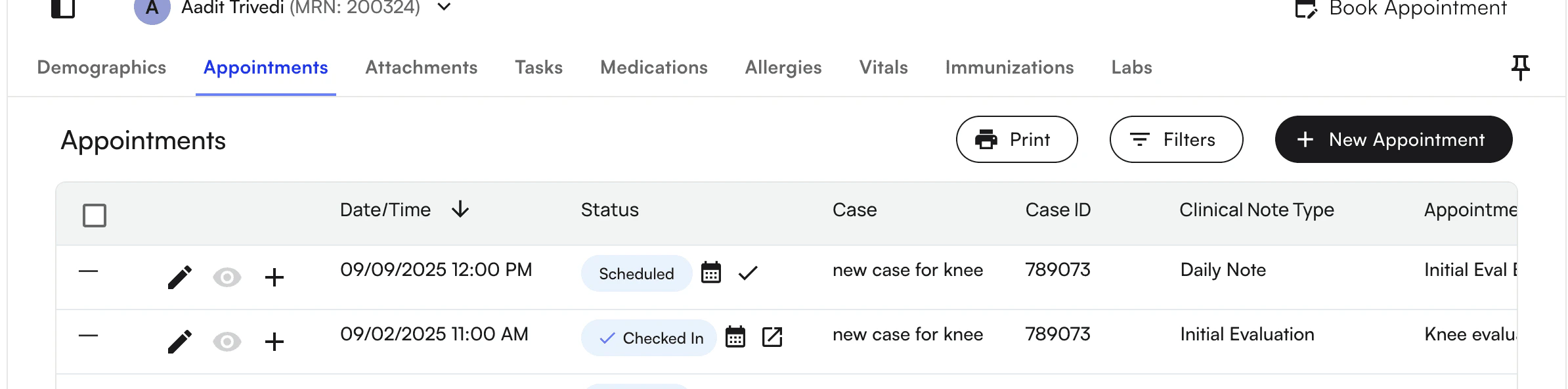
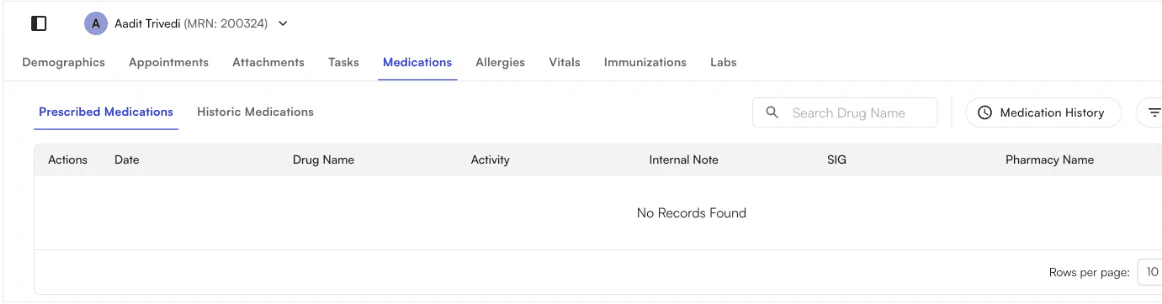
Any patient’s profile can be accessed by clicking on Patients under the EHR section and typing in the name and selecting the patient. Selecting the patient’s name will take you to the patient’s profile- specifically to the Appointments tab. Here, you will see several other options: Demographics, Attachments, Tasks, Medications, Allergies, Vitals, Immunizations, and Labs You can access pinned “sticky” notes for storing quick-view notes on patients Demographics are detailed in another section “Patient Demographics” below. We will go into Attachments next.