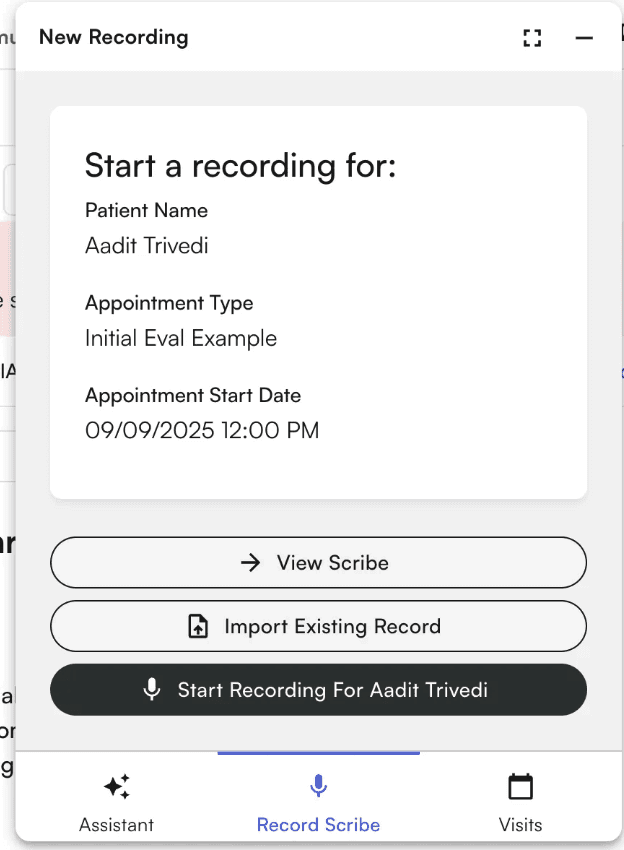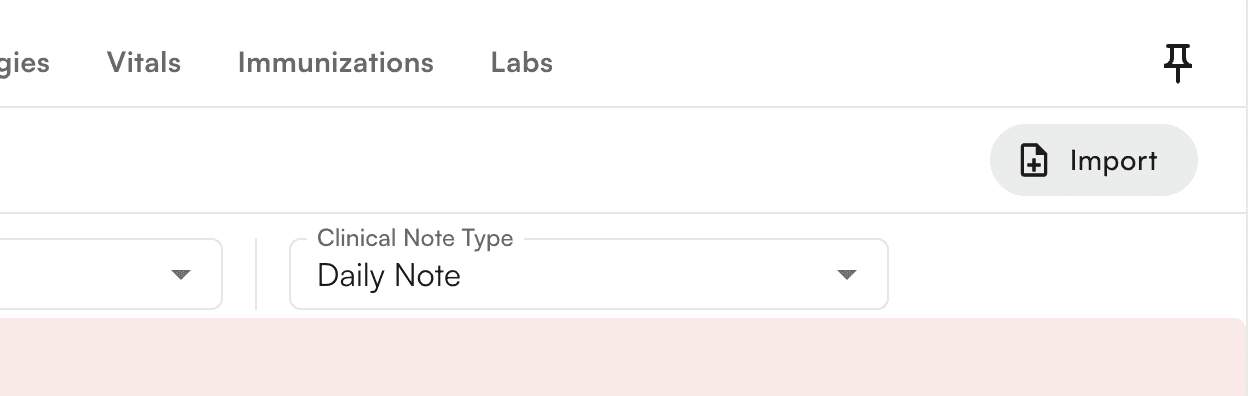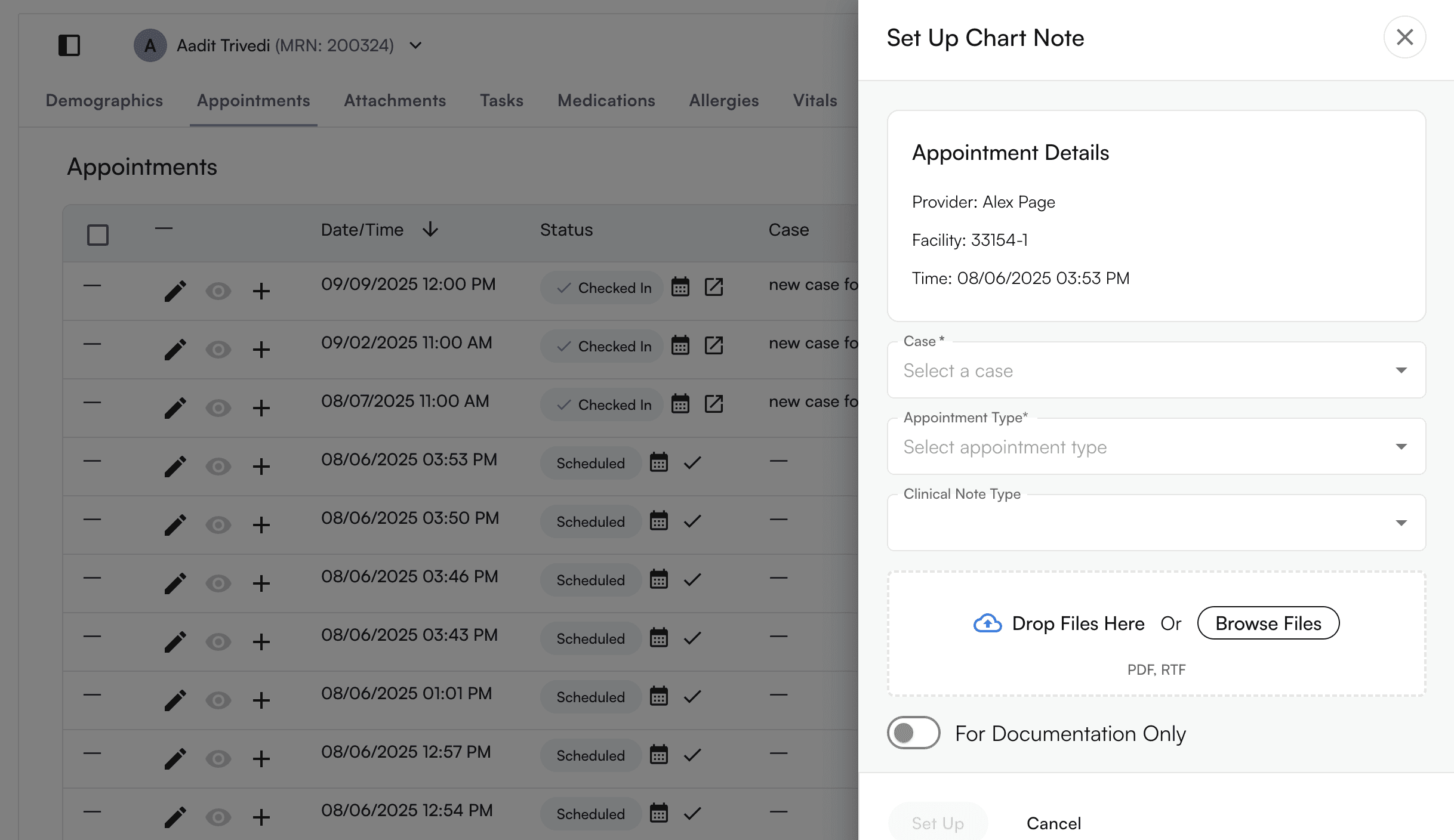

Enabling this feature allows a user to import a chart note that will not be marked as billable, this will be particularly useful if a user must manually add the Initial Evaluation and still continue the Plan of Care for a Progress Note or Re-EvaluationUltimately, this will populate the expected permutation of chart note + appointment type You are also able to import an existing record through selecting “Athelas AI” at the bottom right corner of the page, and selecting “Import Existing Record”