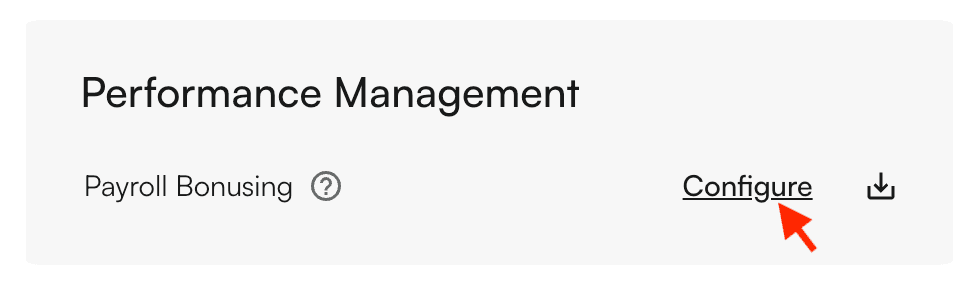
Configure once in the My Reports tab
- Visit Type
- Encounter or Appointment
- Visit Weight
- All Equally Weighted or Custom
- Entity Level
- Provider or Facility
- Qualifying Days
- Which days will count towards a bonus
- Benchmark Type
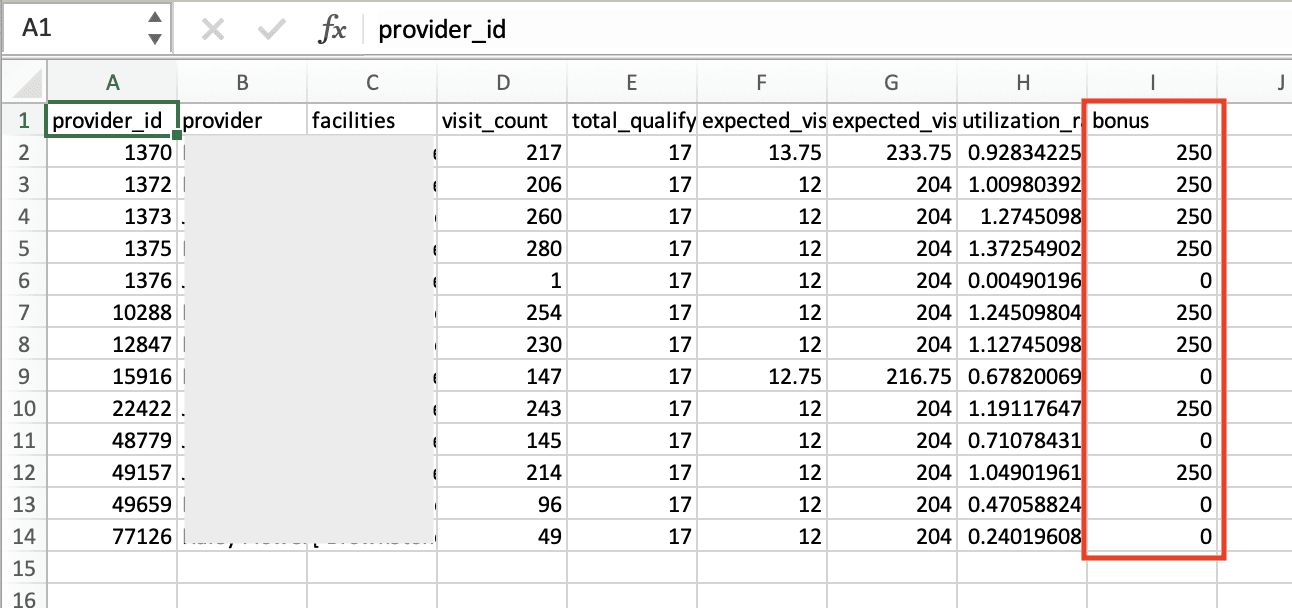
- Set a benchmark number of visits per day to measure expected versus actual productivity.- Apply Same Benchmark for All Entities, or Set Unique Benchmark per Entity.
- Bonus Type
- This will determine how bonuses are calculated. For example, Bonus/Visit means that bonuses will be based on the number of visits over the benchmark.
- Click the Bonus Type info button for more details.
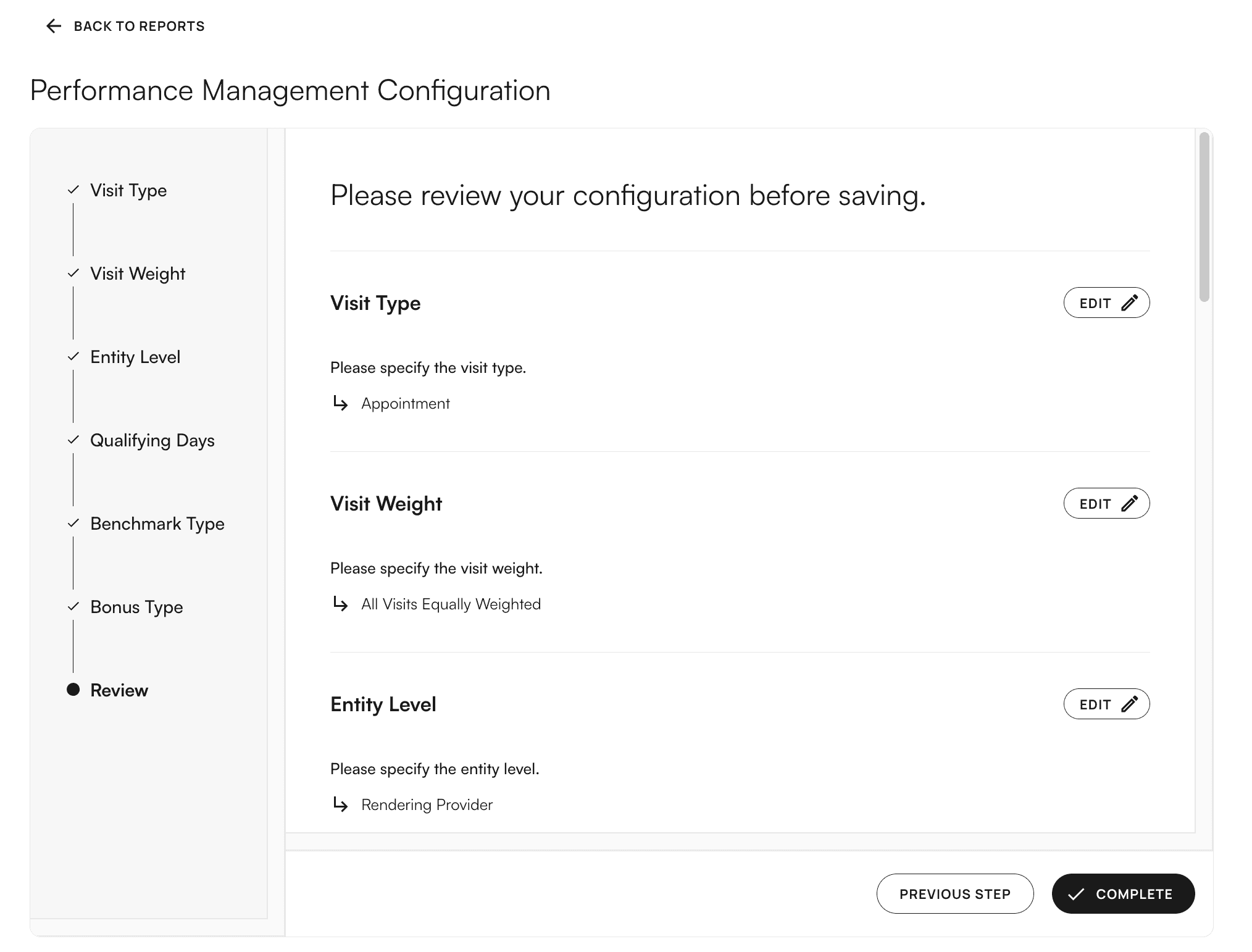
Complete.
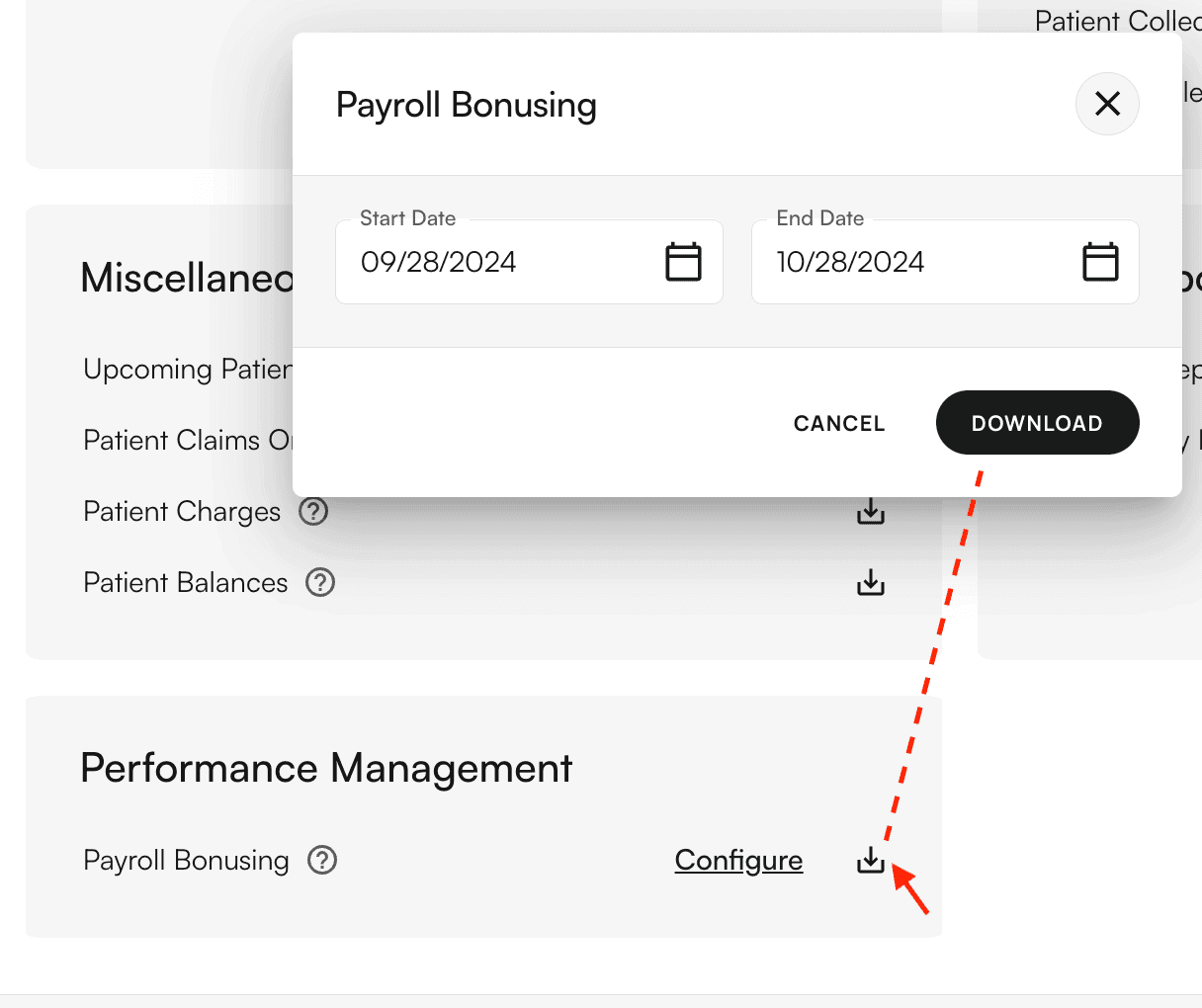
Then, click the download icon, select a date range, and click Download.